Category
- Game
A few details are enough to get started. We’ll get back to you personally.
We’ll get back to you as soon as possible.
Please try again.

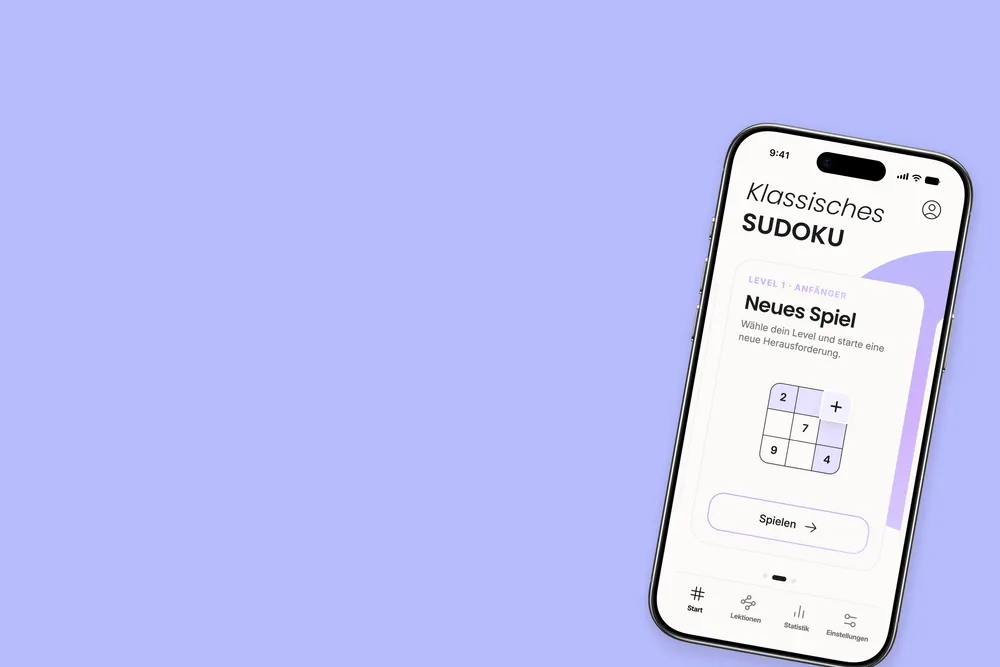
Unisu turns classic Sudoku into a little moment to yourself: ad-free, thoughtfully designed and easy to use. Helpful hints explain the logic behind your next move, while interactive lessons teach new Sudoku techniques step by step—from the basics to masterclass-level strategies.
Unisu is our own Sudoku app for iPhone and Android: a carefully designed take on a timeless puzzle, built around calm, focus and the joy of solving. No ad interruptions—just a clear interface, helpful hints and lessons that progress all the way to masterclass level.
From the first idea to branding, UX/UI, sound design, our own game engine and release on both app stores, we developed Unisu as a complete digital product. Ten color themes, optional interface elements and a structured learning experience let players make the game their own.
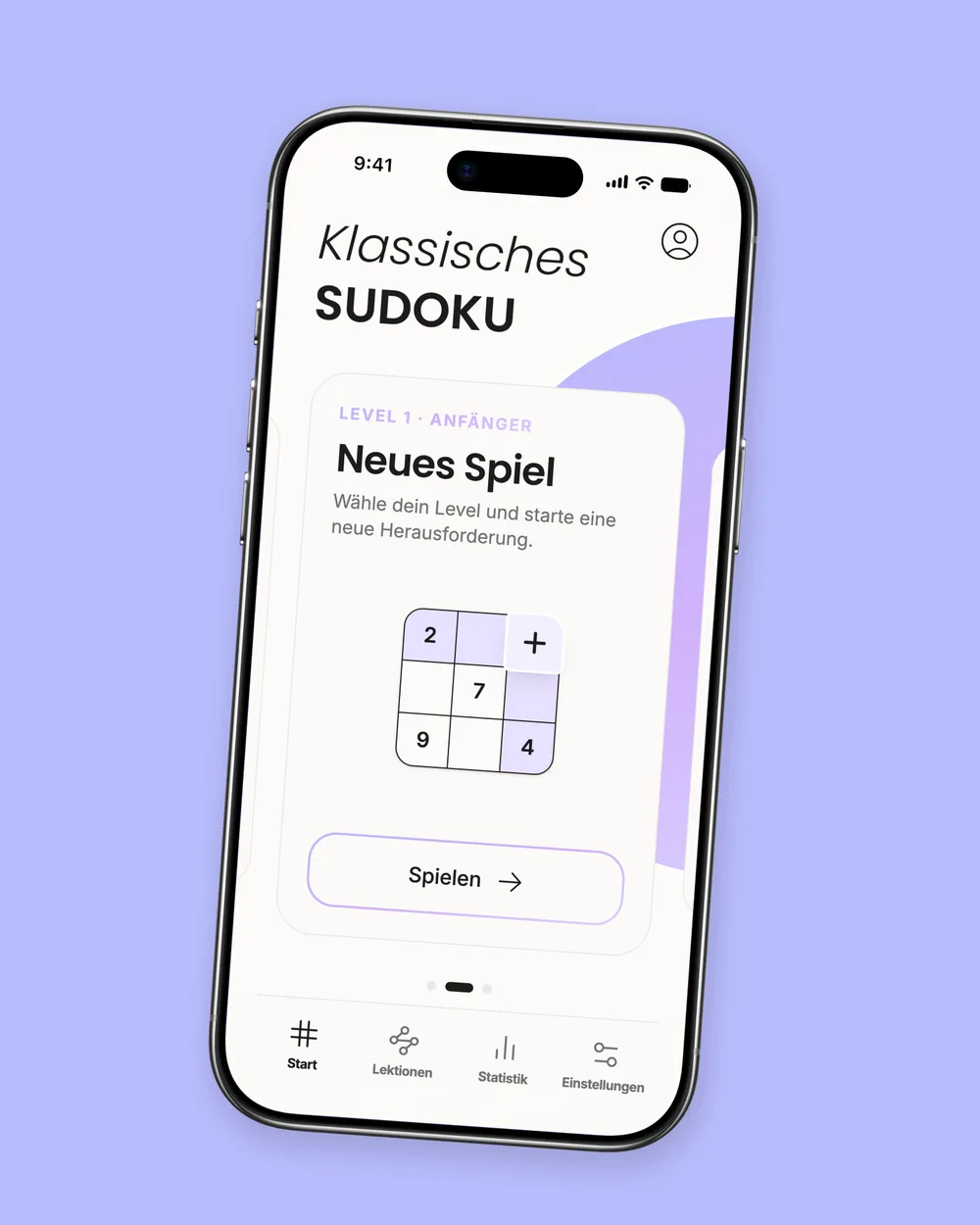
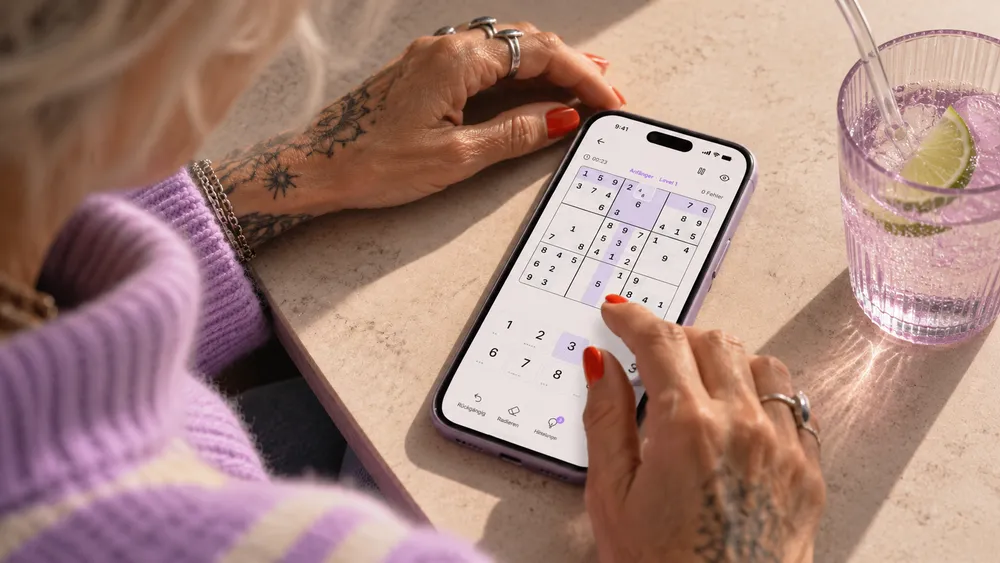
On your phone, Sudoku can offer a peaceful moment in the middle of a busy day. We wanted to give the classic a fresh feel: a thoughtfully designed world, subtle sound and an ad-free experience that feels effortless and inviting.
The challenge was finding the balance between clarity and comfort. The grid needs precise highlights, accessible controls and explanations that genuinely help. At the same time, players need space to settle in, explore and enjoy each small discovery.
Our solution brings refined design together with deliberately understated interactions—for a game that invites you to stay a little longer, not rush ahead.

At the heart of Unisu is the satisfaction of working things out for yourself. The app isn't designed to make Sudoku easier by handing over the answer. It creates the right conditions to focus, explore and gradually grow more confident.
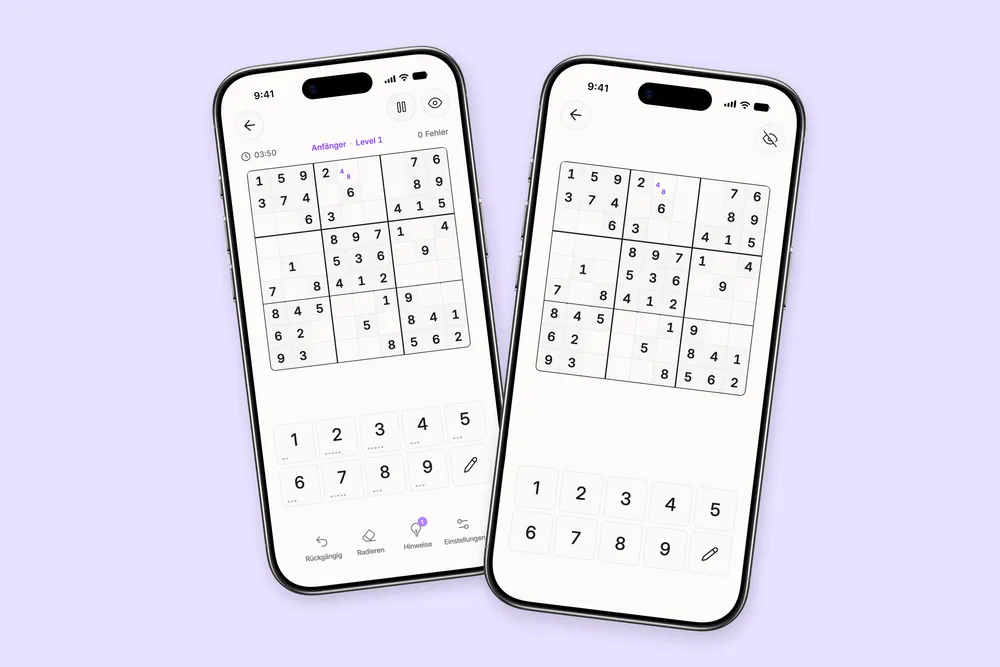
Players who want fewer distractions can hide extra controls and immerse themselves in the grid. Those who get stuck can ask for a clear explanation, while anyone eager to go deeper can explore the interactive lessons.
Playing, learning and personalization all work together as one seamless experience—at a pace each person chooses.
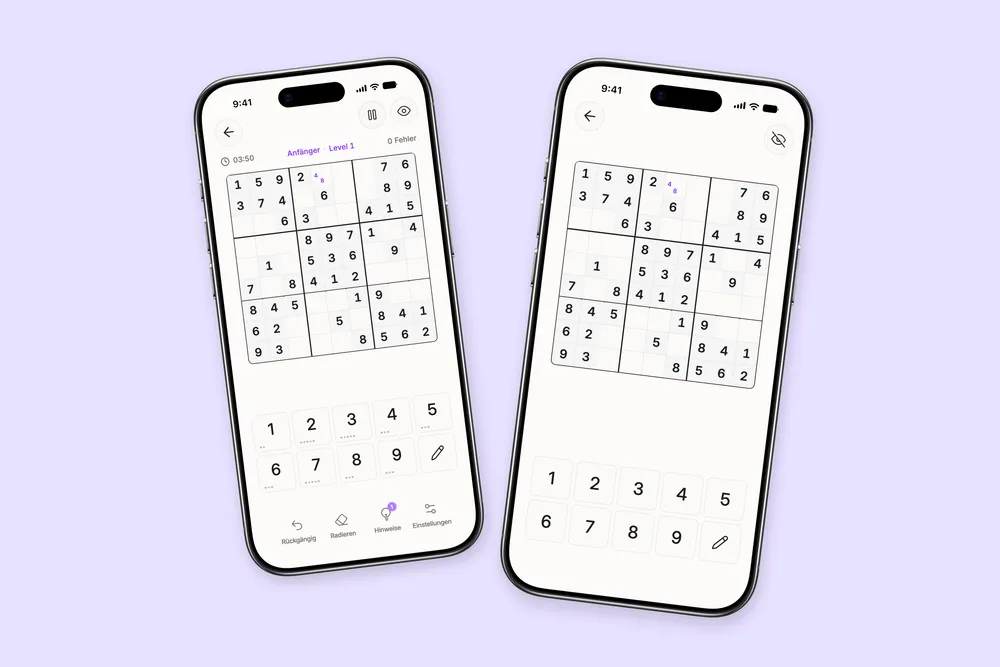
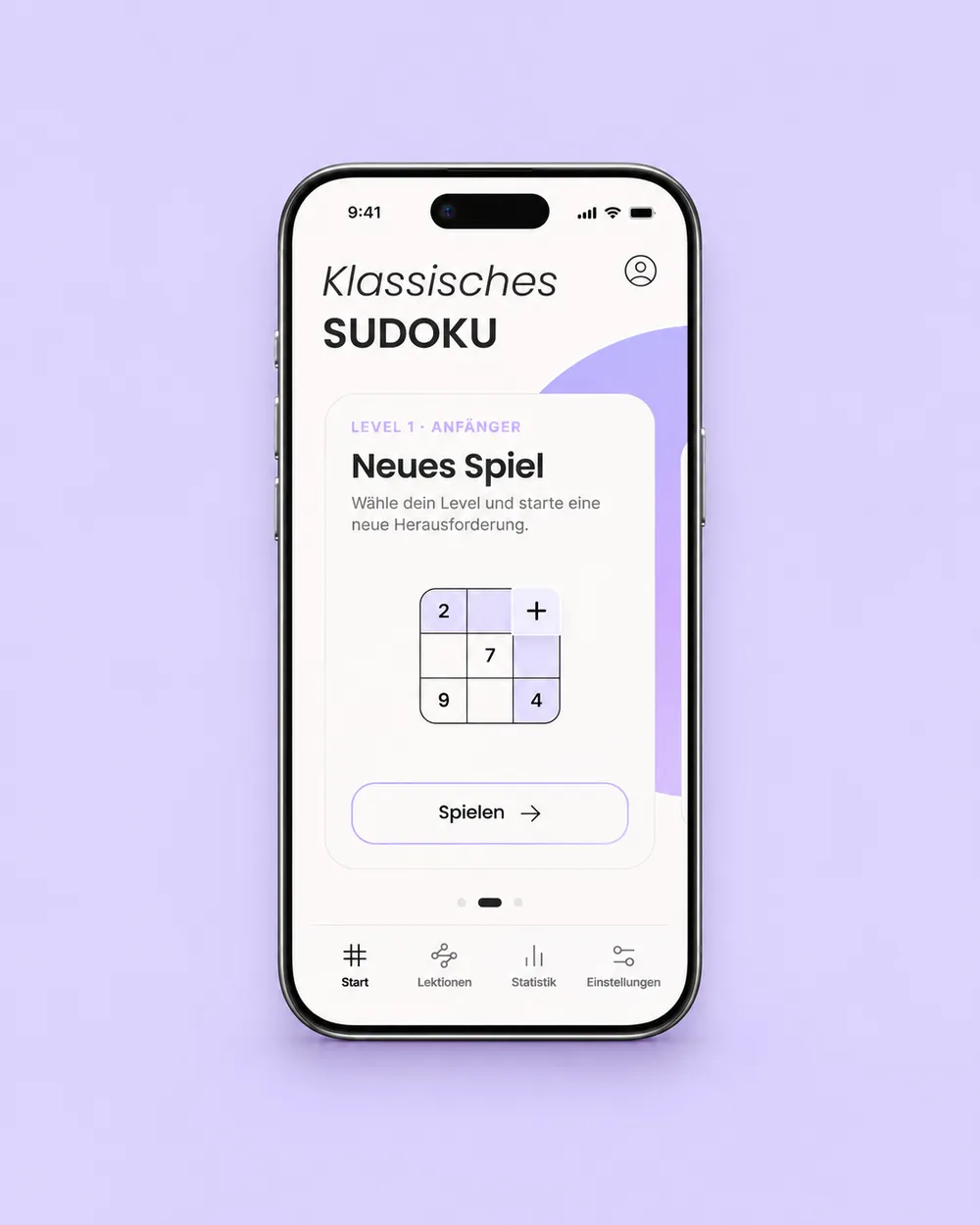
Many Sudoku apps put functionality first. We wanted to show how much enjoyment thoughtful visual design can add, with harmonious colors, clear typography and a recognizable identity that feels premium without competing with the puzzle itself.
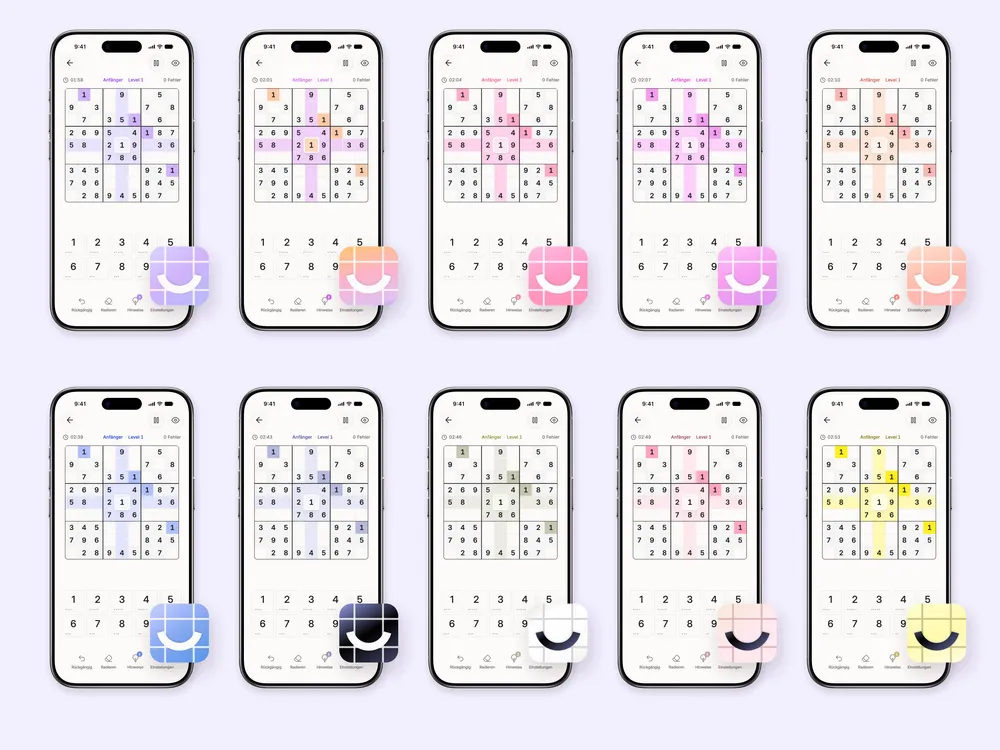
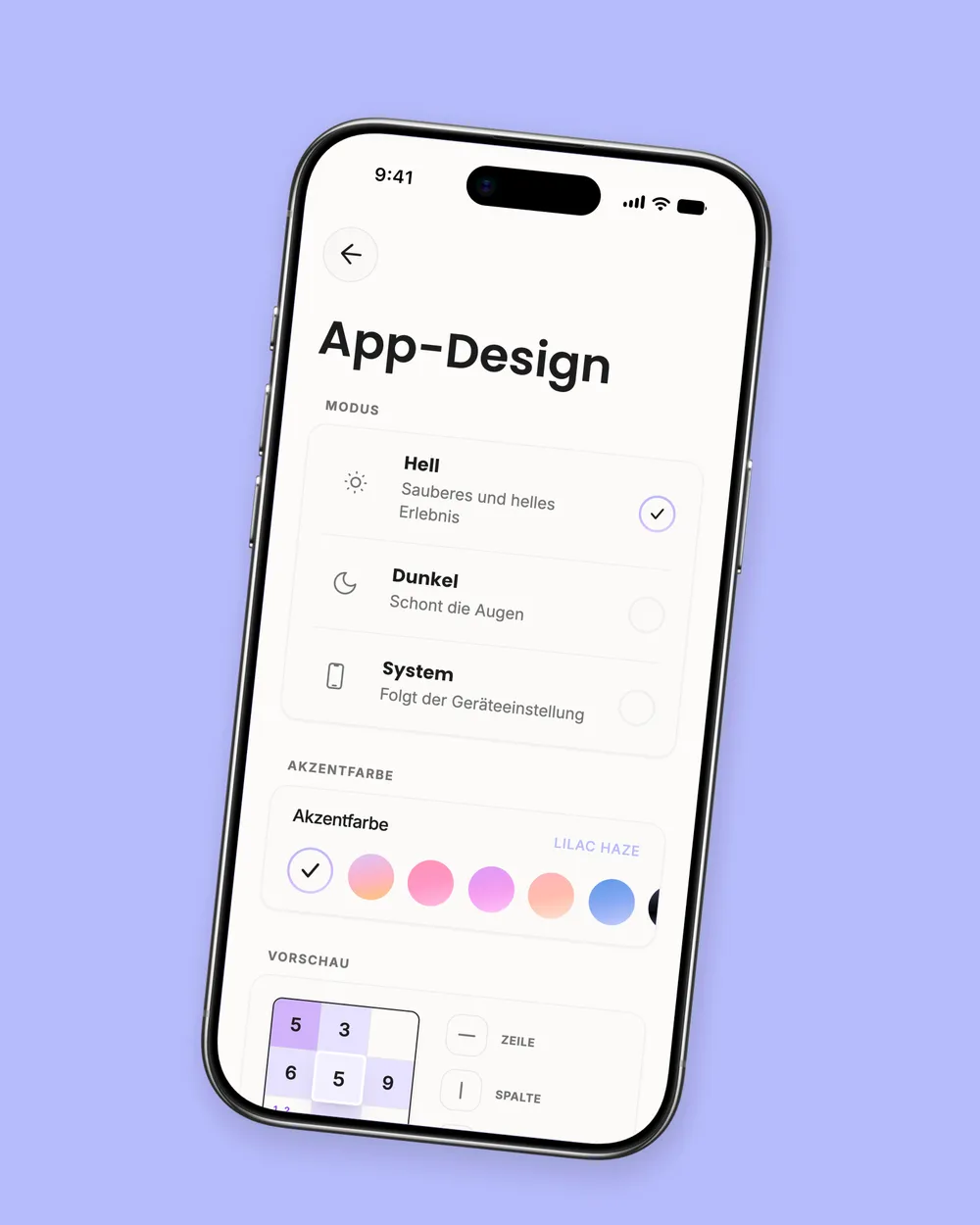
Unisu offers ten customizable color themes: Peach Sunset, Bubblegum, Violet Bloom, Coral Blush, Lilac Haze, Russian Mist, Dark Matter, Frost Pale, Rose Veil and Lemon Cream. From understated black and white to soft pastels and vibrant combinations, there's a mood for every player. The app icon can be customized to match.
The icon, graphics, interface components and tone of voice all follow the same idea: approachable, welcoming and playful, without becoming noisy.

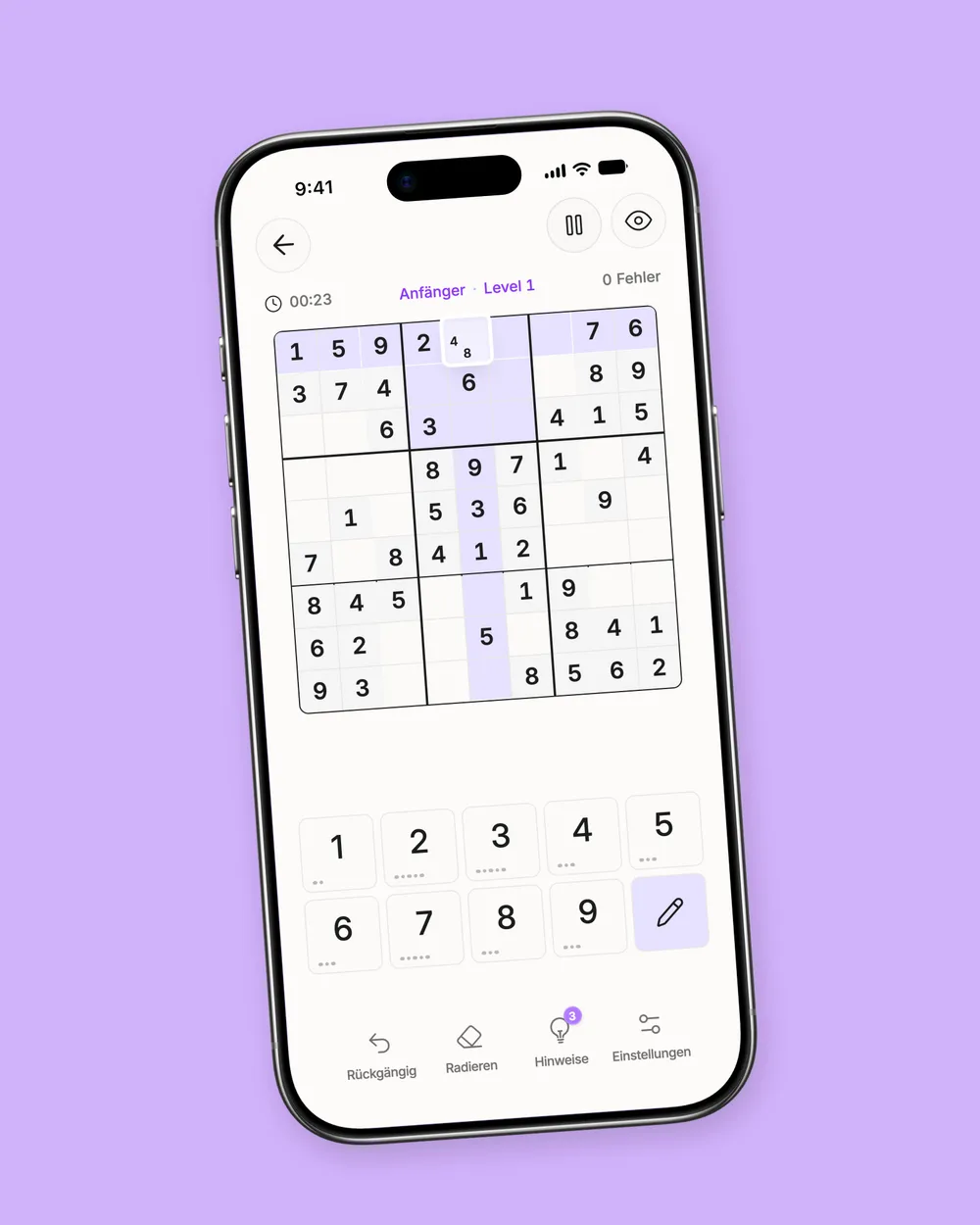
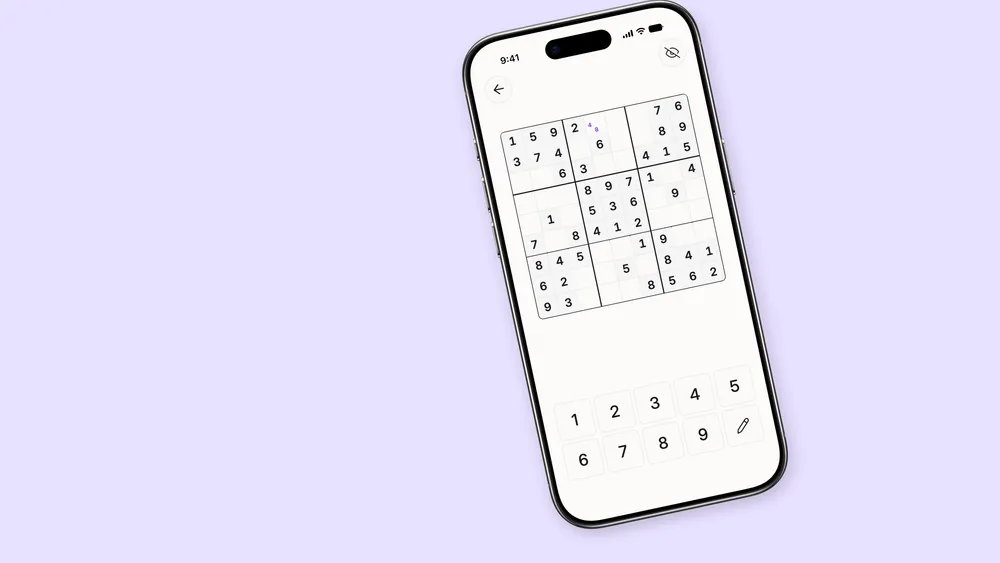
The puzzle grid is the center of every game. Spacing, contrast, highlights and controls work together so that digits, pencil marks and their relationships remain easy to read—even in challenging puzzles.
For an even calmer experience, players can hide additional interface elements. Pencil marks, undo and other tools stay close at hand when needed. The result is intuitive interaction that follows each player's own rhythm.
Sound is part of that experience, too. We chose pleasant, restrained audio cues that encourage without overstimulating. Colors, display settings, sound and haptic feedback can all be adjusted to personal preferences.
See how we create equally thoughtful digital interfaces in our work on UX/UI design for apps and portals.
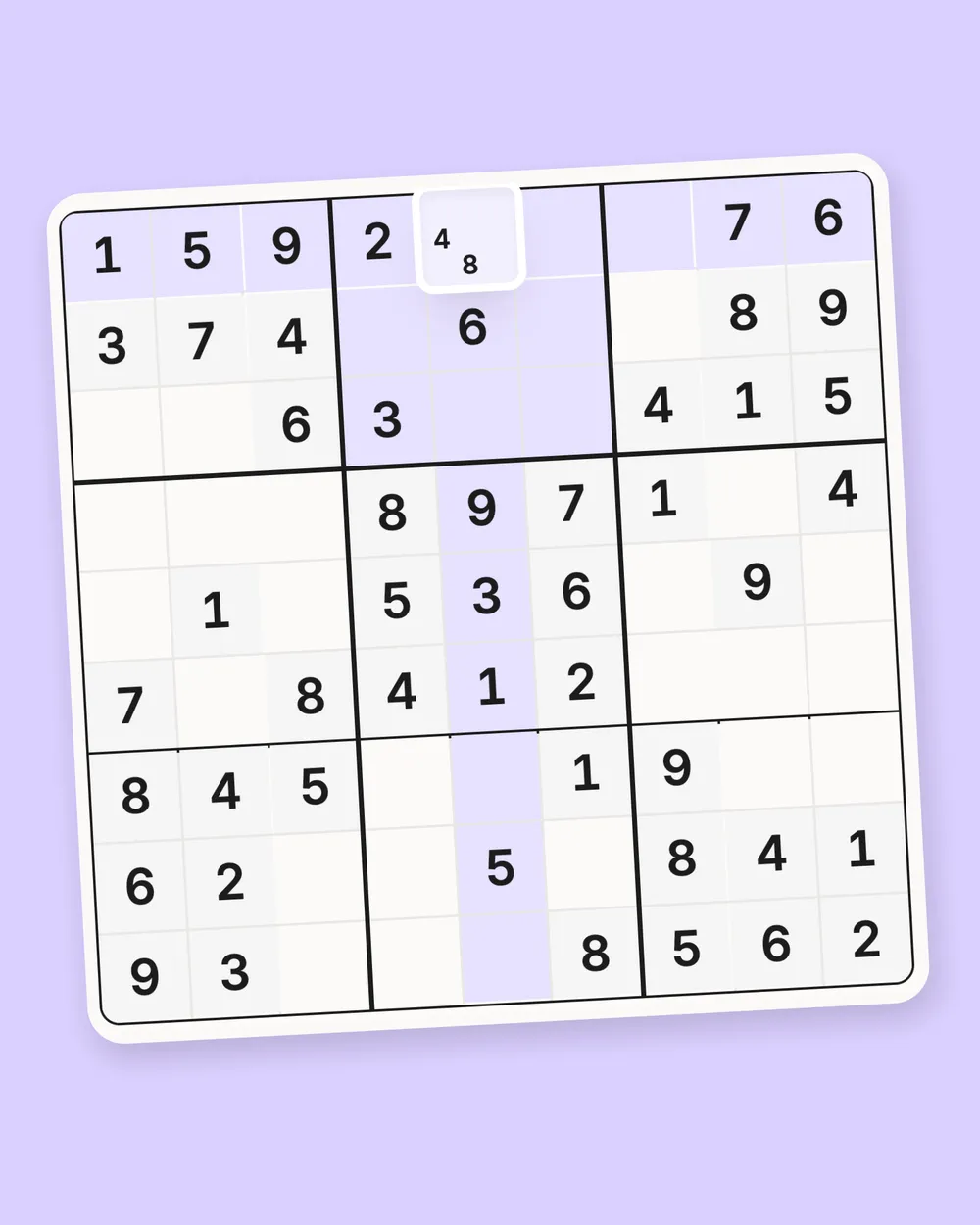
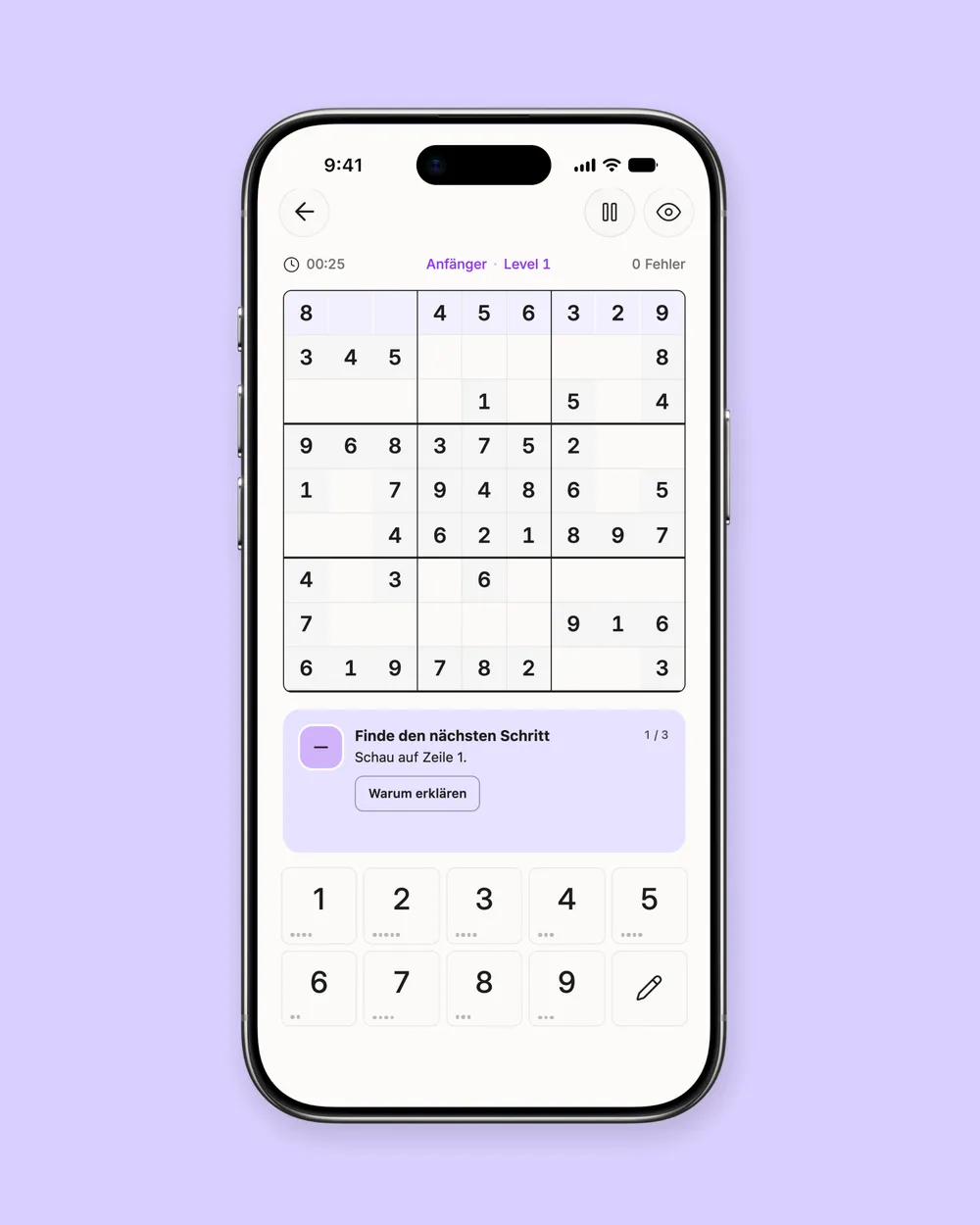
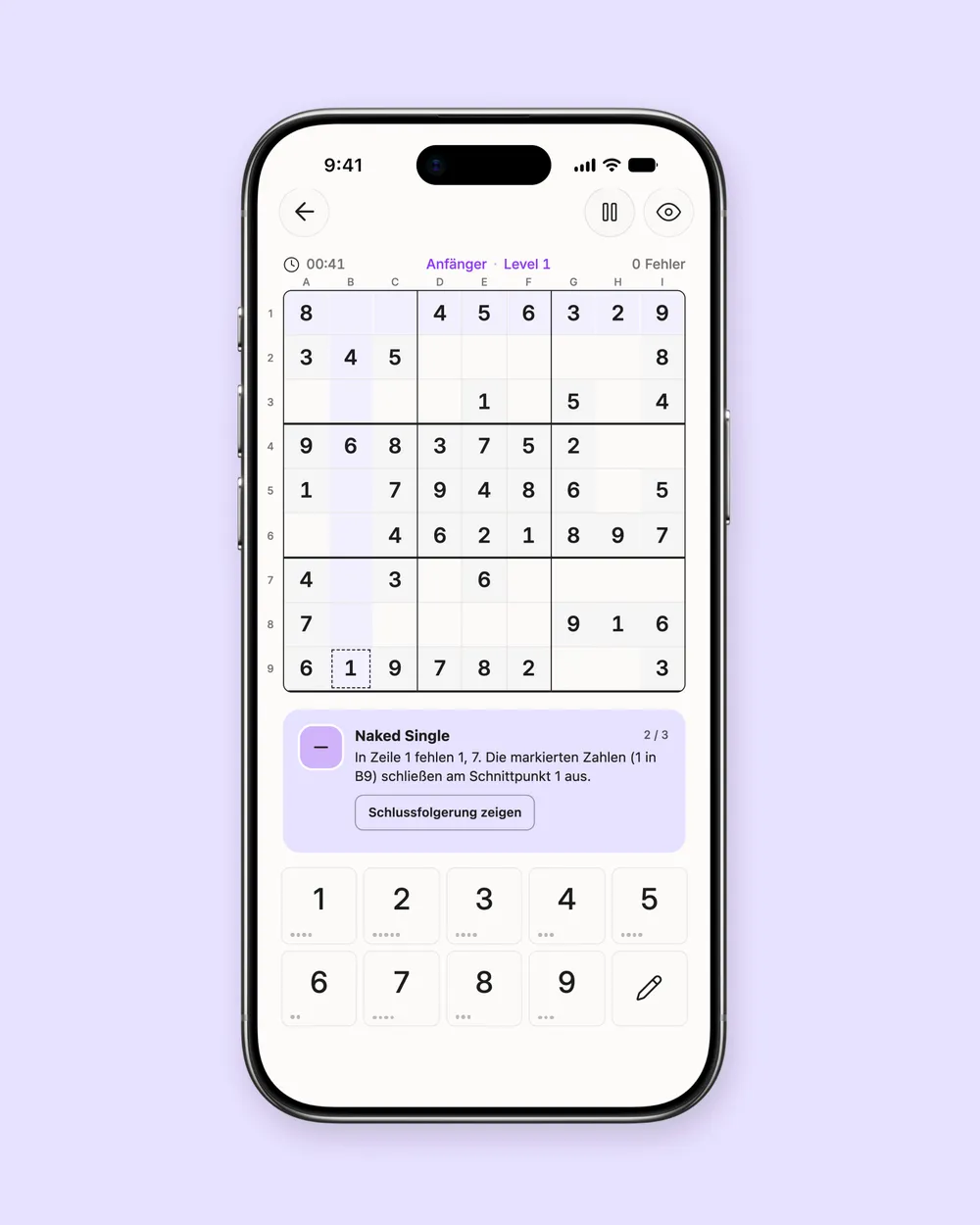
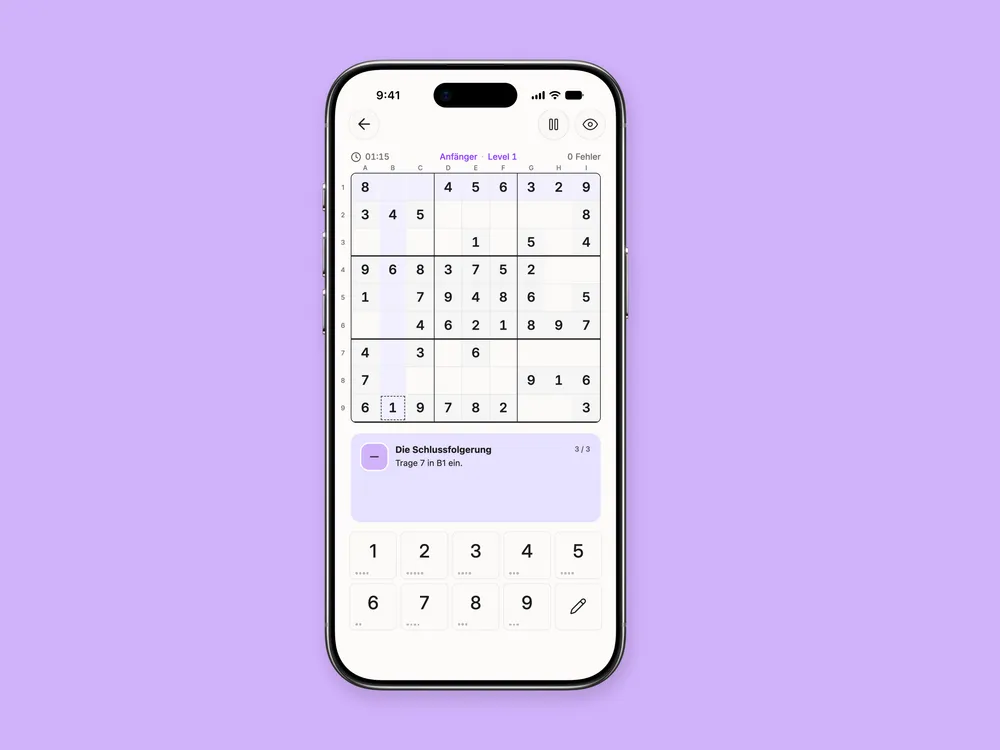
Each Sudoku comes with up to three optional hints. Instead of simply revealing the next digit, they explain why a particular move makes logical sense. Players who prefer to solve without help can leave them unused.
The hint system guides you step by step: first highlighting the relevant area, then explaining the reasoning and finally showing a possible conclusion. Players still enter the digit themselves. That way, a hint becomes a useful strategy for future puzzles—not just a shortcut.

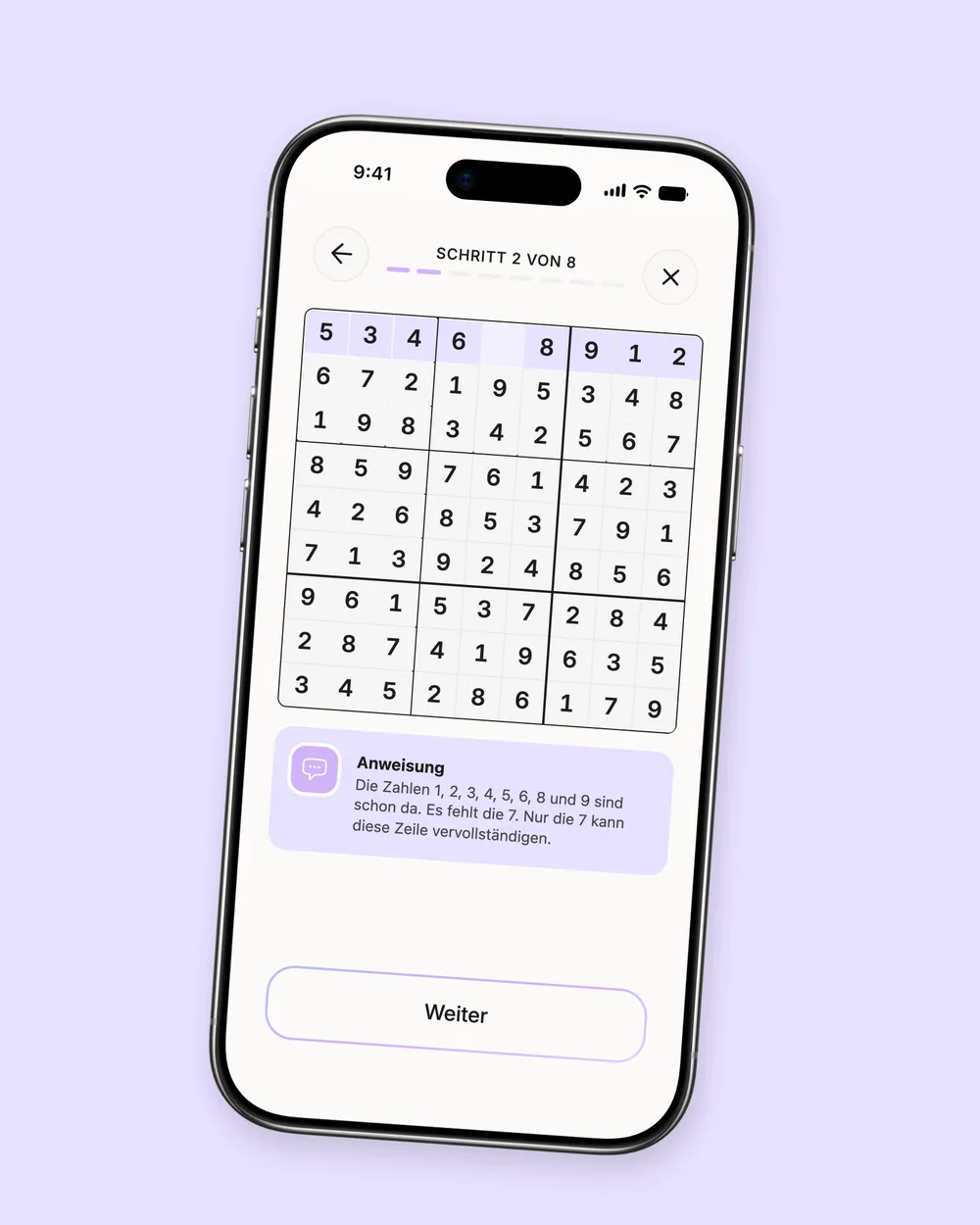
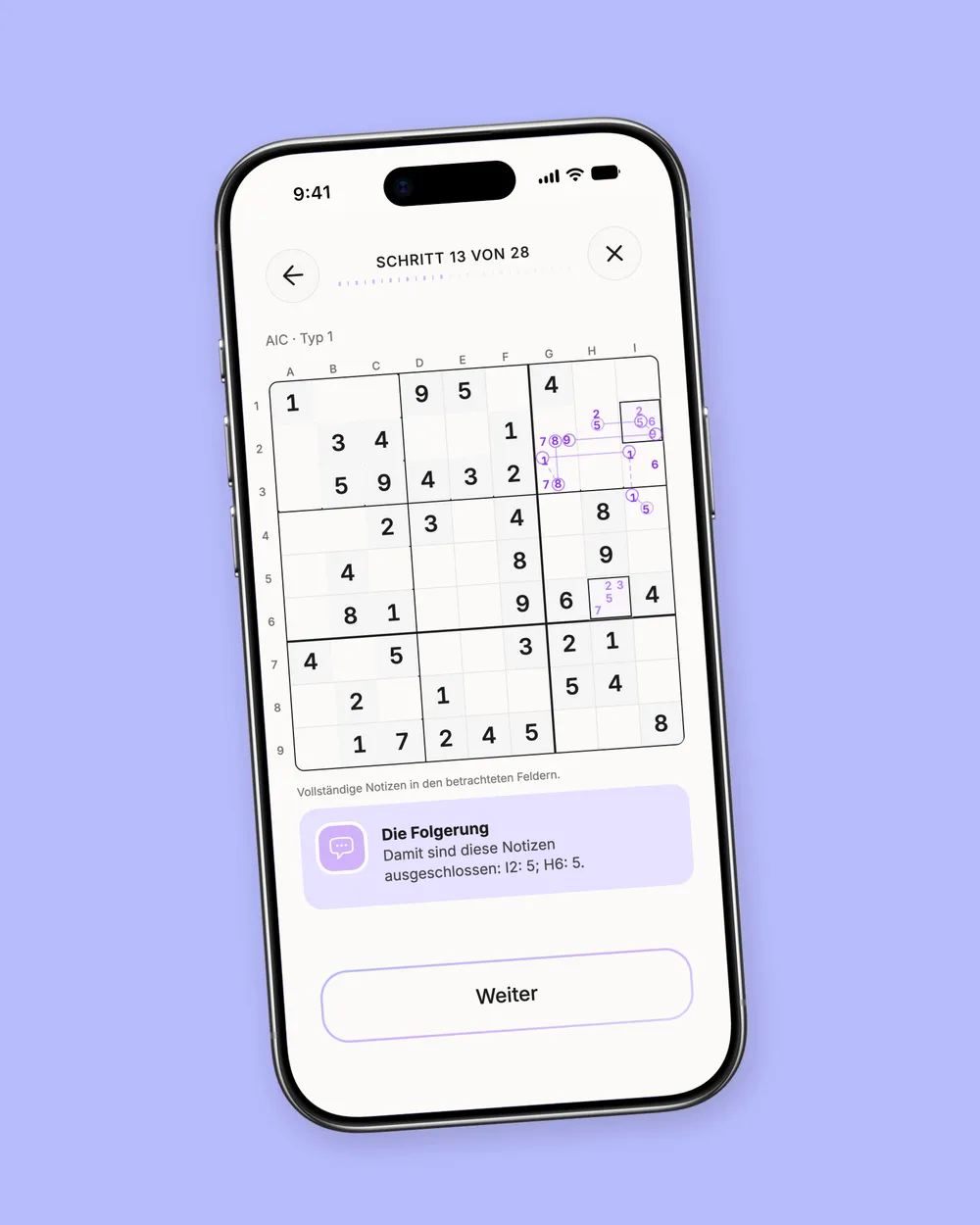
From the very beginning to masterclass level, Unisu includes tutorials that teach Sudoku rules and solving strategies one step at a time. They welcome newcomers and experienced players who want to understand more advanced techniques.
Rather than relying on text alone, lessons combine short explanations with visual examples and exercises directly in the Sudoku grid. An abstract rule becomes a pattern players can recognize and apply in their next game.
Learning is always optional. You can jump straight into a puzzle or follow a structured path from beginner techniques to complex solving strategies.
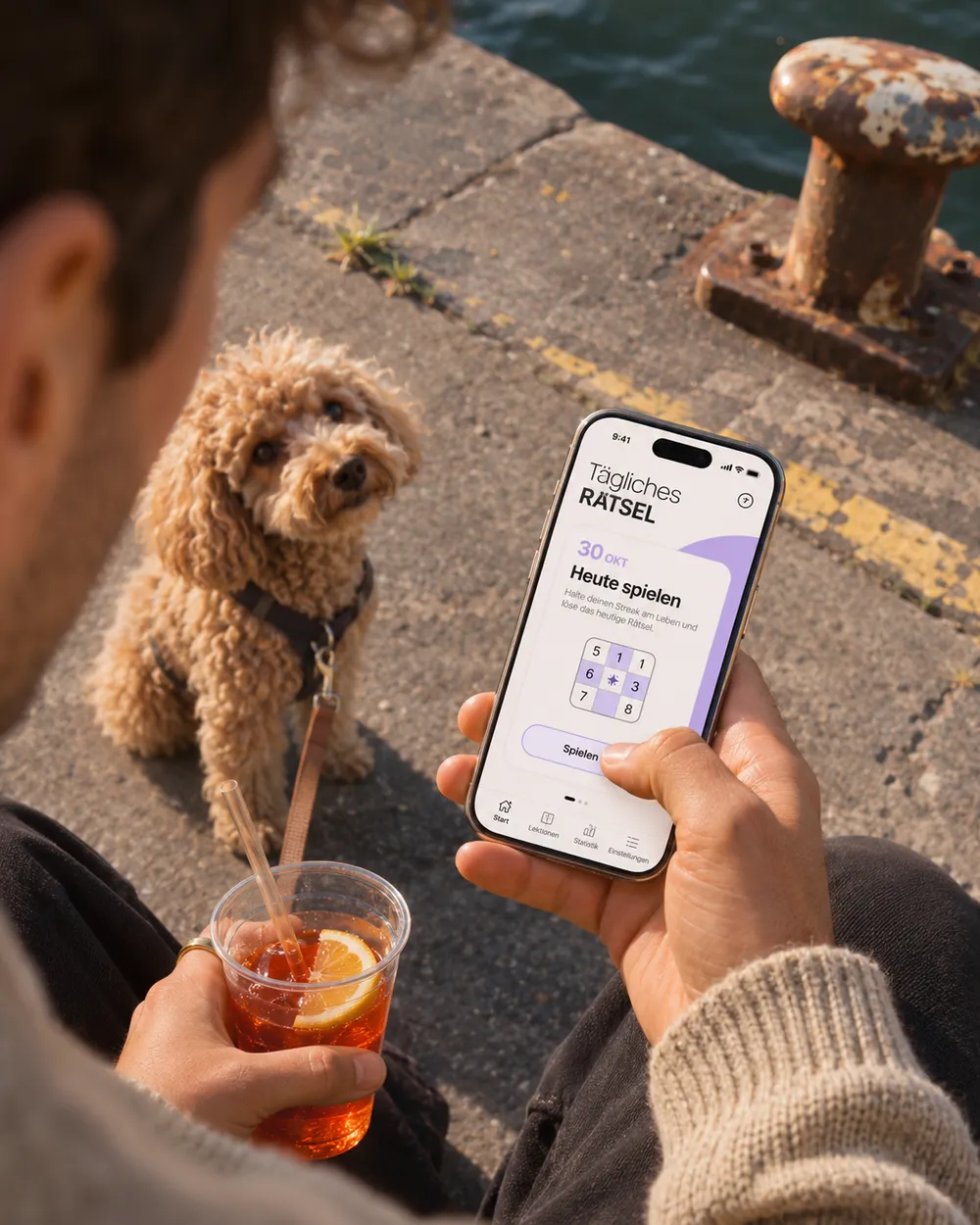
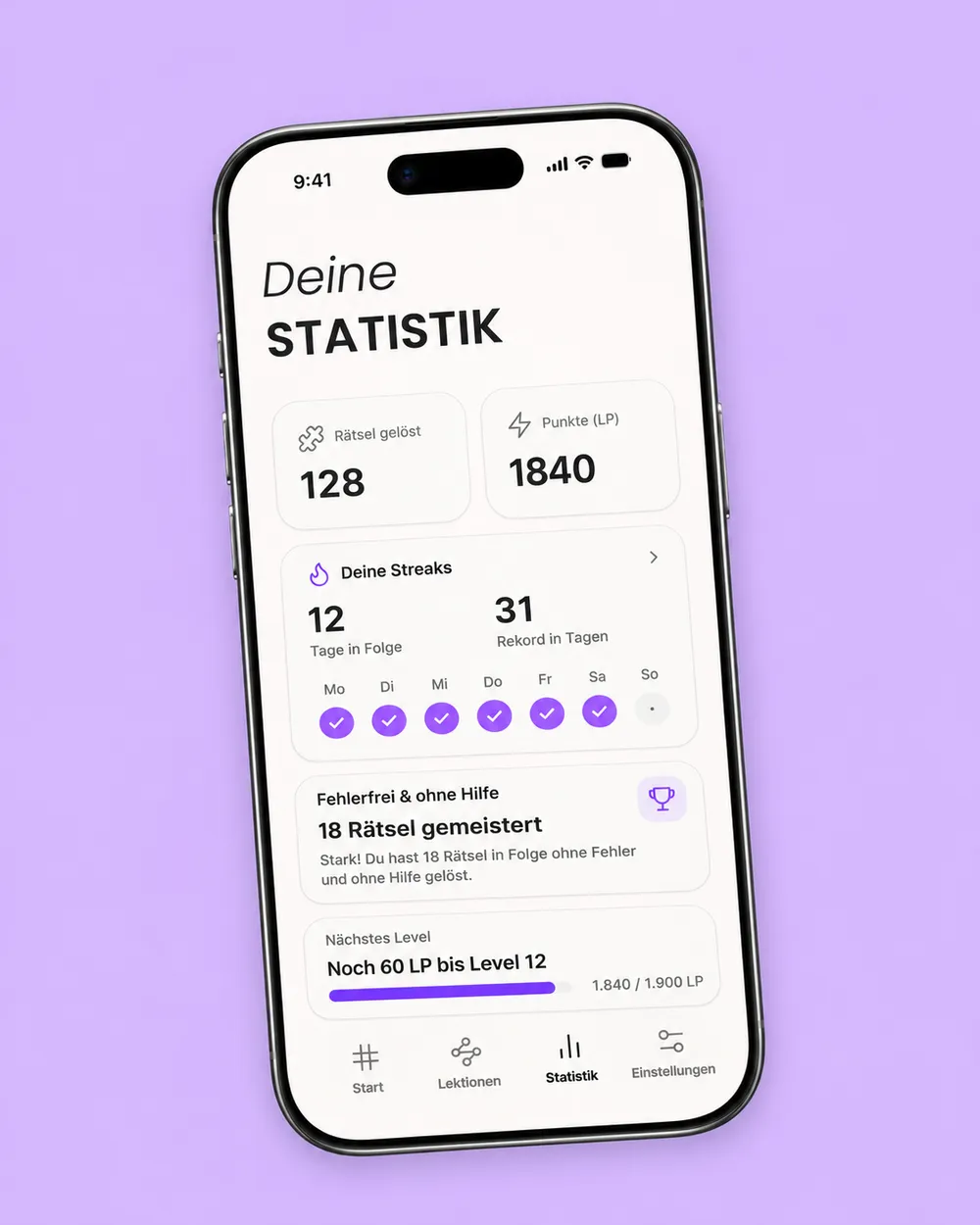
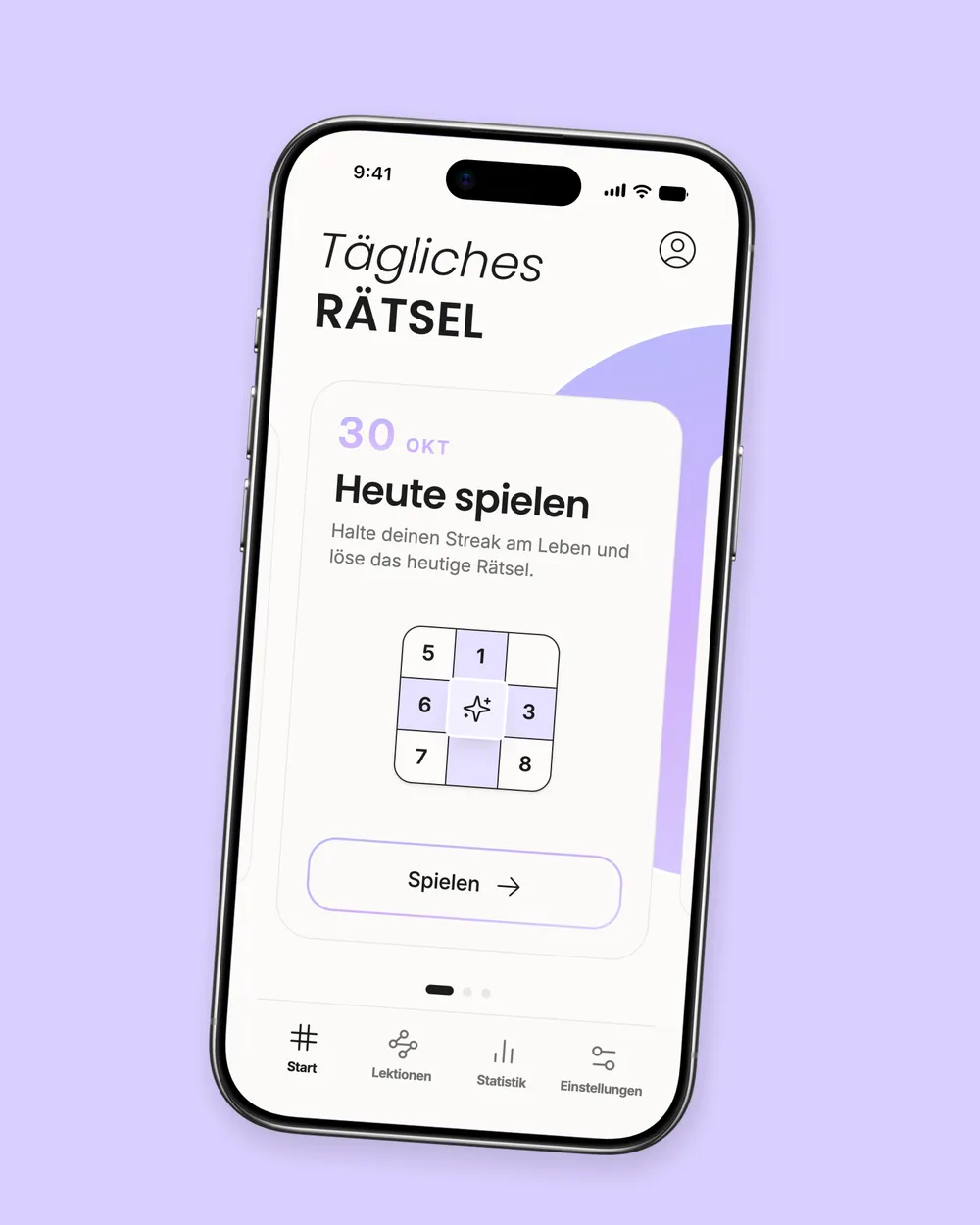
The Daily Challenge turns a spare moment into a small ritual. A new puzzle each day, streaks for consecutive solves and personal statistics make progress easy to follow.
Sixteen levels offer different kinds of challenge alongside the daily puzzle. Whether it's a quick break or a longer session with something tricky, players set their own pace.
Unisu is built with Vue 3 and TypeScript. As a cross-platform app, it shares one codebase across iOS and Android, with Pinia managing shared application state. Capacitor connects the interface to native device features such as haptic feedback, local reminders and customizable app icons.
Our custom Sudoku engine is written in plain TypeScript, independent of the interface and device features. It verifies that puzzles have a unique solution and grades their difficulty based on the techniques needed to solve them. This creates 16 progressive levels, from simple elimination to advanced chain strategies.
To provide hints, the engine analyzes the current puzzle state. It first highlights the relevant area, then explains the logic and, if requested, shows the conclusion. The player still enters the digit, and asking for a hint does not change personal pencil marks. Help and independent solving remain closely connected.
Puzzles and lessons are included with the app and work without an internet connection. Game progress, pencil marks, hint and lesson progress, and personal statistics are saved locally on the device. No account is needed to play, so any puzzle can be picked up again at your own pace.
Ten color themes, light and dark modes, and locally available translations in eight languages are part of the same app architecture. Customizable feedback and careful handling of safe display areas create a consistent experience on both platforms. A tablet version optimized for larger screens is planned as a future expansion.
From product strategy and UX/UI to launch, we support similar ideas through our app development services for iOS and Android.
Unisu is more than a digital number grid. It's a small, inviting world where harmonious colors, subtle sounds and straightforward controls create a moment of calm. Playing without ads means taking a break at your own pace—whether for five minutes or a longer puzzle.
Behind that effortless feeling is careful work: branding, UX/UI, the game engine, logical hints and tutorials come together to make puzzling and learning feel like one cohesive experience.
Unisu is available on iOS and Android and can also be played offline. A tablet edition and community features are planned for future updates, giving us room to develop the experience further.


We bring product strategy, branding, UX/UI and development together in a cohesive experience—from the first idea to launch and beyond.