Let’s talk about your plans

A few details are enough to get started. We’ll get back to you personally.

MAKE · USEFUL · BEAUTIFUL ·
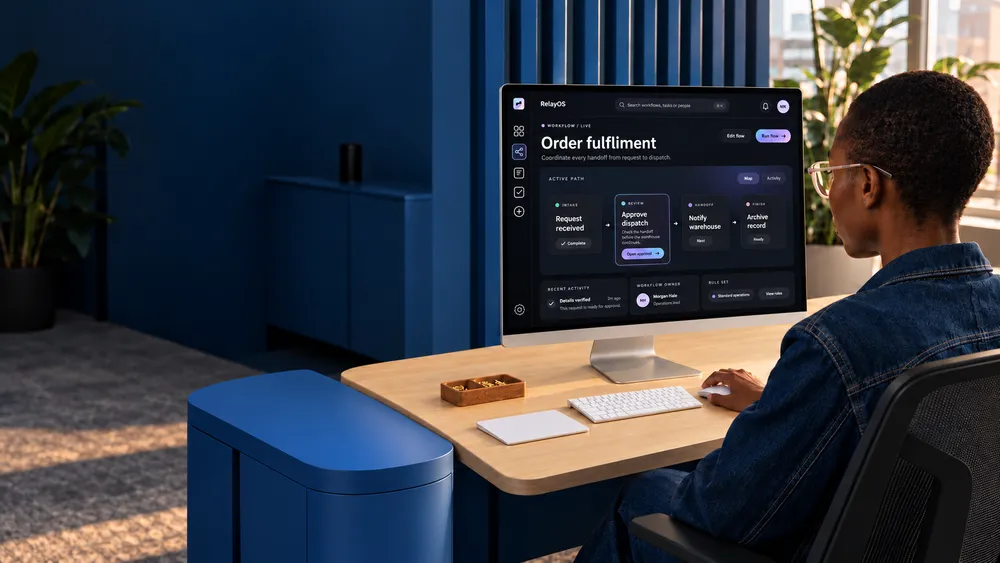
Person sitting at a desk using a computer displaying an 'Order fulfilment' workflow interface. The room has dark blue walls and furniture, with a plant in the background.
AI INTEGRATION SERVICES

Smarter workflows that free your team to grow

AI integration services connect your website, app and backend with the tools and data your team uses, reducing repetitive work and creating room for growth.

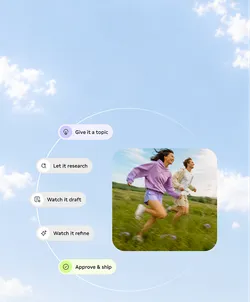
A woman in a purple sweatshirt and a man in a beige outfit running through a grassy field. The sky is clear with a few clouds. To the left, there is a list of steps: 'Give it a topic,' 'Let it research,' 'Watch it draft,' 'Watch it refine,' and 'Approve & ship.'

Custom AI Features

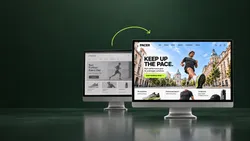
Two computer screens displaying a website called 'PACER'. The right screen shows a brightly colored homepage with a running man and text 'KEEP UP THE PACE', promoting running gear. The left screen displays a grayscale version of the same site.

Web Design

Person in a purple hoodie lying on a bed, holding a smartphone displaying a learning app interface with a cartoon cat and buttons labeled 'OK, Let's Go!' and 'Not Now'.

App Development

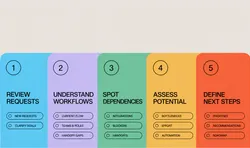
A five-step process diagram with colored sections: 1. Review Requests in blue, 2. Understand Workflows in purple, 3. Spot Dependencies in green, 4. Assess Potential in yellow, 5. Define Next Steps in red. Each step lists related tasks or considerations.

Business Process Automation

Abstract illustration showing interconnected flowchart elements on a blurred colorful background.

API Integrations

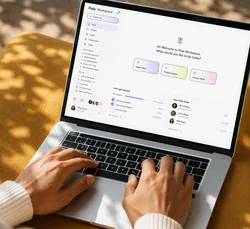
Laptop with Pola Workspace Dashboard

Data Processing

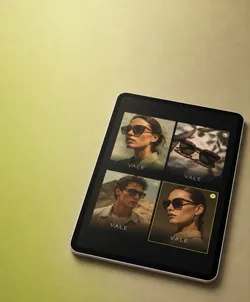
Tablet displaying four images of sunglasses and models in a grid layout, on a green surface. The images include two models wearing sunglasses and two sets of sunglasses alone, each labeled 'VALE'.

Content Production

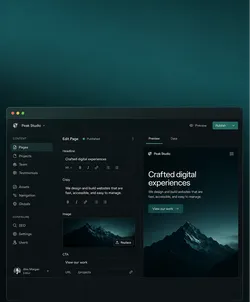
User interface of a website builder with a dark theme, featuring a navigation bar on the left side with options like Pages, Projects, and Team. The main part shows the content editor with a preview on the right side, displaying a preview of a website with a mountain image and the text 'Crafted digital experiences'.

Headless CMS

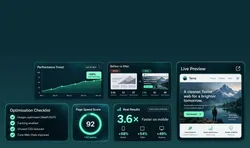
Dashboard displaying various website performance metrics and improvements, including performance trend graph, before and after comparison, live preview, and optimization checklist.

Website Optimisation

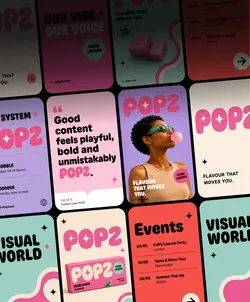
A colorful promotional collage for POPZ, featuring a woman blowing bubblegum, event listings, and playful branding elements with the slogan 'Flavour that moves you.'

Content Creation

Two professionals stand in a bright room in front of a board.

Automation Consulting

Trusted by ambitious brands and organisations
Black geometric design with the letters A and W on a white background.
The logo of "Die Grüne Schule" with the subtitle "Hamburger Akademie für Naturheilkunde" and the website "hafn.de".
Contentway logo with stylized letter C.
Berliner Feuerwehr logo with a bear emblem.
Unisu logo with a stylized smile design.
The word 'MAQUIS' in bold, dark font on a white background.
Logo with curly braces and the text 'DATA LEADERS KLUB'.
The letters WTB in bold black font on a white background.
Blueforte logo with stylized leaf design.
AEO Society logo with stylized symbol above the text.
Aeri logo on a white background.
Bold text logo with the words 'GLOU VINEGARY'.
The text 're:white' in bold black font on a white background.
Eureka logo with stylized text and symbol.
KyberionAI logo with stylized K symbol.
Logo of Resilia Innohub with geometric design.
WHY INTEGRATION MATTERS

Make the systems you already use work harder

Useful AI works inside the website, app or backend where the task already happens, using the same content, data and permissions.

A disconnected tool creates another handover. Context gets copied across, decisions disappear and the result still has to be moved back.

Person in denim outfit sits in a cozy cafe with a laptop on their lap, next to a table with an orange drink. The cafe has a brick wall and warm lighting.
WHAT WE BUILD

Digital products with AI built into the right places.

From customer-facing experiences to internal workflows, every function starts with a real use case and fits the systems your team already relies on.

Person using a laptop displaying a smart energy platform interface, sitting in a bright, modern room.

AI-Enabled Websites

Websites that help teams create and update content, answer questions or make complex information easier to access.

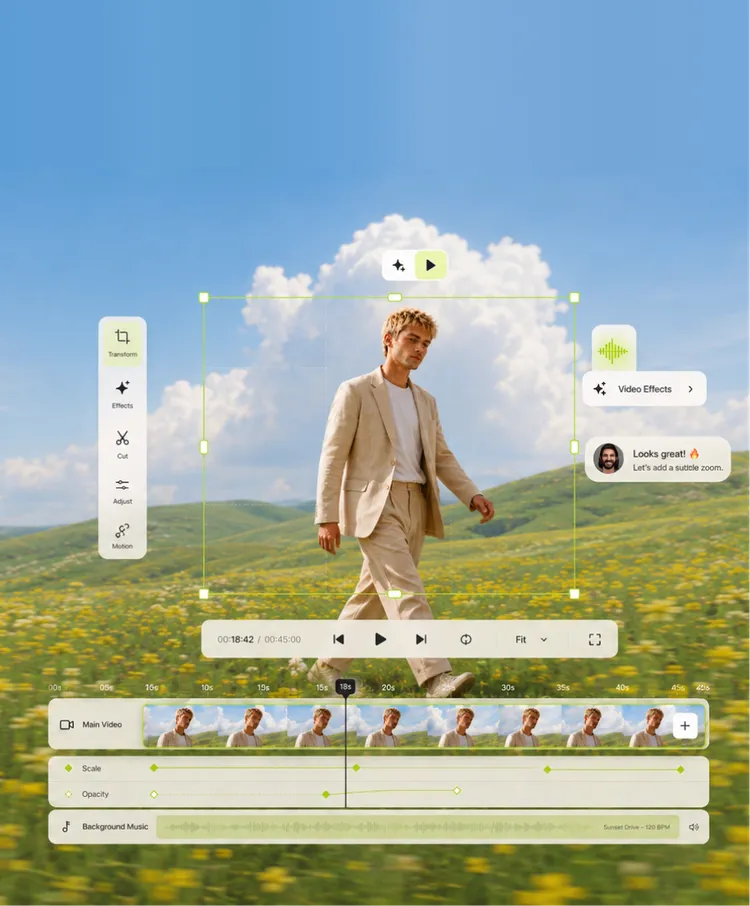
Person in a light suit walking through a field of yellow flowers under a blue sky with clouds. Video editing interface overlays the image, showing controls like play, pause, and video effects. A comment box with a profile picture suggests adding a subtle zoom effect.

Content & Media Workflows

Create, refine, translate and place text and imagery through conversational workflows connected to your CMS.

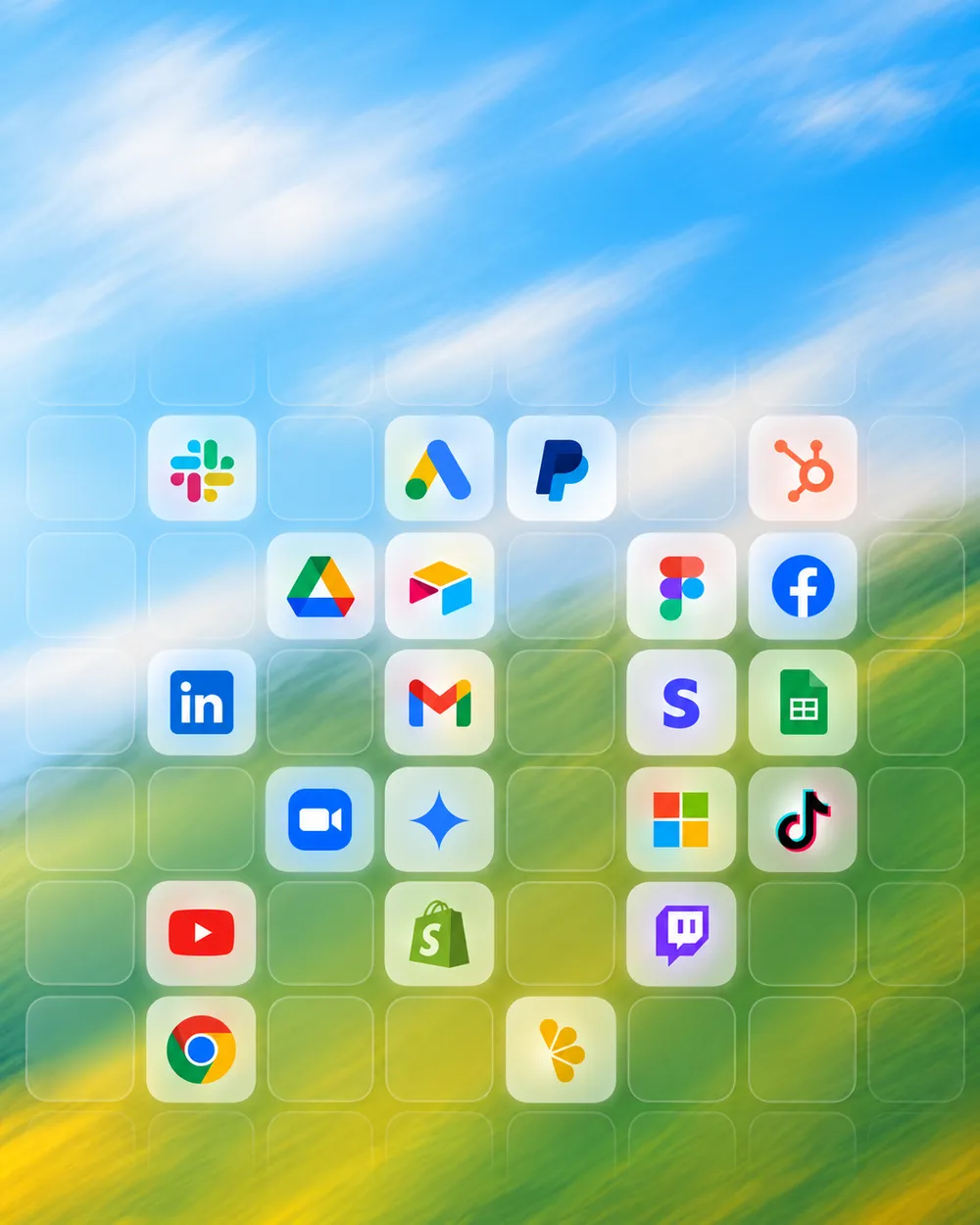
Grid of various app icons over a blurred nature background with blue sky and green grass. Icons include Slack, Google Ads, PayPal, HubSpot, Google Drive, Airtable, Figma, Facebook, LinkedIn, Gmail, Stripe, Google Sheets, Zoom, Microsoft, TikTok, YouTube, Shopify, Google Chrome, and Twitch.

Data & Tool Integrations

Connect Google Analytics, SEO tools and other services so teams can ask questions, run analyses and prepare next actions.

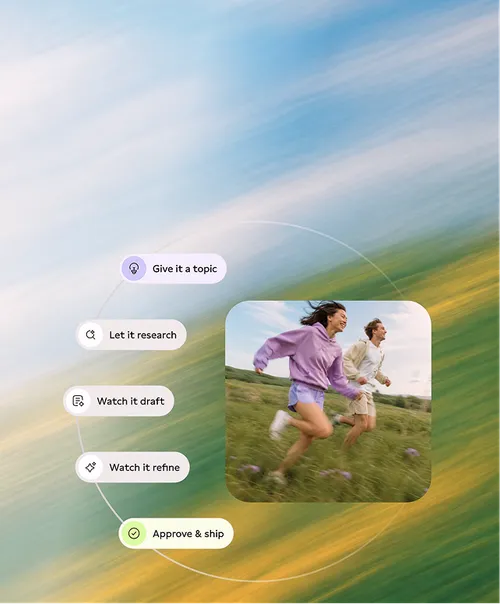
Two people are running outdoors across a meadow. The background is blurred to convey motion. On the left side, there are text boxes with the inscriptions 'Give it a topic', 'Let it research', 'Watch it draft', 'Watch it refine', 'Approve & ship'.

Backend AI Agents

Agents in Payload that can access approved content, tools and workflows while permissions and review steps stay under your control.

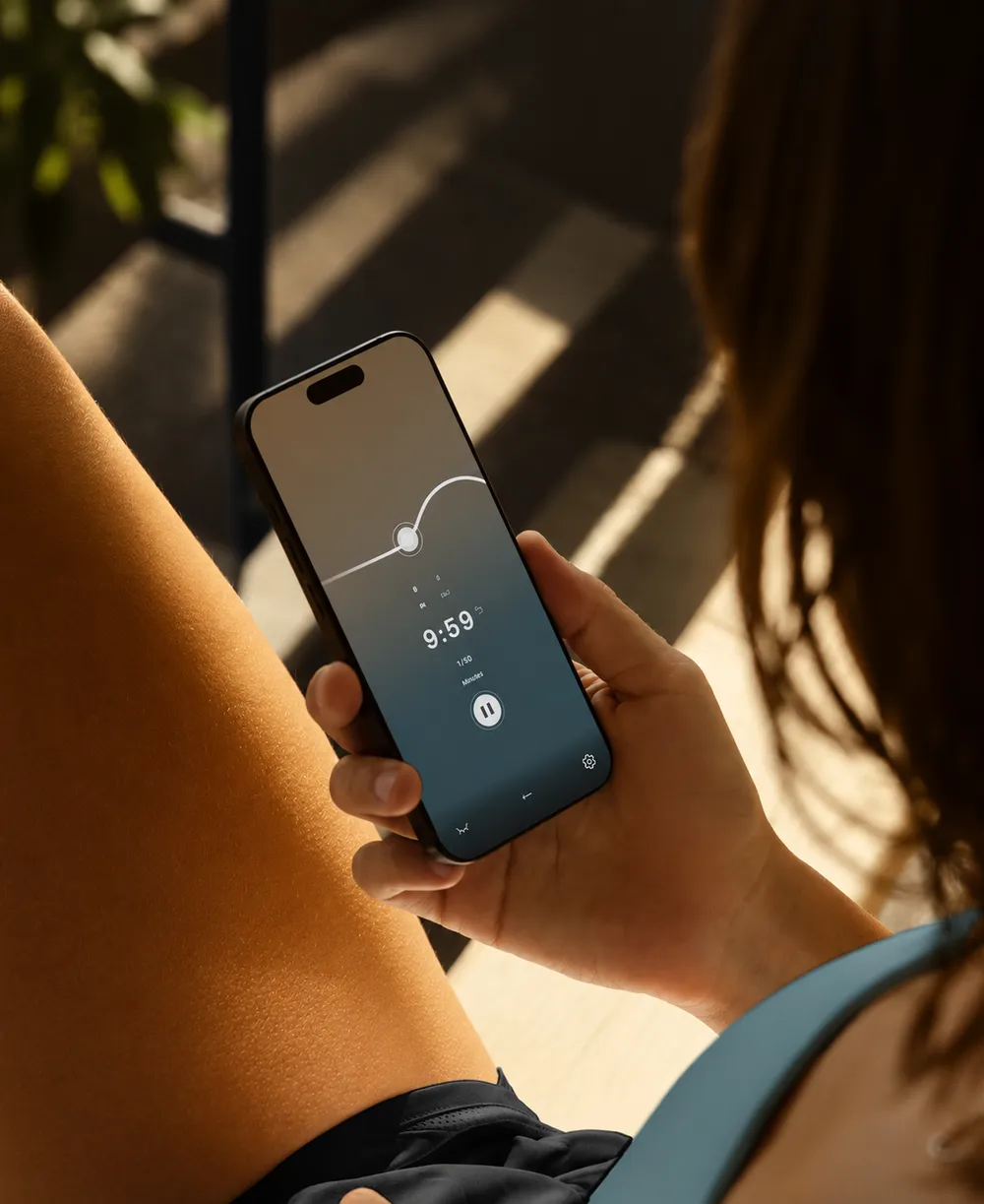
A person holds a smartphone displaying a timer set at 9:59 amid a minimalist interface. The setting is sunny, highlighting a textured surface like skin, which suggests the person is wearing a blue sleeveless top and shorts.

AI Features for Apps

Focused assistance, search, recommendations or task support inside useful digital products.

Cardboard boxes with 'Pola' branding on a conveyor belt in a warehouse.

Business Process Automation

Use AI where it meaningfully simplifies operations—from document handling and administration to planning and internal coordination.

PROVEN IN PRACTICE

Digital experience behind every integration

150+

Digital projects built for real use.

10+

Years of experience connecting strategy, design and technology.

98%

Client satisfaction across long-term collaborations.
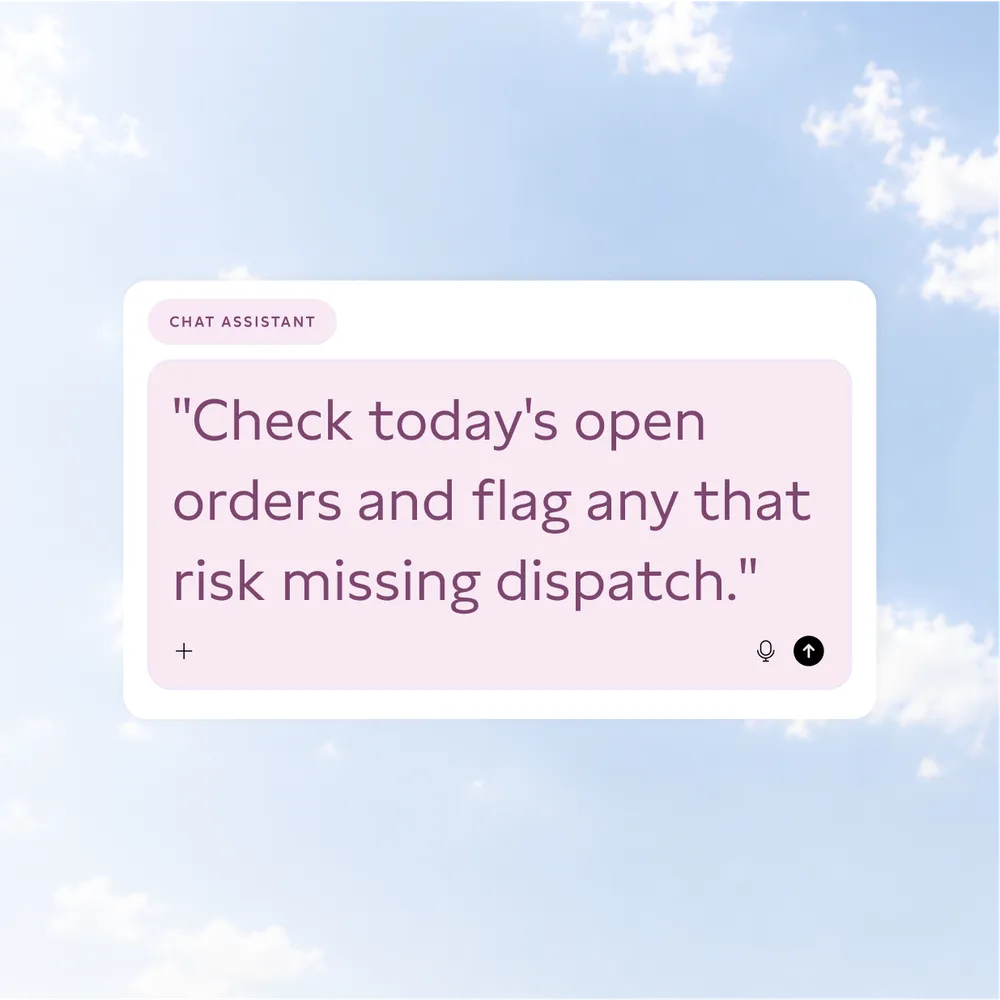
A digital interface with text from a chat assistant that reads, 'Check today's open orders and flag any that risk missing dispatch.', over a background of a blue sky with clouds.
AGENTIC BY DESIGN

Run your backend from the AI you already use

Connect ChatGPT, Claude or another approved interface to your backend, with the relevant content, data, tools and permissions already in context.

Direct backend access remains available. Your team reviews the result and decides which analyses, drafts or actions move forward.

USE CASES

Put AI to work across your business

A flexible Payload backend can connect AI with the systems, data and permissions behind your website, app and internal workflows. Start with one useful function, then extend it as your needs grow.

  • Content & Publishing

    Create and update content through chat.

    Create new pages, update existing content and prepare translations through chat, with review before anything goes live.

  • Images & Digital Assets

    Create, find and place the right assets.

    Generate visuals with approved brand context, find existing assets and place them into the right pages or content fields.

  • SEO & Search Performance

    Turn search demand into clear next steps.

    Connect search data and SEO tools to identify opportunities, prepare optimisations and keep content aligned with real demand.

  • Analytics & Reporting

    Ask the data, shape the next move.

    Ask questions across Google Analytics and connected data, compare performance and turn recurring reports into guided workflows.

  • Research & Knowledge

    Ground every answer in approved sources.

    Search approved sources, process documents and prepare source-based answers, summaries or briefings for human review.

  • Sales & Customer Workflows

    Move enquiries forward with fewer handovers.

    Qualify enquiries, prepare responses and move information between customer-facing systems, CRM tools and internal teams.

  • Finance & Administration

    Route admin work through clear approvals.

    Connect accounting and administrative systems to prepare documents, classify incoming data and route tasks through defined approval steps.

  • People & Resource Planning

    Plan people around real availability.

    Use availability, roles and working rules to allocate people across shifts or projects, then prepare the schedule for approval.

POLA VS. ALTERNATIVES

One partner for the experience, the system and the workflow.

Business fit
UX & brand
Implementation
Integrations
AI workflows
Ownership
abstract purple and white geometric logo

Pola

Black and white symbol of a chain link with a broken connection in the middle.

AI specialist

Black and white drawing of a hand with two fingers spread in a V-sign.

Web agency

A large black circle sits in the middle surrounded by five smaller black circles at irregular intervals.

Internal team

WHY POLA

Business needs first, AI where it helps

  • Start With the Work

    Solve the right problem first.

    We map the task, users and existing systems before deciding how AI should support them.

  • Design Every Layer

    Connect every layer of the experience.

    UX, content, backend logic and integrations come from one shared understanding of the job.

  • Keep Control Visible

    See what AI can access and change.

    Permissions, direct backend access and human review stay clear throughout the workflow.

  • Build Beyond One Use Case

    Start focused, leave room to grow.

    A flexible Payload backend leaves room for more functions, data sources and connected processes.

HOW WE WORK

Start with the problem. Build what proves useful.

We keep the first scope focused, test it with real work and expand only where the value becomes clear.

  1. 1

    Understand

    Map the task, users, systems, data, constraints and decisions that shape the real workflow.

  2. 2

    Define

    Choose one useful starting point and agree what AI should do, what it should access and where people stay in control.

  3. 3

    Design

    Shape the interface, system behaviour, permissions, review steps and edge cases before implementation.

  4. 4

    Build

    Develop the focused feature, connect the required tools and test it with realistic content, data and users.

  5. 5

    Evolve

    Learn from usage, refine the workflow and extend the system where further value is proven.

RELATED SERVICES

Build the right experience around every useful function.

AI integration works best as part of a clear product, reliable technology and a workflow people can actually use.

Cardboard boxes with 'Pola' branding on a conveyor belt in a warehouse.

Business Process Automation

Connect people, data and systems in clearer workflows.

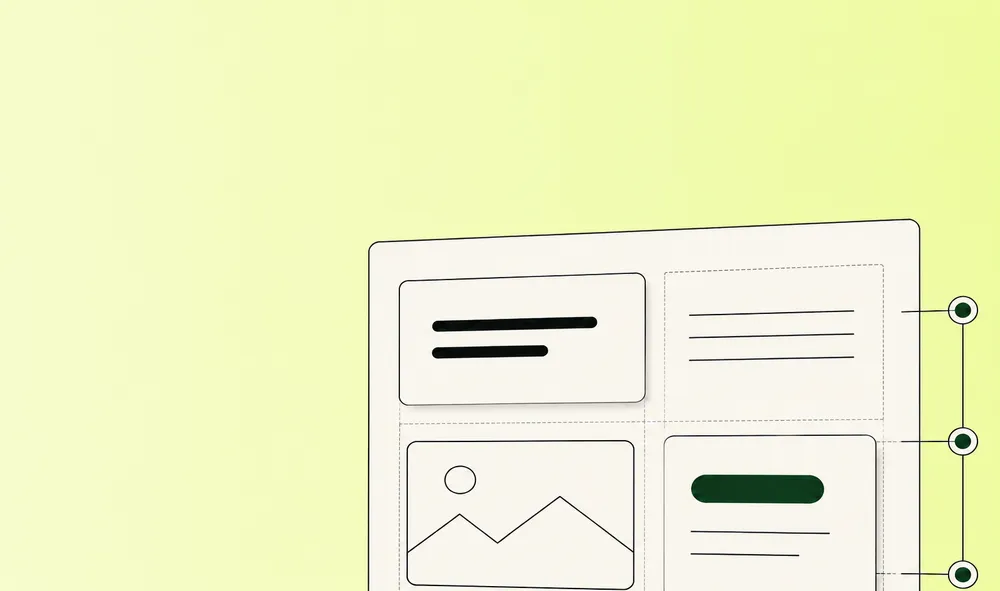
Graphic of a minimalistic webpage layout on a light green background. The layout includes text blocks, an image placeholder, and a button.

Headless CMS

Give teams a structured backend that stays easy to manage and extend.

Person in a light suit walking through a field of yellow flowers under a blue sky with clouds. Video editing interface overlays the image, showing controls like play, pause, and video effects. A comment box with a profile picture suggests adding a subtle zoom effect.

Content Creation

Create the text, imagery and motion a digital experience needs.

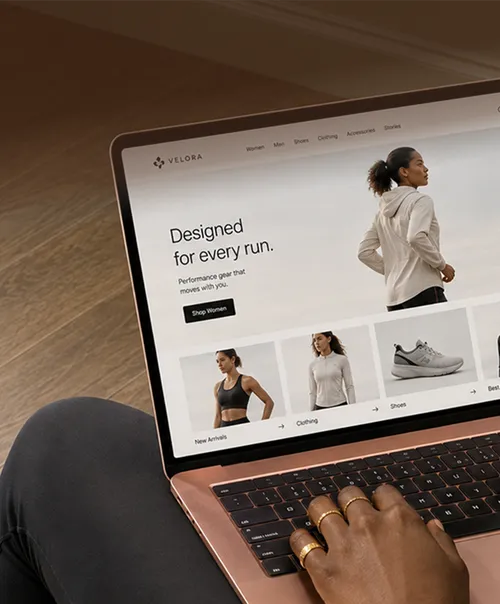
Person using a laptop to view an online store for athletic wear. The screen shows a website with the words 'Designed for every run' and images of athletic clothing and shoes. The laptop is rose gold, and the person is wearing rings on their fingers.

Web Development

Build fast, accessible websites on a flexible technical foundation.

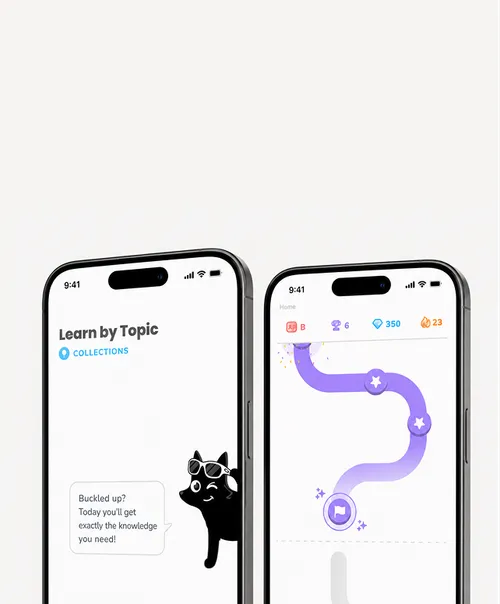
Two smartphone screens with an app interface. The left one shows 'Learn by Topic' with a black cartoon cat wearing sunglasses and a speech bubble with motivational text. The right one shows a winding purple path with star markers and game symbols at the top.

App Development

Turn focused product ideas into useful web and mobile apps.

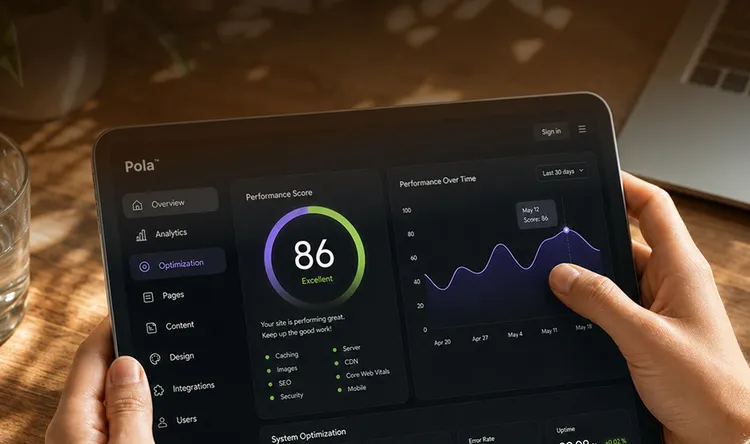
Person holding a tablet displaying a website optimization dashboard. The dashboard shows a performance score of 86 with a graph of performance over time. Menu options are visible on the left side.

Website Optimisation

Improve clarity, performance and conversion where it matters most.

START WITH THE WORK

Turn one useful idea into better work

A focused first use case can simplify everyday work and create a foundation for more connected workflows.

Bring us the process, task or customer moment that feels too manual, disconnected or difficult to scale.

Three individuals performing dynamic jumps on a set of concrete steps against a clear blue sky. The person on the left wears beige attire, the one in the center wears a yellow top with blue pants, and the one on the right is in a purple suit. All are wearing sports shoes.
FREQUENTLY ASKED QUESTIONS

Questions about AI integration