Learning Platform Strategy
A few details are enough to get started. We’ll get back to you personally.
We’ll get back to you as soon as possible.
Please try again.
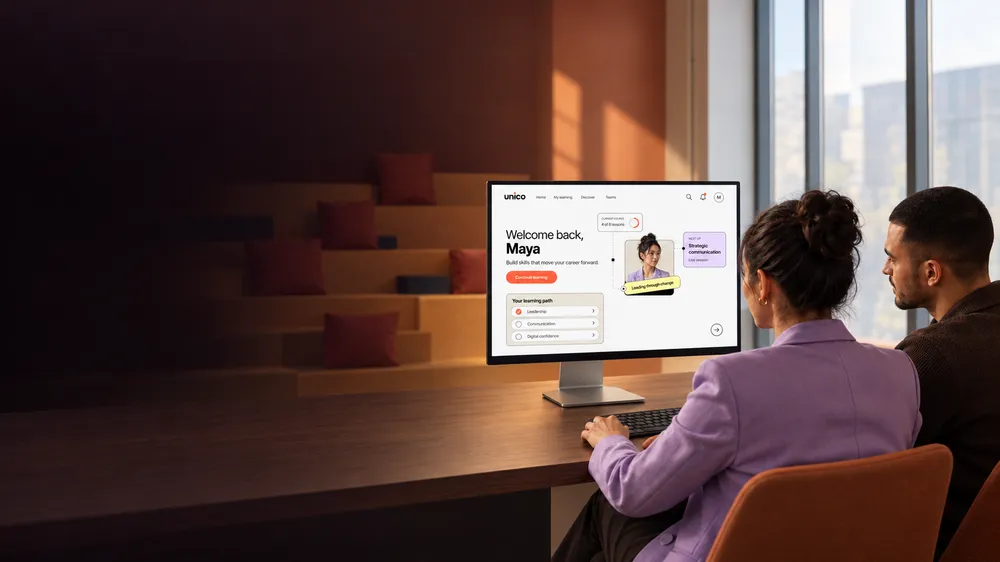
Our learning management system development brings courses, learner journeys and administration together in one custom platform. Add new programmes and reach more audiences without rebuilding your system.


Learning Platform Strategy
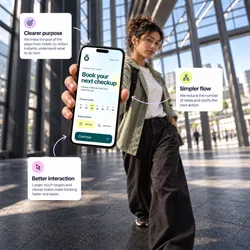
UX/UI & Prototyping

LMS Development

Course & Content Architecture
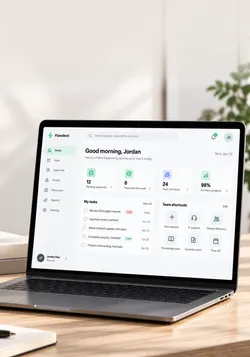
Learning Management

Backend & Integrations

Web & Mobile Apps

API Integrations
Automation

App Testing & Launch








Make learning easier, more engaging and more accessible. Clear learning paths, interactive content and visible progress help learners stay motivated all the way to completion.
Whether you're training employees, customers or partners, your platform grows with your offering and helps you make knowledge accessible to more people.
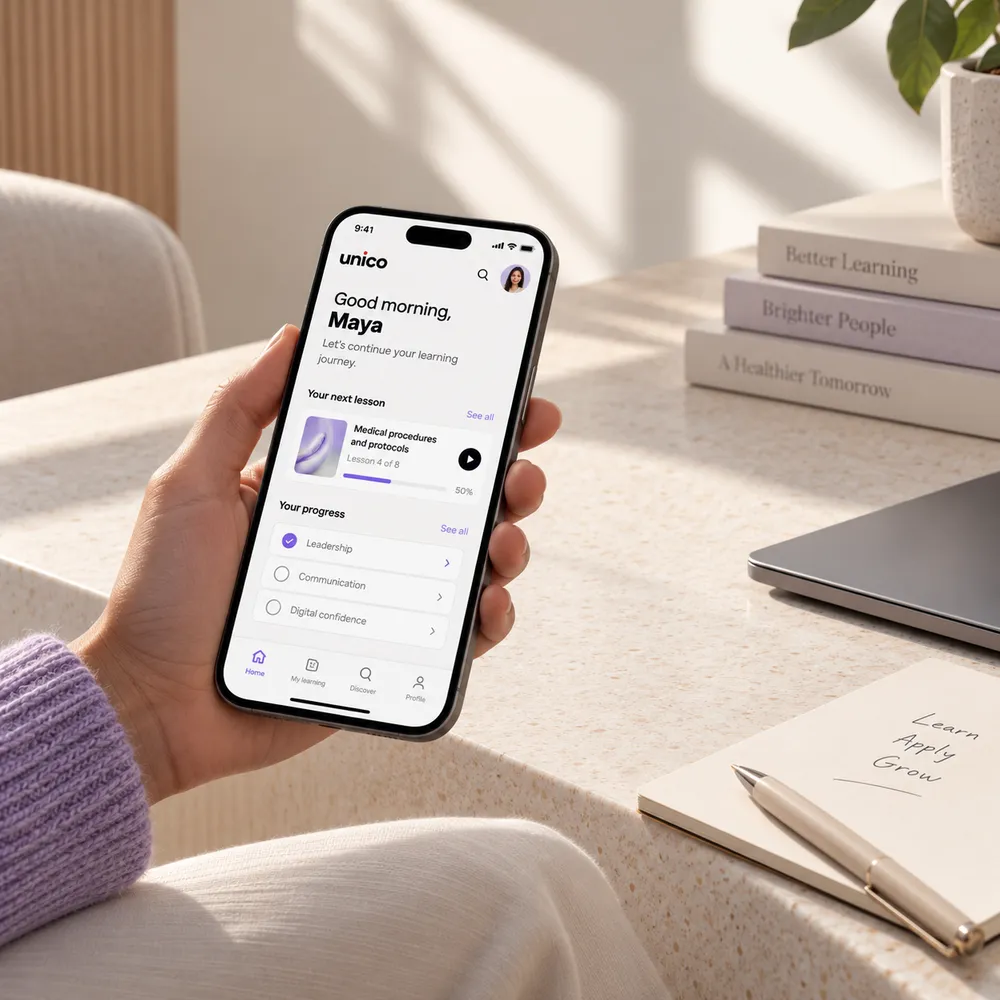
From learning strategy and UX to course structure and development, we bring everything together in a platform people enjoy using and your team can easily manage.
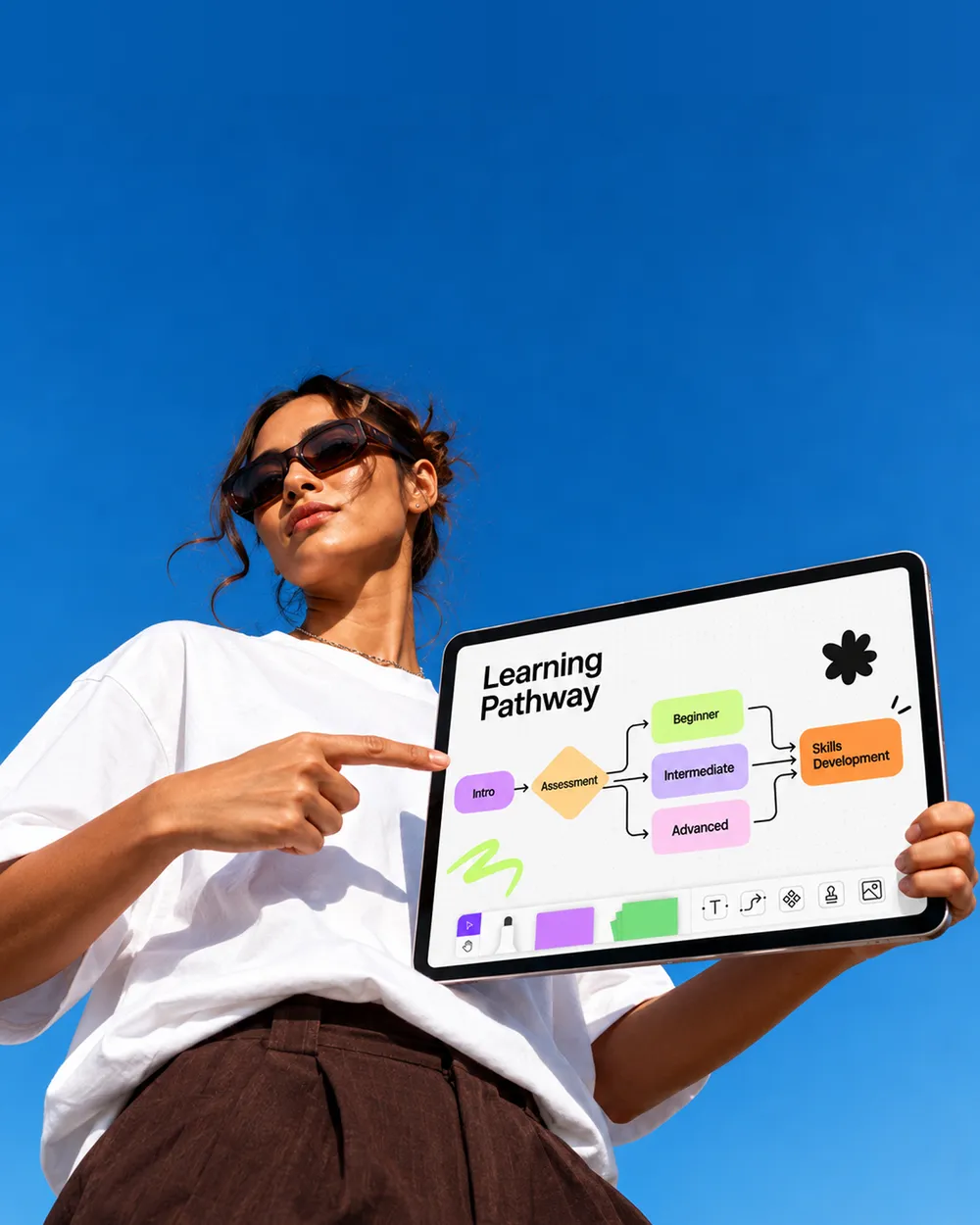
We clarify learning goals, audiences and roles so your platform focuses on the right priorities.
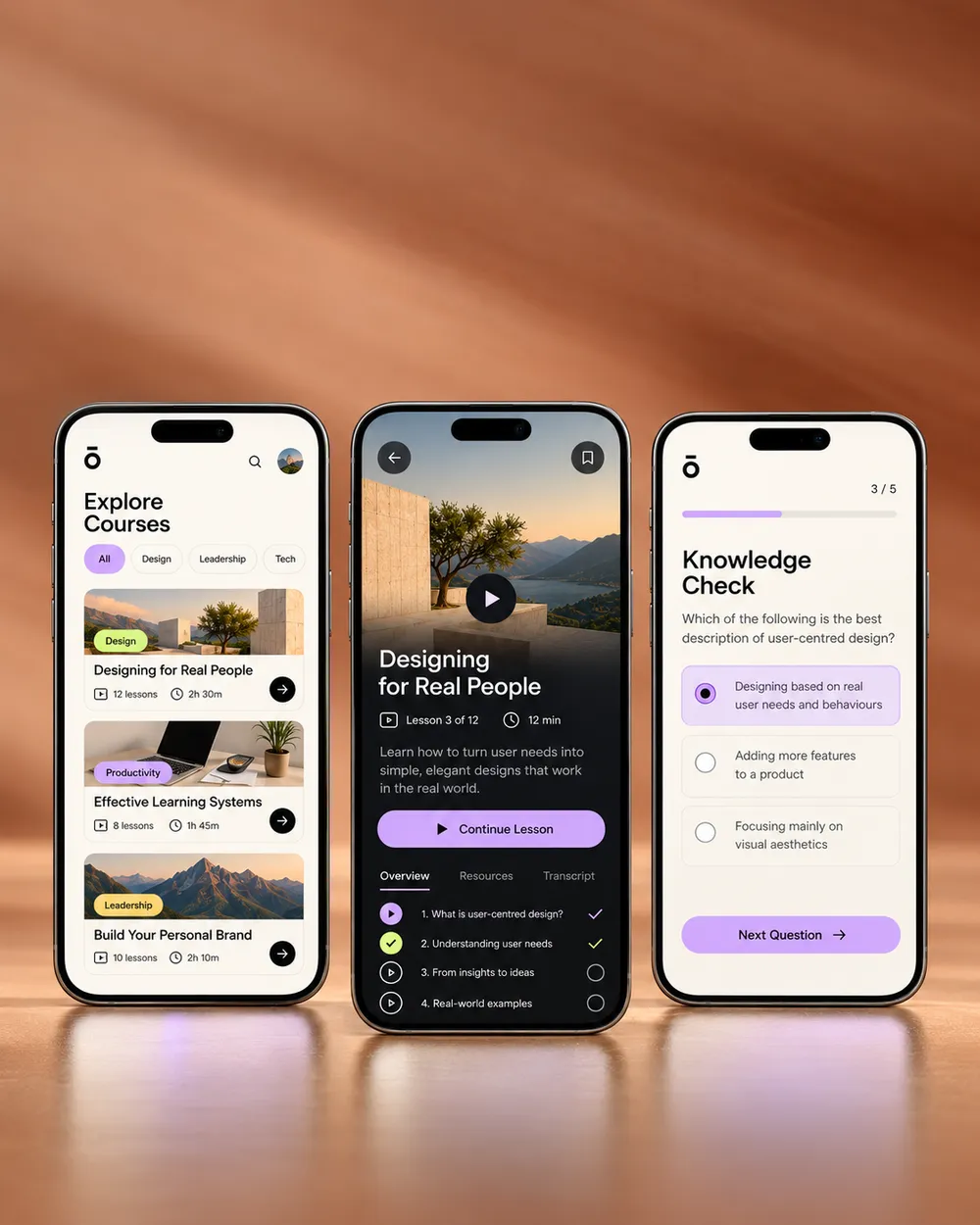
We design clear learning journeys and test key interactions with real content early.

Clear course structures keep modules and media easy to find, reuse and manage.
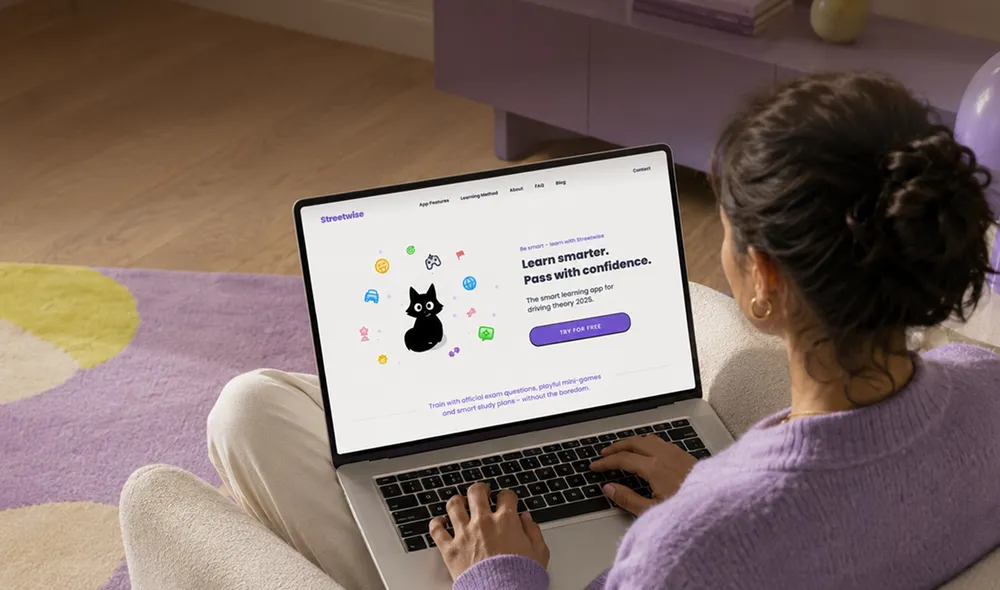
A focused learning platform supports your programmes, audiences and daily operations.
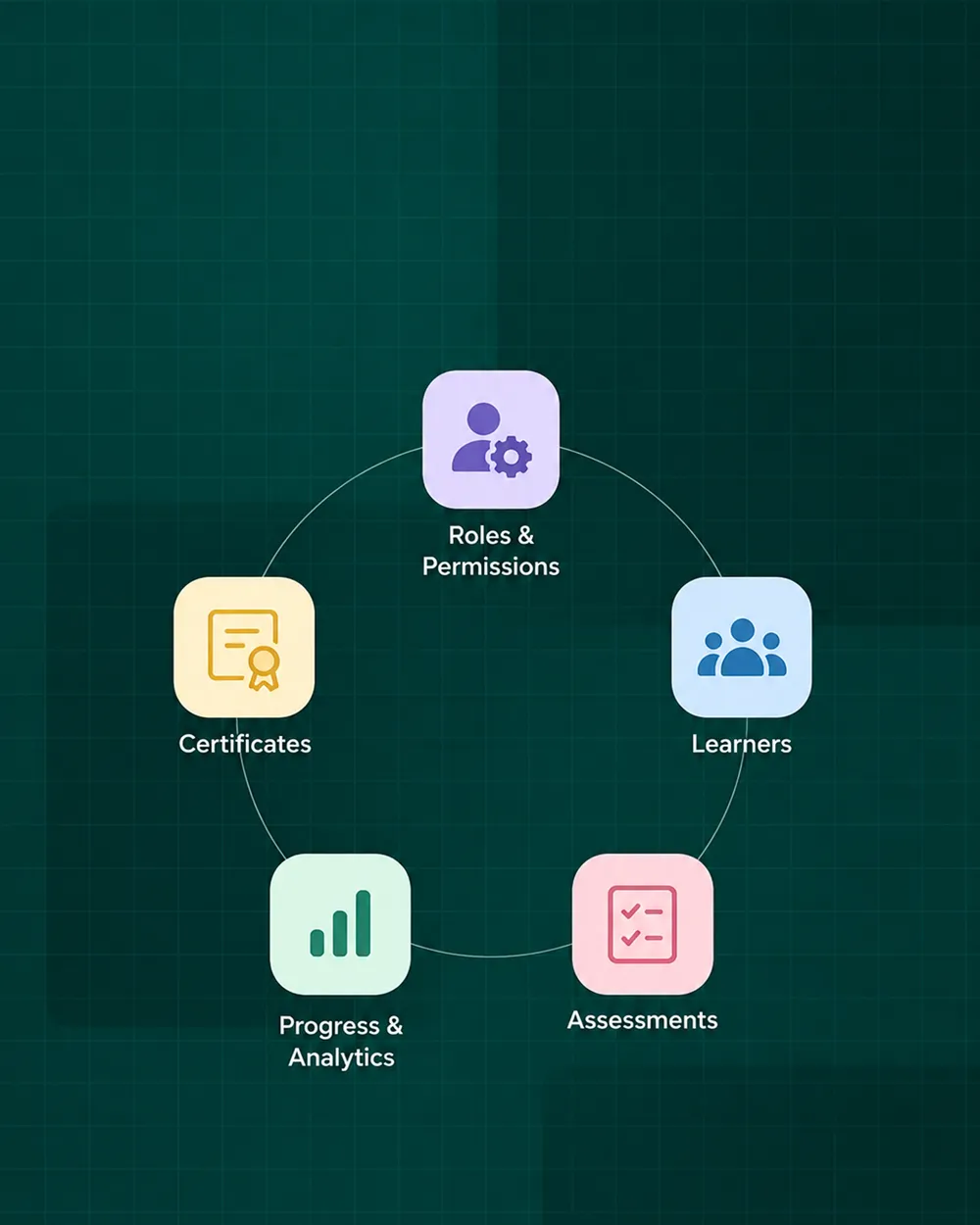
We develop features for user roles, learning progress, assessments and certificates – tailored to your programmes and audiences.
We connect enrolment, data and existing systems through reliable integrations.
Bring enrolments, courses, learner progress, assessments and certificates together in one system. Your team stays organised and spends less time on everyday administration.
Connect existing tools and data directly to your LMS. Avoid duplicate work, keep information in sync and make new programmes easier to manage.
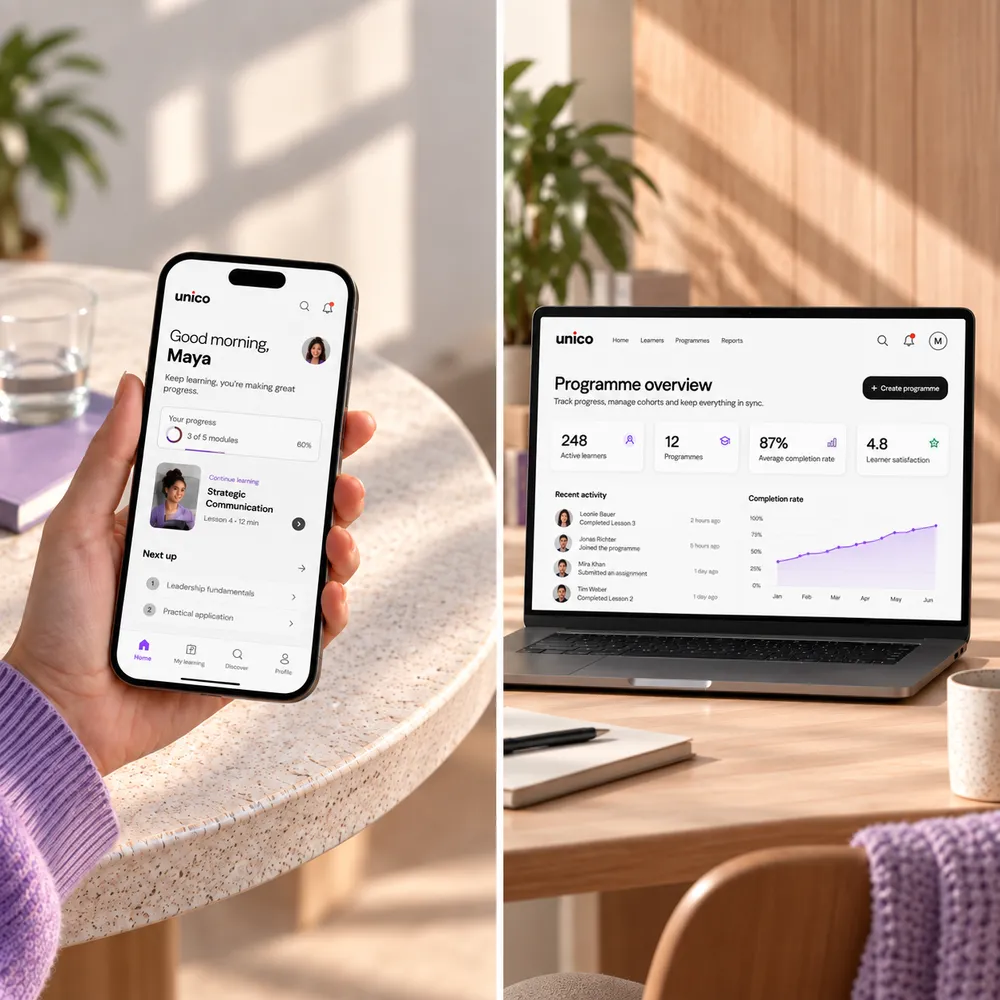
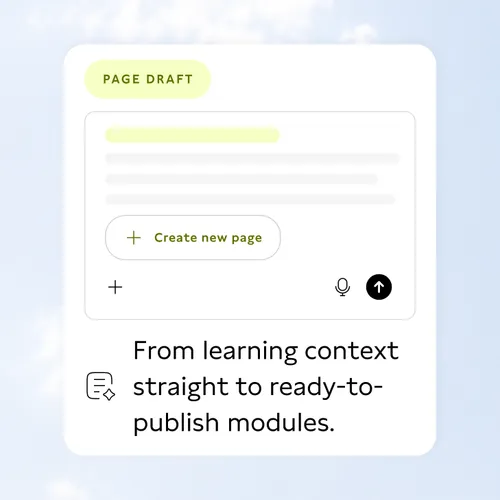
Turn learning objectives or approved source materials into structured modules, exercises and first drafts with AI. Your team can review, refine and develop them further.
Your subject experts stay in control of content and publication. AI takes care of the groundwork, giving your team more time to improve the quality of your learning programmes.
Guide new employees through roles, processes and essential knowledge in a clear sequence.
Build structured learning paths for new skills, leadership and ongoing professional growth.
Make required training easier to assign, complete, track and document across roles.
Prepare teams and partners to understand products, services and changing operational standards.
Run programmes, cohorts and course content with learner access and administration in one system.
Help customers understand complex products and use them with more confidence.

A focused team combines learning strategy, UX/UI, platform development and integrations.

A quick start for standard requirements; custom workflows depend on the product and its roadmap.

Strong individual expertise; breadth and continuity depend on the chosen team.

Broad capacity for complex builds with more layers between disciplines and decisions.
We make requirements clear early on, test key learning journeys and keep decisions transparent. Step by step, we build a platform that fits your learning programmes and the people running them.
We start by understanding your audiences, learning goals, programmes, user roles, existing systems and operational requirements.
From there, we define the project scope, content model, product logic and technical architecture.
Using real content, interface states and feedback, we test key learning journeys and interfaces before full development begins.
We develop the frontend, backend and integrations. We also test access permissions, layouts across different devices and important edge cases.
After a carefully managed launch, we support adoption and extend the platform as new programmes, roles and audiences emerge.
Whether you need new learning content, additional app features or automated administration, we can also help with the services that make your learning platform even more useful.

Your website, learning portal and content tools work together on a flexible foundation.

We build focused apps for learners, educators and operational teams.

Connected workflows simplify enrolment, scheduling, administration and reporting.

Clear UX and prototypes make complex roles and learning journeys easier to navigate.
Focused AI features support learning and administration with clear safeguards.
We design learning content that makes complex subjects engaging and memorable.
Launch new learning programmes, reach more people or make existing courses easier to manage? Let's explore what your learning platform could achieve.
In an initial conversation, we'll discuss your goals, existing systems and the next steps that make sense for your project.

We develop custom web and mobile learning platforms, student portals and internal learning products. The scope can connect structured content, roles, progress, assessments, certificates, administration and integrations, depending on what the platform genuinely needs.
A custom LMS is useful when standard platforms cannot reflect your audiences, content, workflows or integrations without ongoing workarounds. If your requirements are mainly standard, an existing product may be the better fit.
Yes. We start by clarifying audiences, learning goals, roles, content and operating processes. Prototypes make key journeys testable before the full build, helping the team prioritise a focused first release.
Yes. We can review an existing platform, clarify what should stay, improve UX/UI, connect missing systems or plan a replacement when the current setup cannot support the required workflows. The first step is understanding the actual constraints.
Yes. Depending on the setup, we can connect APIs, authentication, CRM or ERP systems, payment providers and workflow automation. We define the required data, permissions and responsibilities before deciding how each integration should work.
Cost depends on product scope, user roles, content model, assessment logic, integrations, platform choices and what already exists. After an initial conversation, we define the right scope and provide a transparent proposal.
Timing depends on complexity, decision speed, content readiness, integrations and the maturity of the brief. We normally define a focused first release and a realistic sequence for what should follow instead of promising a generic launch date.
Ownership, access and handover are defined in the project agreement. We provide the agreed code, assets and documentation, avoid unnecessary lock-in and can continue developing the platform as new programmes, roles or integrations become relevant.