Let’s talk about your plans

A few details are enough to get started. We’ll get back to you personally.

MAKE · USEFUL · BEAUTIFUL ·
A woman in a colorful sweater sits at a counter, smiling and pointing to a tablet displaying a dental consultation website. Another person stands on the other side of the counter.
WEBSITE AUDIT SERVICES

Ground your next website decision in solid evidence

Our website audit services connect data with structured reviews of content, UX, technical SEO, performance, accessibility and technology, giving you a prioritised backlog for what to improve, redesign or rebuild.

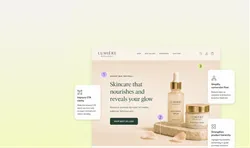
Web page for Lumière Botanicals displaying skincare products with improvement suggestions overlaid. The page features a large header with text 'Skincare that nourishes and reveals your glow' and product images on a stone platform. Three suggestion boxes highlight areas to improve: CTA clarity, conversion flow, and product hierarchy.

Website Audit

Person holding a smartphone displaying a booking app interface. The screen shows options for choosing a date and preferred time for a checkup. Annotations highlight features: 'Clearer purpose,' 'Better interaction,' and 'Simpler flow.'

UX & Conversion

Person holding a smartphone displaying a booking app interface. The screen shows options for choosing a date and preferred time for a checkup. Annotations highlight features: 'Clearer purpose,' 'Better interaction,' and 'Simpler flow.'

UX Audit

Web page for Lumière Botanicals displaying skincare products with improvement suggestions overlaid. The page features a large header with text 'Skincare that nourishes and reveals your glow' and product images on a stone platform. Three suggestion boxes highlight areas to improve: CTA clarity, conversion flow, and product hierarchy.

Conversion Audit

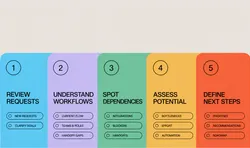
A five-step process diagram with colored sections: 1. Review Requests in blue, 2. Understand Workflows in purple, 3. Spot Dependencies in green, 4. Assess Potential in yellow, 5. Define Next Steps in red. Each step lists related tasks or considerations.

User Journey Review

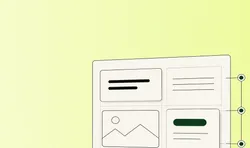
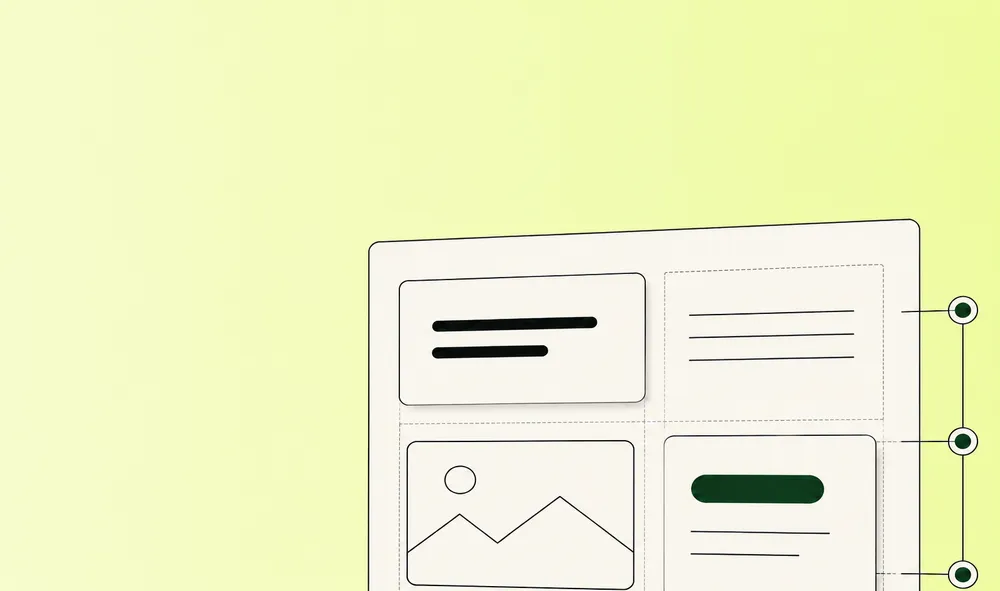
Graphic of a minimalistic webpage layout on a light green background. The layout includes text blocks, an image placeholder, and a button.

Content & Structure

Web page for Lumière Botanicals displaying skincare products with improvement suggestions overlaid. The page features a large header with text 'Skincare that nourishes and reveals your glow' and product images on a stone platform. Three suggestion boxes highlight areas to improve: CTA clarity, conversion flow, and product hierarchy.

Content Audit

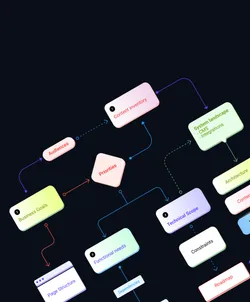
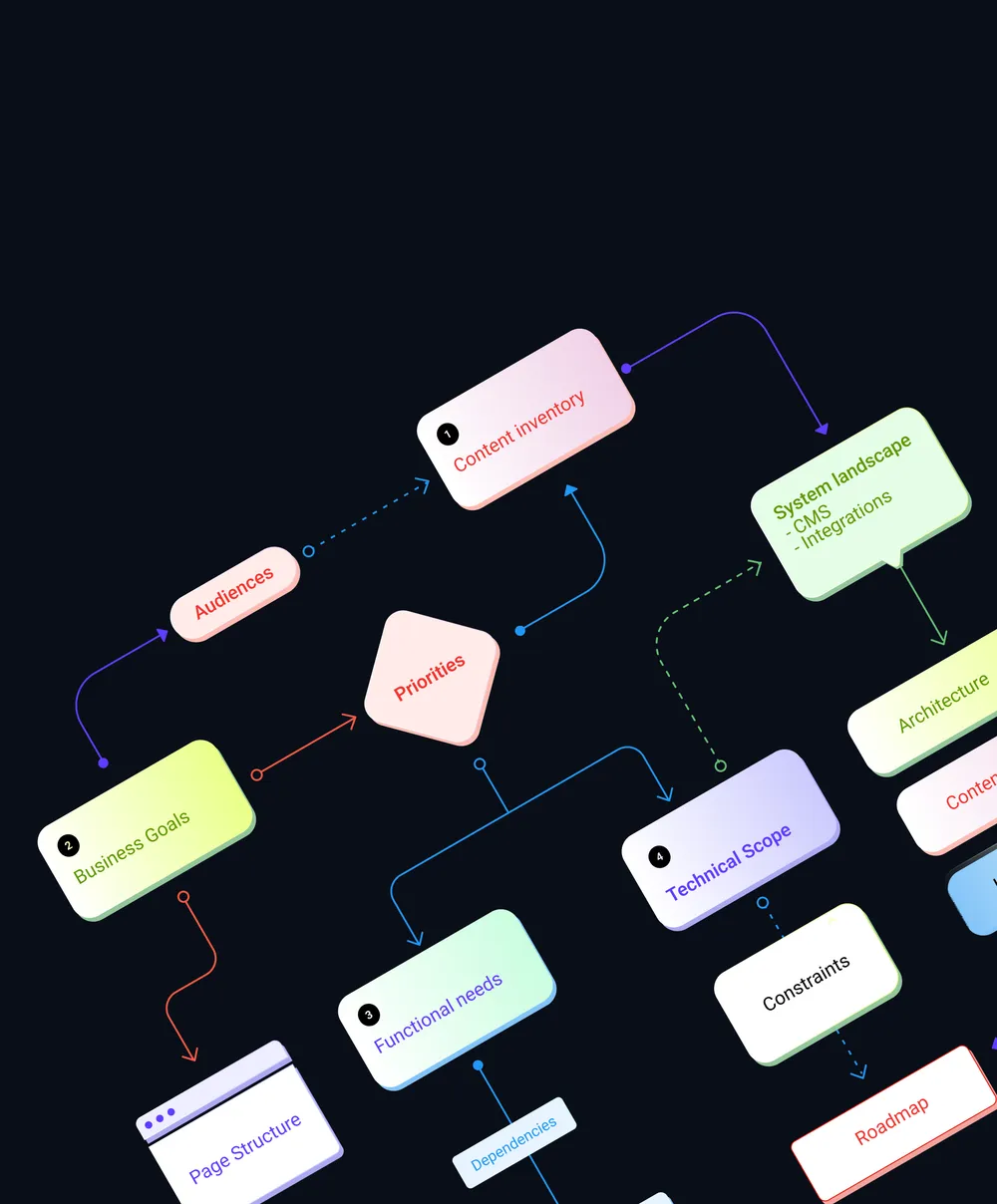
Flowchart illustrating a strategic process, showing elements such as 'Business Goals,' 'Content Inventory,' 'System Landscape,' 'Priorities,' 'Functional Needs,' 'Technical Scope,' 'Page Structure,' and 'Roadmap.' These elements are connected by arrows depicting relationships and dependencies.

Information Architecture Audit

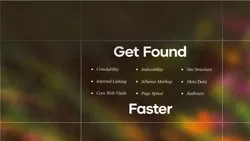
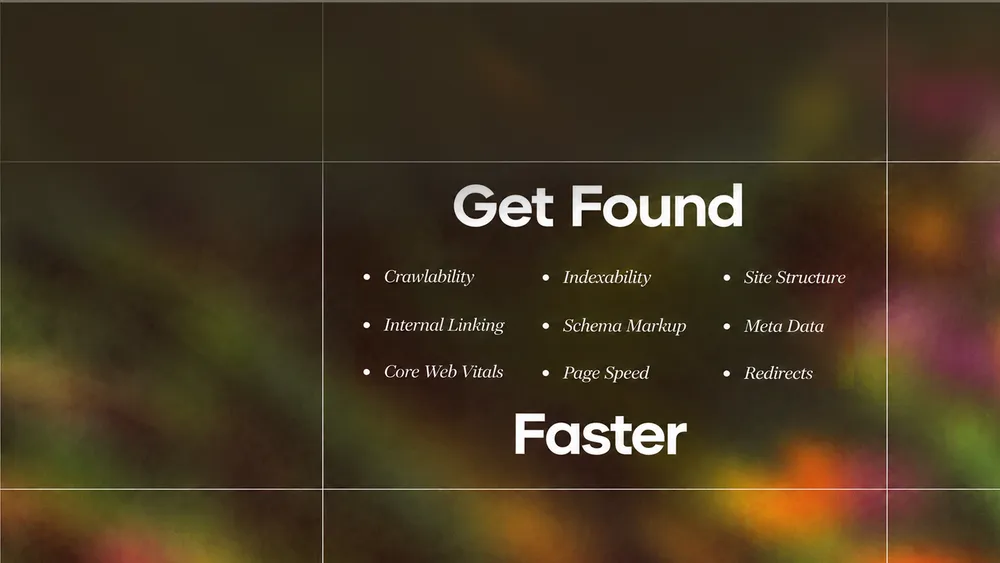
Blurry background with the words 'Technical SEO' and a list including Crawlability, Internal Linking, Core Web Vitals, Indexability, Schema Markup, Page Speed, Site Structure, Meta Data, Redirects.

Technical SEO

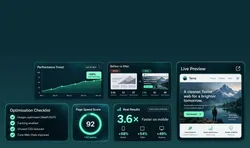
Dashboard displaying various website performance metrics and improvements, including performance trend graph, before and after comparison, live preview, and optimization checklist.

Performance

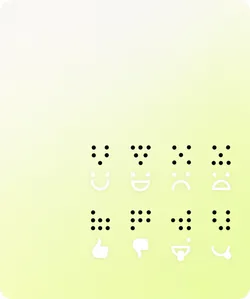
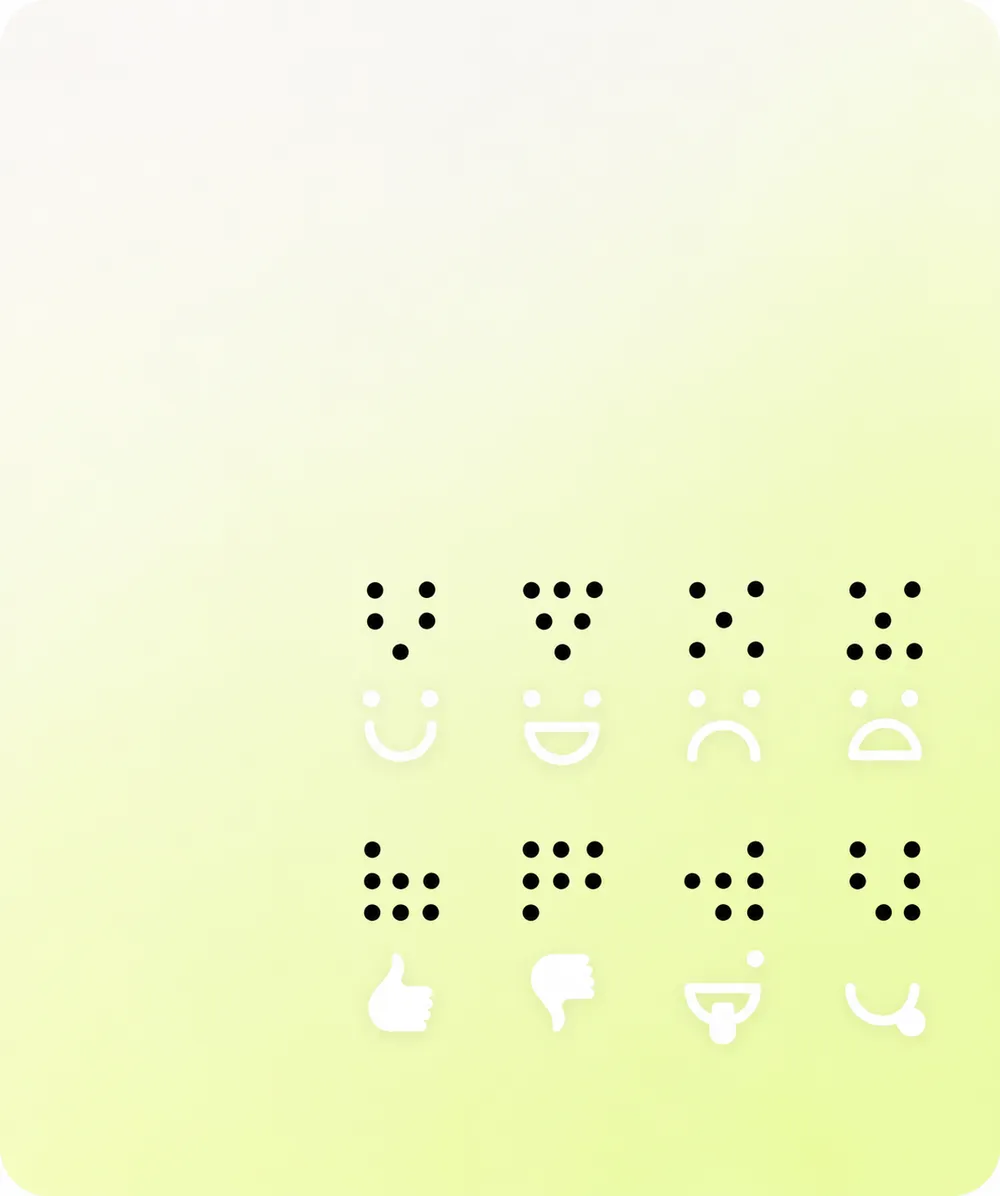
Braille symbols with corresponding face emojis: happy, sad, and expressionless, along with thumbs up and thumbs down symbols, on a light gradient background.

Accessibility

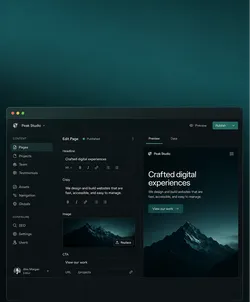
User interface of a website builder with a dark theme, featuring a navigation bar on the left side with options like Pages, Projects, and Team. The main part shows the content editor with a preview on the right side, displaying a preview of a website with a mountain image and the text 'Crafted digital experiences'.

Technology & CMS

User interface of a website builder with a dark theme, featuring a navigation bar on the left side with options like Pages, Projects, and Team. The main part shows the content editor with a preview on the right side, displaying a preview of a website with a mountain image and the text 'Crafted digital experiences'.

CMS Audit

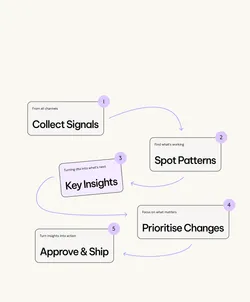
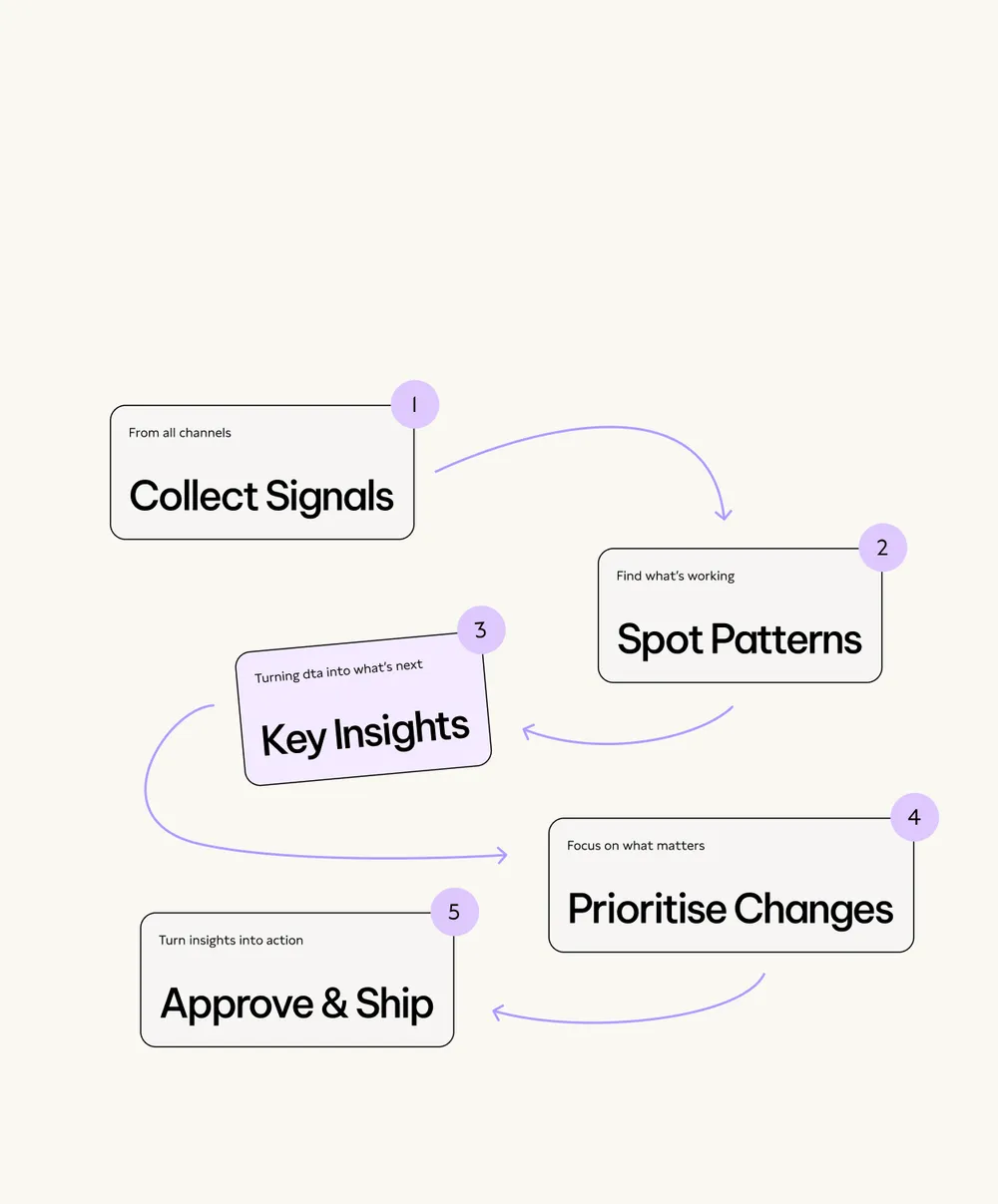
A five-step process flowchart illustrating steps for handling data and insights. Step 1: Collect signals from all channels with a database icon. Step 2: Spot patterns to find what's working with a bar chart icon. Step 3: Key insights, turning data into what's next with a lightbulb icon. Step 4: Prioritize changes, focusing on what matters with a sparkle icon. Step 5: Approve and ship, turning insights into action with a paper plane icon.

Analytics Review

TRUSTED BY
Black geometric design with the letters A and W on a white background.
The logo of "Die Grüne Schule" with the subtitle "Hamburger Akademie für Naturheilkunde" and the website "hafn.de".
Contentway logo with stylized letter C.
Berliner Feuerwehr logo with a bear emblem.
Unisu logo with a stylized smile design.
The word 'MAQUIS' in bold, dark font on a white background.
Logo with curly braces and the text 'DATA LEADERS KLUB'.
The letters WTB in bold black font on a white background.
Blueforte logo with stylized leaf design.
AEO Society logo with stylized symbol above the text.
Aeri logo on a white background.
Bold text logo with the words 'GLOU VINEGARY'.
The text 're:white' in bold black font on a white background.
Eureka logo with stylized text and symbol.
KyberionAI logo with stylized K symbol.
Logo of Resilia Innohub with geometric design.
WHY AN AUDIT MATTERS

See your website’s full potential and make stronger decisions

A connected audit shows how content, journeys, technology and performance affect one another, giving you a stronger basis for the next investment.

A slow page, weak conversion or difficult CMS can look like an isolated issue. In practice, visible symptoms often share causes across several parts of the website.

Smartphone displaying a cosmetic dentistry website with a model smiling in the top half. The phone rests on a green fabric chair.
WHAT WE REVIEW

Find what matters and where your website can improve

Each area is reviewed in context, so individual findings add up to one useful picture of what needs attention and why.
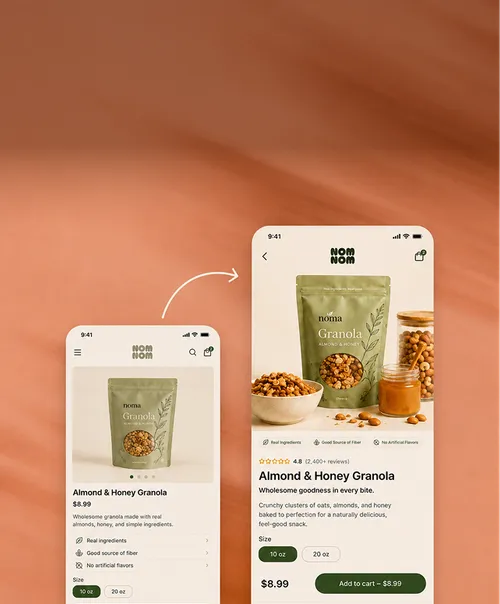
Two smartphone screens with an app displaying a product. The left screen shows a product image of granola with information such as price, ingredients, and size. The right screen enlarges the product image and shows detailed product details, including reviews and an add-to-cart button.

UX & Conversion

Review key journeys, interaction points and friction that makes the next step harder to take.

Graphic of a minimalistic webpage layout on a light green background. The layout includes text blocks, an image placeholder, and a button.

Content & Structure

Assess messaging, hierarchy, navigation and page structure against user questions and business priorities.

Person in a purple blazer looking at a laptop screen displaying graphs and charts in an office setting.

Performance

Identify loading, rendering and asset issues that affect speed, stability and everyday use.

Blurry background with the words 'Technical SEO' and a list including Crawlability, Internal Linking, Core Web Vitals, Indexability, Schema Markup, Page Speed, Site Structure, Meta Data, Redirects.

Technical SEO

Check crawlability, indexability, semantics and technical signals that shape organic visibility across the site.

Braille symbols with corresponding face emojis: happy, sad, and expressionless, along with thumbs up and thumbs down symbols, on a light gradient background.

Accessibility

Review relevant barriers in structure, interaction and content so people can use the website more easily.

A five-step process flowchart illustrating steps for handling data and insights. Step 1: Collect signals from all channels with a database icon. Step 2: Spot patterns to find what's working with a bar chart icon. Step 3: Key insights, turning data into what's next with a lightbulb icon. Step 4: Prioritize changes, focusing on what matters with a sparkle icon. Step 5: Approve and ship, turning insights into action with a paper plane icon.

Analytics Review

Assess available data and tracking foundations so usage and search signals can support better decisions.

WHAT AUDITS REVEAL

See what a closer look can unlock

95.9%

of one million home pages had detectable WCAG 2 failures.

Source: WebAIM Million 2026 — webaim.org/projects/million/

48%

of mobile websites achieved good Core Web Vitals.

Source: HTTP Archive, Web Almanac 2025 — almanac.httparchive.org/en/2025/performance

51%

of one million home pages had missing form input labels.

Source: WebAIM Million 2026 — webaim.org/projects/million/

Two people sitting on a purple couch discussing something on a laptop.
AUDIT OUTCOMES

Turn evidence into priorities your team can act on

With a suitable backend in place, we can connect AI to the CMS so your team can create, review and update website content through chat.

Google Analytics, Google Search Console and DataForSEO can provide performance and search signals. The system compares the evidence, surfaces opportunities and prepares recommendations for human review.

WHAT YOU GET

One clear roadmap for what to do next

You get the findings, their context and a prioritised view of what to improve now, what to investigate further and what can wait.

That gives your team a shared basis for focused optimisation, a redesign or a broader technical change before time and budget move in the wrong direction.

Flowchart illustrating a strategic process, showing elements such as 'Business Goals,' 'Content Inventory,' 'System Landscape,' 'Priorities,' 'Functional Needs,' 'Technical Scope,' 'Page Structure,' and 'Roadmap.' These elements are connected by arrows depicting relationships and dependencies.
THE RIGHT SCOPE

Choose the right change and make every investment count

A website audit is the right starting point when you need to understand what has changed, where friction sits and which moves deserve investment.

Sometimes the evidence points to focused optimisation. Sometimes it shows that a redesign, new CMS or deeper rebuild will create more value. The audit makes that choice clearer before work begins.
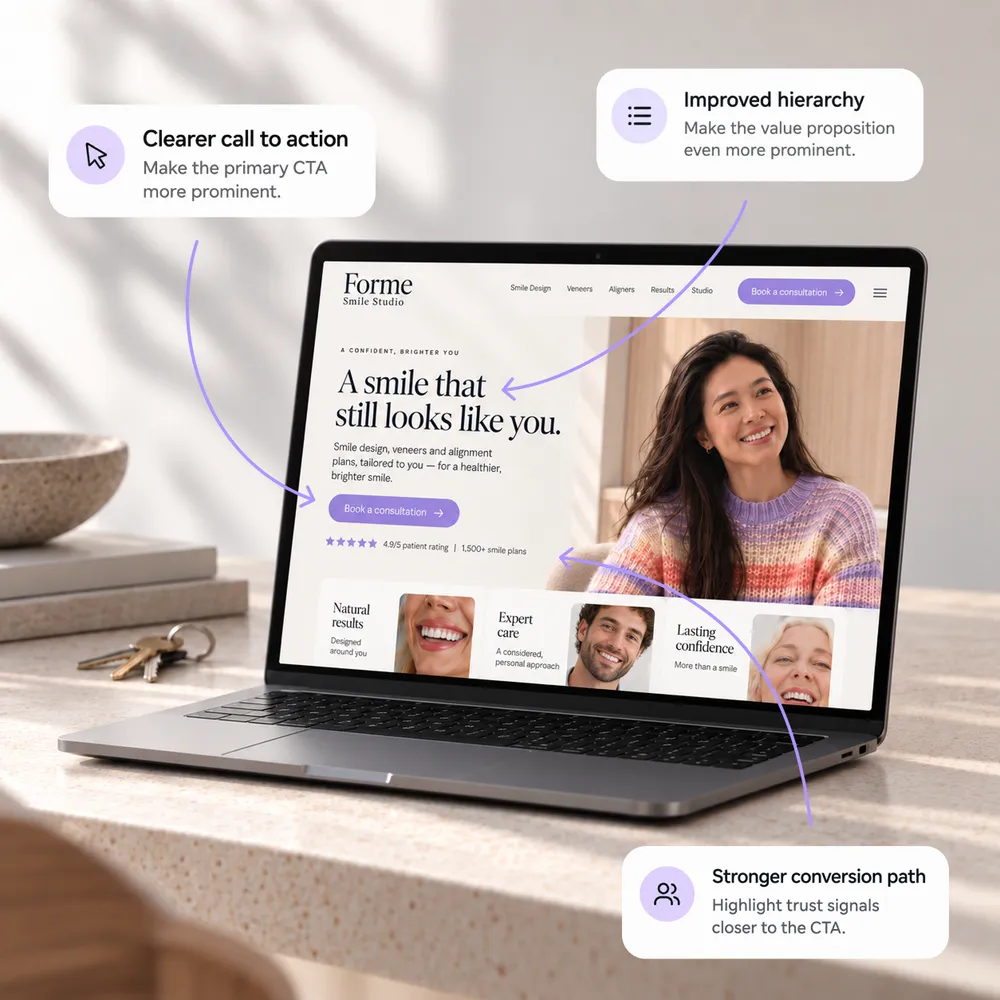
Open laptop displaying a dental studio website. It features a smiling woman, a prominent call to action button, and sections on natural results, expert care, and confidence. Annotations suggest clearer CTA, improved hierarchy, and stronger conversion path.
WHY POLA

One team, the whole system, zero blind spots

  • Performance-first

    Fast enough to matter.

    Speed isn't a detail — it's revenue. Every site we ship is built to load fast and convert, not just look good in a demo.

  • Built to scale

    Consistent, page after page.

    Every page draws from the same system, so new ones stay on-brand, fast.

  • Full service

    One team. From start to finish.

    Strategy, design and development under one roof – from the first idea to everything that comes after launch.

  • No lock-in

    Your site, your control.

    No paying per change, no waiting on us for every edit. You own the CMS; we just make it easy to use.

POLA VS ALTERNATIVES

Choose the right audit approach and move forward with clarity

UX & journeys
Technical core
Search & performance
Clear priorities
Design & build
Next steps
abstract purple and white geometric logo

Pola

Black and white symbol of an eye with a black outline and a circle in the center.

Single-discipline specialist

Black and white drawing of a hand with two fingers spread in a V-sign.

Automated audit tool

Symbol of three stylized figures representing teamwork or community.

In-house team

HOW IT WORKS

Move from open questions to a practical plan

We start with the question behind the audit, bring together the relevant evidence and turn the findings into a prioritised plan your team can use.

  1. 1

    Set the question

    Define the website, journeys, decisions and opportunities that matter most right now.

  2. 2

    Gather the evidence

    Review the available content, data, technology and search signals in the right context.

  3. 3

    Examine the experience

    Test the key journeys, structures and touchpoints that shape how the website performs.

  4. 4

    Prioritise the work

    Separate immediate improvements from structural changes and longer-term opportunities.

  5. 5

    Plan what follows

    Turn the findings into a practical roadmap for optimisation, redesign, CMS work or development.

RELATED SERVICES

Turn findings into focused improvements and better performance

Some audits point to focused optimisation. Others reveal a larger shift in content, experience or technology. These services help you act on the right next step.
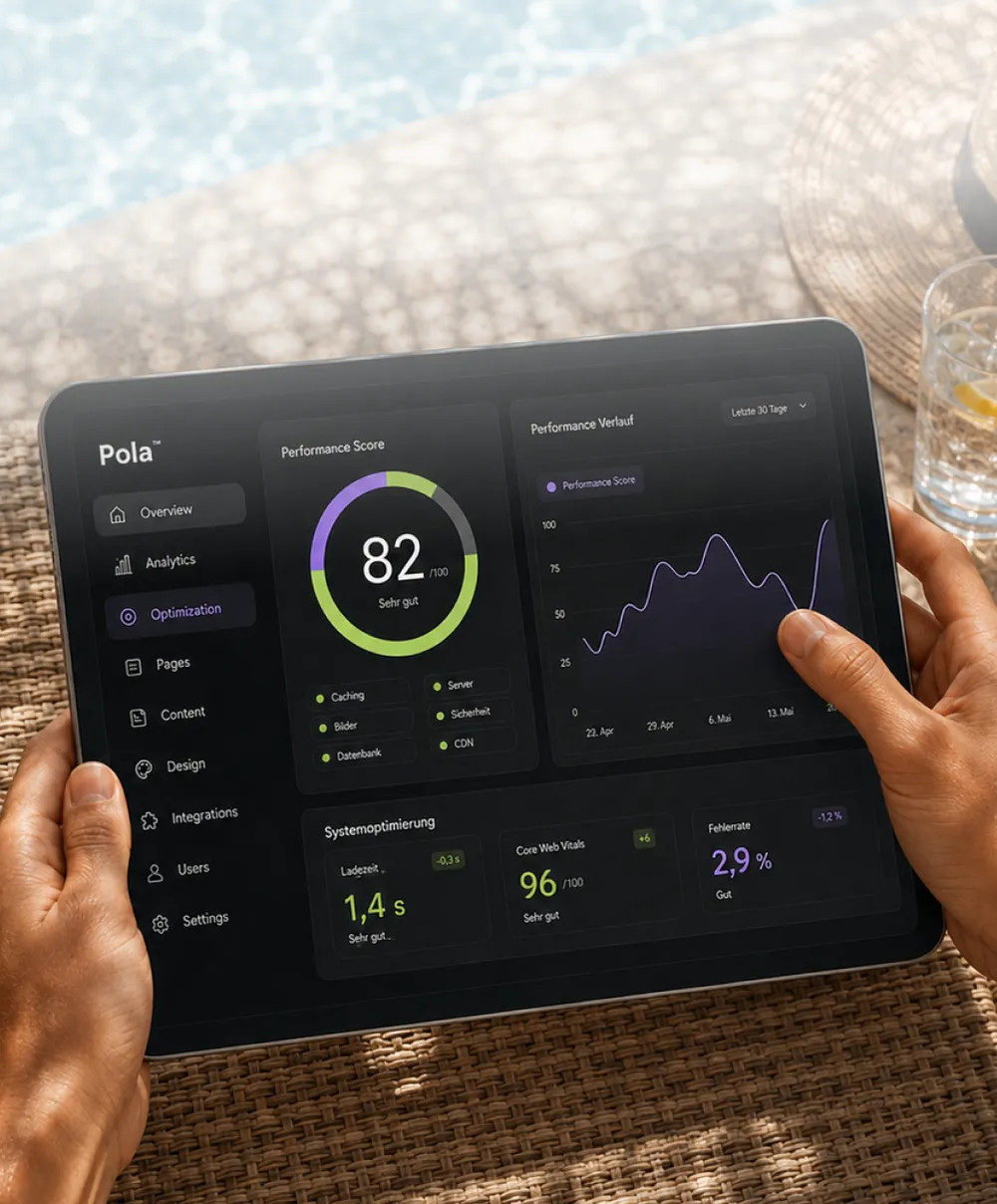
Tablet displaying performance metrics with a score of 82, graphs, and optimization settings, held by a person near a poolside.

Website Optimisation

Make the highest-priority changes and keep improving what already works.

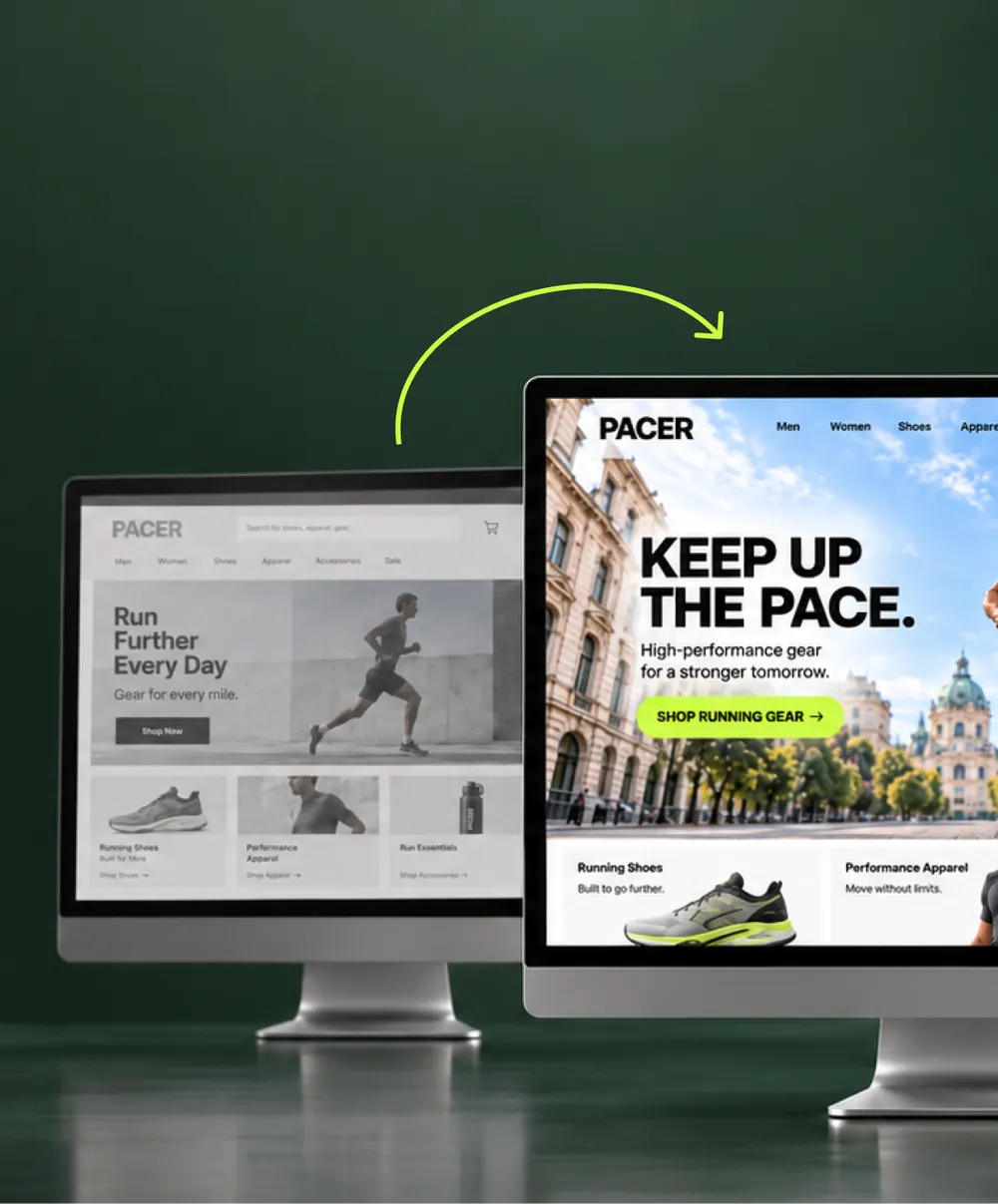
Two computer monitors showing different designs for the 'PACER' website. The left screen displays a grayscale design with muted tones and a 'Run Further Every Day' slogan. The right screen shows a vibrant, colorful design with the slogan 'Keep Up the Pace' against a cityscape background. A green arrow indicates a transition from left to right.

Website Redesign

Reframe the experience when the evidence points to a larger shift in structure, content or design.

Person sitting on a green chair using a laptop. The screen displays an online store for athletic gear featuring images of clothing, shoes, and a woman in activewear.

Web Development

Build the technical foundation, integrations and functionality the next phase requires.

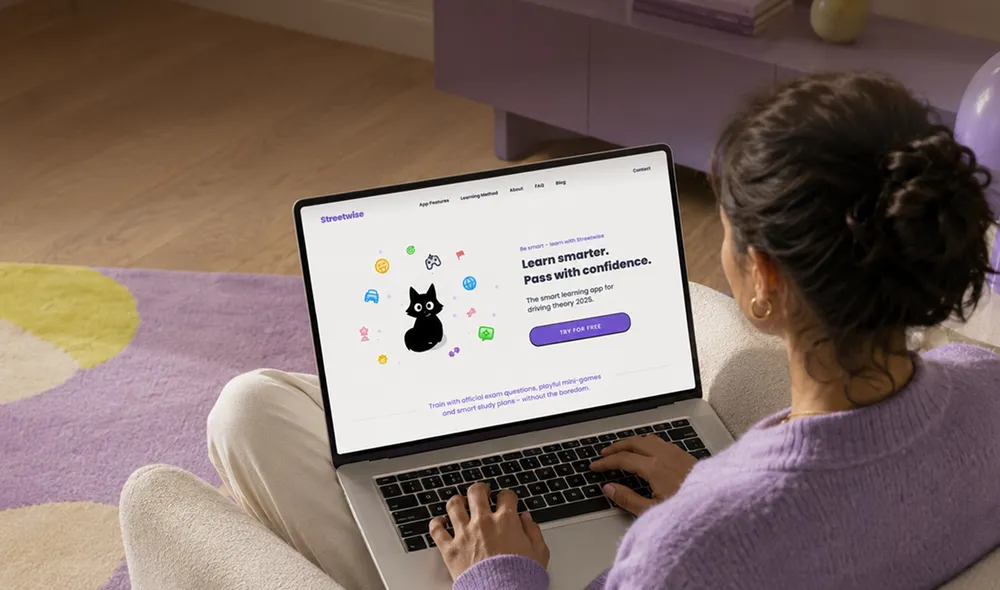
Person using a laptop showing a learning app interface with a cartoon cat and colorful icons, promoting smarter learning for driving theory.

Web Design

Create a clearer, more distinctive experience around the journeys that matter most.

Graphic of a minimalistic webpage layout on a light green background. The layout includes text blocks, an image placeholder, and a button.

Headless CMS

Give your team a more flexible way to manage content, workflows and future changes.

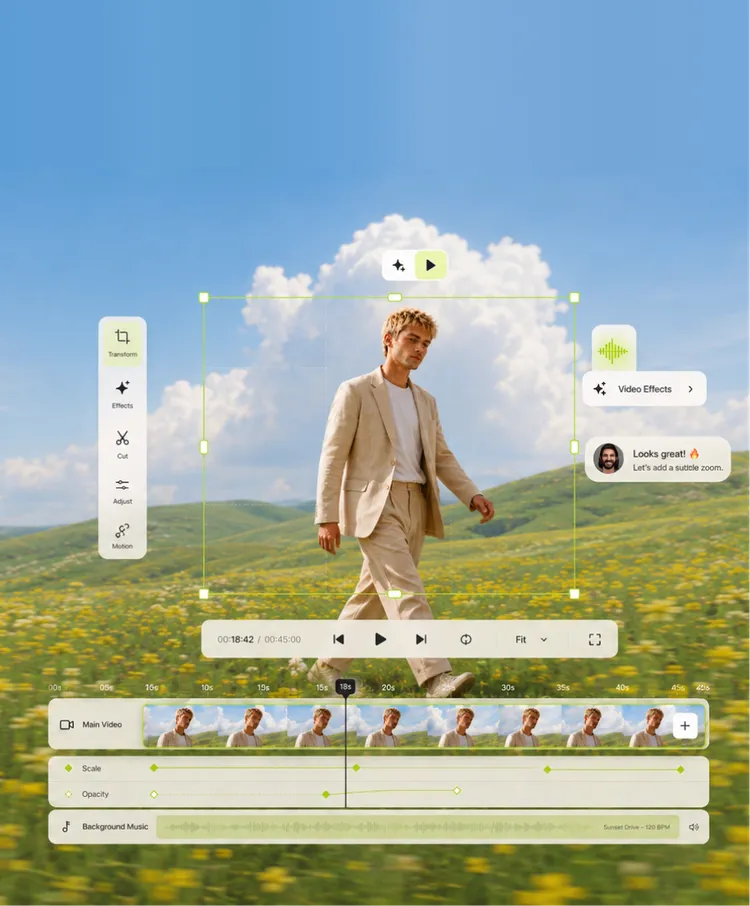
Person in a light suit walking through a field of yellow flowers under a blue sky with clouds. Video editing interface overlays the image, showing controls like play, pause, and video effects. A comment box with a profile picture suggests adding a subtle zoom effect.

Content Creation

Strengthen the content, structure and messaging that helps people understand and act.

START YOUR AUDIT

Make your next website move with confidence

Bring the questions you already have, or start with the part of the website that feels hardest to move. Together, we define the audit scope that will be most useful.

Woman in a purple pantsuit sitting in a chair and holding a pen.
FAQ

Questions about website audits