Let’s talk about your plans

A few details are enough to get started. We’ll get back to you personally.

MAKE · USEFUL · BEAUTIFUL ·
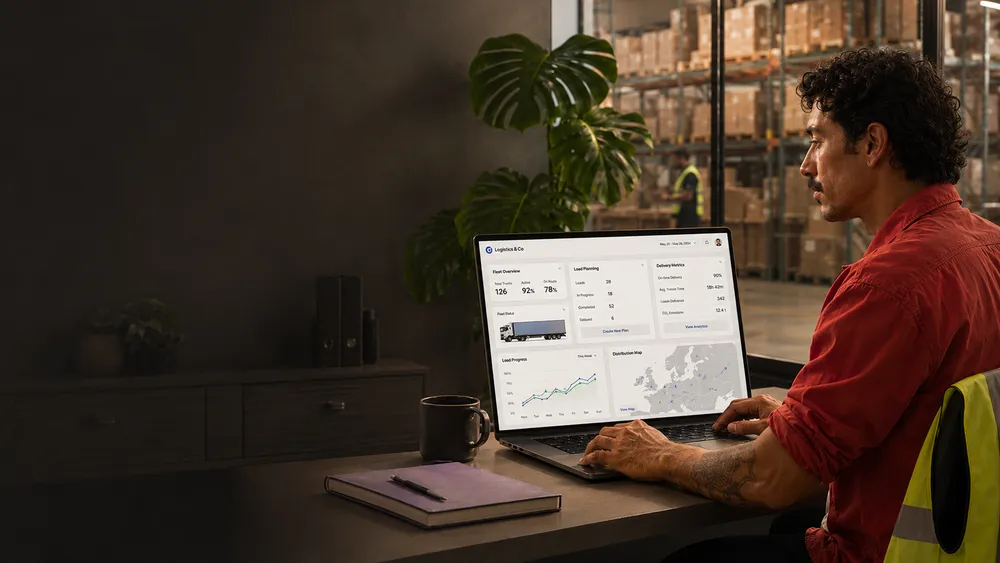
A man sitting at a desk working on a laptop with logistics software. Beside him are a notebook and a cup. In the background, there are rows of shelves with boxes in a warehouse.
BUSINESS PROCESS AUTOMATION

Run smoother operations, scale effortlessly

Business process automation connects people, data and systems in clear workflows. We automate repetitive work, reduce manual handovers and keep important decisions in human hands.

Gridform Energy user interface with various button designs, a dashboard with charts, and text about energy optimization. Solar panels in the background.

Process Analysis

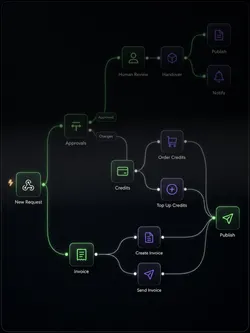
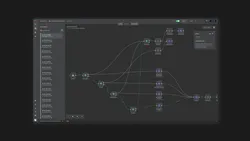
Flowchart illustrating a process with paths for approval, credits, invoicing, and publishing. It begins with 'New Request' leading to 'Approvals', 'Credits', and 'Invoice' steps. Approved requests undergo 'Human Review', 'Handover', and end with 'Publish' and 'Notify'. Credit-related paths include 'Order Credits', 'Top Up Credits', and invoicing steps. The final stage shown is 'Publish'.

Workflow Design

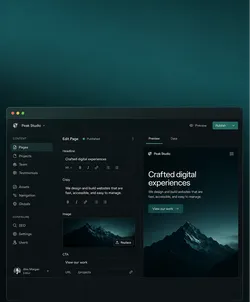
User interface of a website builder with a dark theme, featuring a navigation bar on the left side with options like Pages, Projects, and Team. The main part shows the content editor with a preview on the right side, displaying a preview of a website with a mountain image and the text 'Crafted digital experiences'.

Data Integration

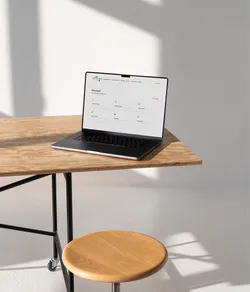
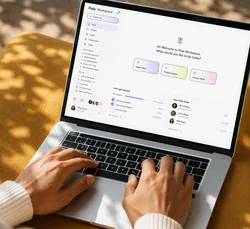
Laptop on a wooden table in a bright room.

Internal Tools & Portals

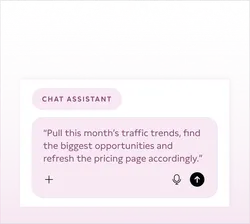
Screenshot of a chat interface labeled 'Chat Assistant' with a message saying, 'Pull this month’s traffic trends, find the biggest opportunities and refresh the pricing page accordingly.' The background is light pink, and icons for microphone and send are present.

AI-Powered Workflows

Workflow diagram on a software interface screen.

Process Automation

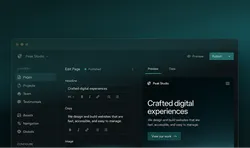
Screenshot of a website editing platform with sections for content management, including pages, projects, team, and testimonials. The interface includes text tools for editing headlines and copy, with a preview pane showing website design and text reading 'Crafted digital experiences.'

Web Development

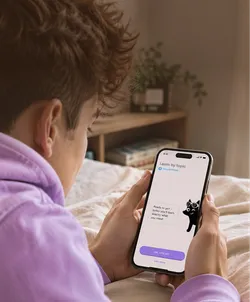
Person in a purple hoodie lying on a bed, holding a smartphone displaying a learning app interface with a cartoon cat and buttons labeled 'OK, Let's Go!' and 'Not Now'.

App Development

Website homepage featuring food products with a header saying 'Real Ingredients, Real good taste.' Various food items like granola and nuts are displayed.

UX/UI & Prototyping

A woman in a purple sweatshirt and a man in a beige outfit running through a grassy field. The sky is clear with a few clouds. To the left, there is a list of steps: 'Give it a topic,' 'Let it research,' 'Watch it draft,' 'Watch it refine,' and 'Approve & ship.'

Custom AI Features

Graphic of a minimalistic webpage layout on a light green background. The layout includes text blocks, an image placeholder, and a button.

CMS Development

User interface of a website builder with a dark theme, featuring a navigation bar on the left side with options like Pages, Projects, and Team. The main part shows the content editor with a preview on the right side, displaying a preview of a website with a mountain image and the text 'Crafted digital experiences'.

Website Optimisation

Abstract illustration showing interconnected flowchart elements on a blurred colorful background.

System Integration

Abstract illustration showing interconnected flowchart elements on a blurred colorful background.

API Integrations

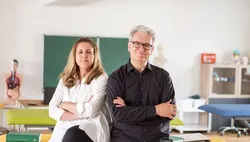
Two professionals stand in a bright room in front of a board.

Automation Consulting

Laptop with Pola Workspace Dashboard

Data Processing

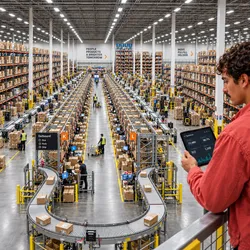
Interior of a large warehouse with tall shelves filled with boxes. Workers in safety vests are visible along aisles and near conveyor belts. A person in the foreground holds a tablet with operations data.

Process Monitoring

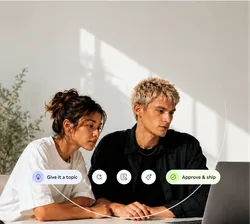
A man and a woman are intently looking at a laptop screen. In front of them, there are user interface elements with text such as "Give it a topic" and "Approve & ship". The scene is in a bright room with plants in the background.

Pilot Development

Trusted by ambitious brands and organisations
Black geometric design with the letters A and W on a white background.
The logo of "Die Grüne Schule" with the subtitle "Hamburger Akademie für Naturheilkunde" and the website "hafn.de".
Contentway logo with stylized letter C.
Berliner Feuerwehr logo with a bear emblem.
Unisu logo with a stylized smile design.
The word 'MAQUIS' in bold, dark font on a white background.
Logo with curly braces and the text 'DATA LEADERS KLUB'.
The letters WTB in bold black font on a white background.
Blueforte logo with stylized leaf design.
AEO Society logo with stylized symbol above the text.
Aeri logo on a white background.
Bold text logo with the words 'GLOU VINEGARY'.
The text 're:white' in bold black font on a white background.
Eureka logo with stylized text and symbol.
KyberionAI logo with stylized K symbol.
Logo of Resilia Innohub with geometric design.
Why business process automation matters

Less coordination. Faster decisions. Clear ownership.

Pola maps the actual workflow with its handovers, responsibilities and dependencies, not just the process on paper. Information reaches the right place and the next step becomes clear.

When information is spread across emails, spreadsheets and separate systems, teams lose time transferring data, chasing updates and working out who needs to act next.
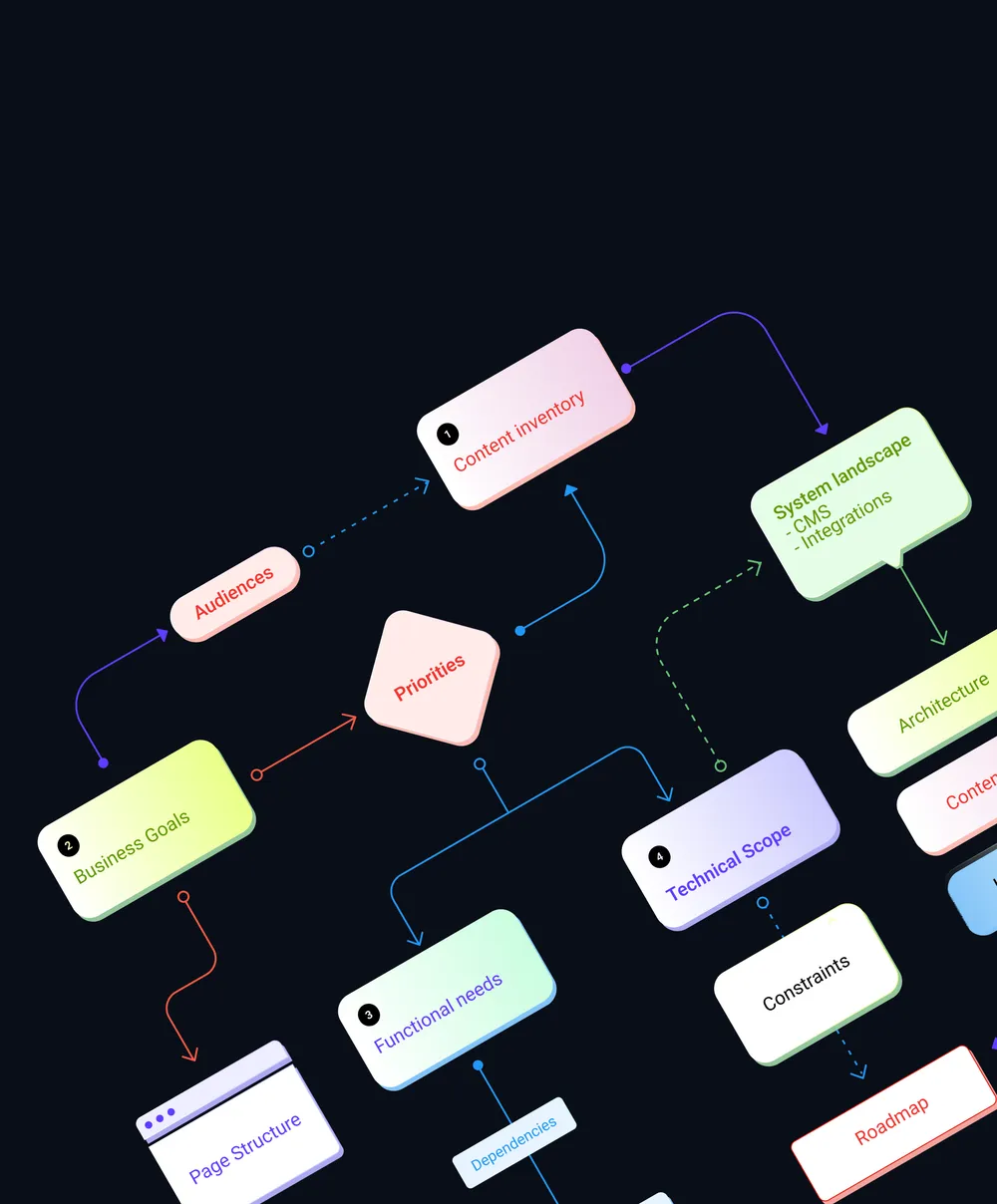
Flowchart illustrating a strategic process, showing elements such as 'Business Goals,' 'Content Inventory,' 'System Landscape,' 'Priorities,' 'Functional Needs,' 'Technical Scope,' 'Page Structure,' and 'Roadmap.' These elements are connected by arrows depicting relationships and dependencies.
WHAT WE BUILD

One connected workflow. Less friction, more room to evolve.

From the first process map to the working interface, each part of the system has a purpose: simplify the work, connect information or remove unnecessary handling.
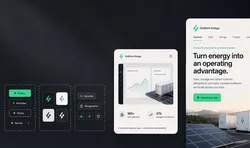
Gridform Energy user interface with various button designs, a dashboard with charts, and text about energy optimization. Solar panels in the background.

Process Analysis

Map workflows, bottlenecks, dependencies and decisions before deciding what should change or become automated.
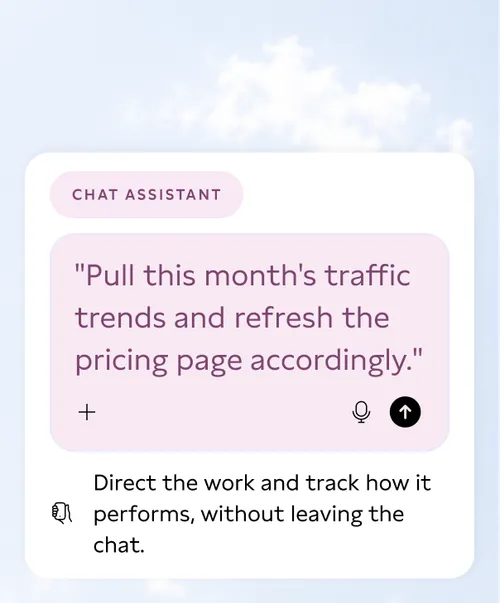
Screenshot of a chat interface labeled 'Chat Assistant' with a message saying, 'Pull this month’s traffic trends, find the biggest opportunities and refresh the pricing page accordingly.' The background is light pink, and icons for microphone and send are present.

AI-Powered Workflows

Use AI for variable inputs, extraction and preparation where fixed rules alone aren’t enough.
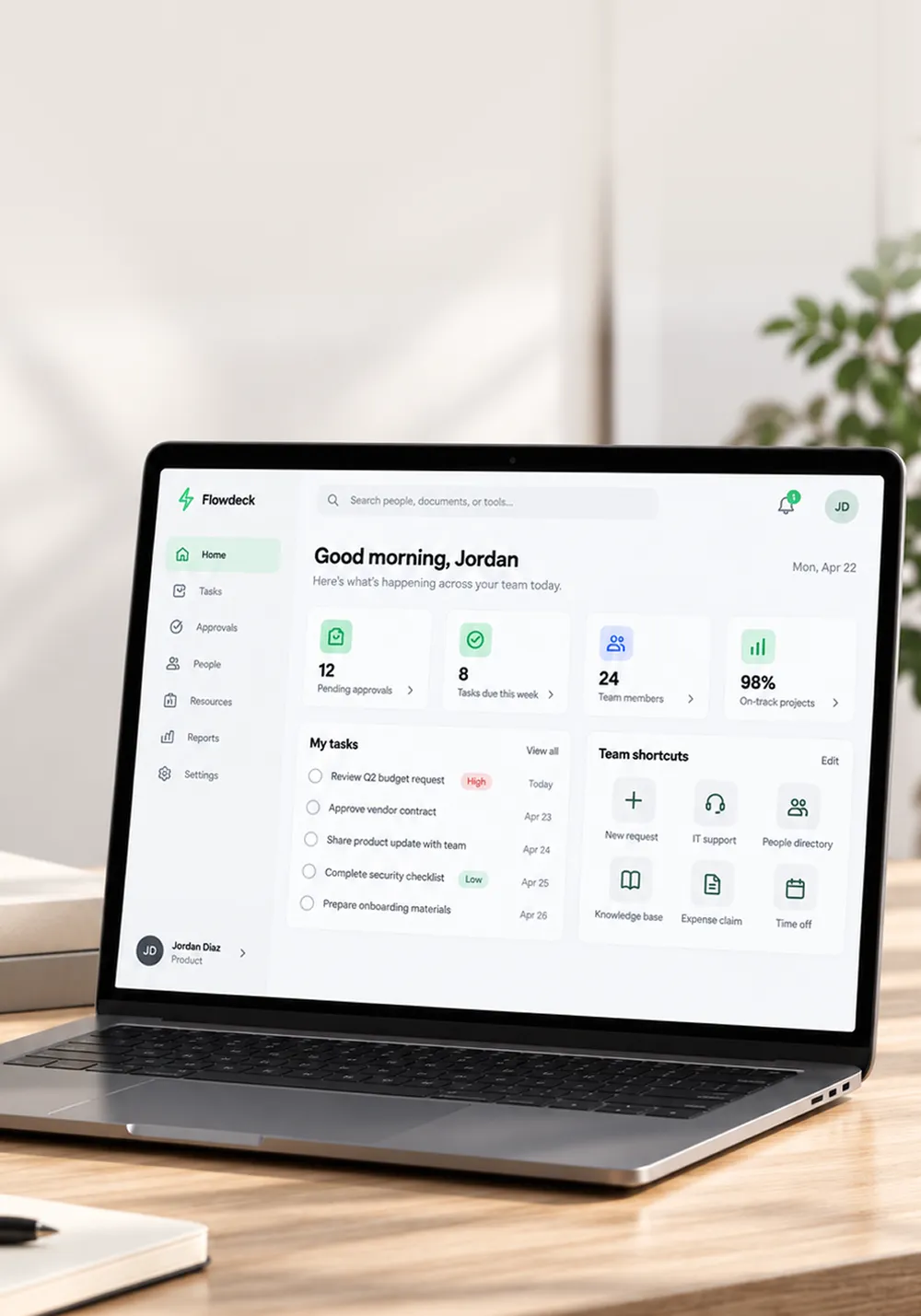
Laptop on a wooden table in a bright room.

Internal Tools & Portals

Give teams focused interfaces for the information, actions and decisions they actually need every day.

Flowchart illustrating a process with paths for approval, credits, invoicing, and publishing. It begins with 'New Request' leading to 'Approvals', 'Credits', and 'Invoice' steps. Approved requests undergo 'Human Review', 'Handover', and end with 'Publish' and 'Notify'. Credit-related paths include 'Order Credits', 'Top Up Credits', and invoicing steps. The final stage shown is 'Publish'.

Workflow Design

Turn complex procedures into clear flows with defined states, responsibilities, exceptions and next actions.
Abstract black background with white geometric lines and circles resembling a network or circuit pattern.

Data Integration

Connect data and systems so teams no longer need to copy, reconcile or search for information manually.
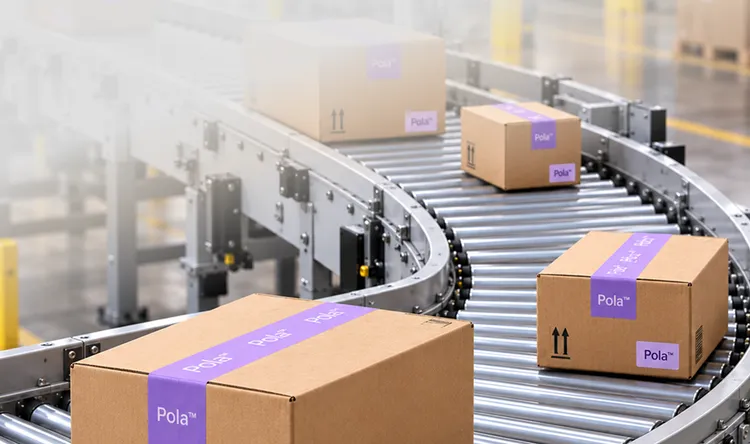
Cardboard boxes with 'Pola' branding on a conveyor belt in a warehouse.

Process Automation

Automate predictable routing, notifications and data handling while keeping exceptions visible and controllable.

A man and a woman are intently looking at a laptop screen. In front of them, there are user interface elements with text such as "Give it a topic" and "Approve & ship". The scene is in a bright room with plants in the background.
AUTOMATION WITH CONTROL

Faster routine work. Human judgement where it matters.

Predictable steps can run automatically, while exceptions, approvals and important decisions stay with the people who have the context to judge them.

Where fixed rules are enough, we automate them. Where context matters, we build in approvals, exceptions and AI assistance so people can step in at any time and understand how decisions were made.

CONNECTED SYSTEMS

Connect what works. Add what you need next.

We connect existing CRM, ERP and specialist systems through APIs, shared data flows and focused interfaces. The result is one coherent process that builds on what works and remains ready to extend.

These systems often already contain everything a process needs. Friction appears between them, where teams still move information manually from one place to another.
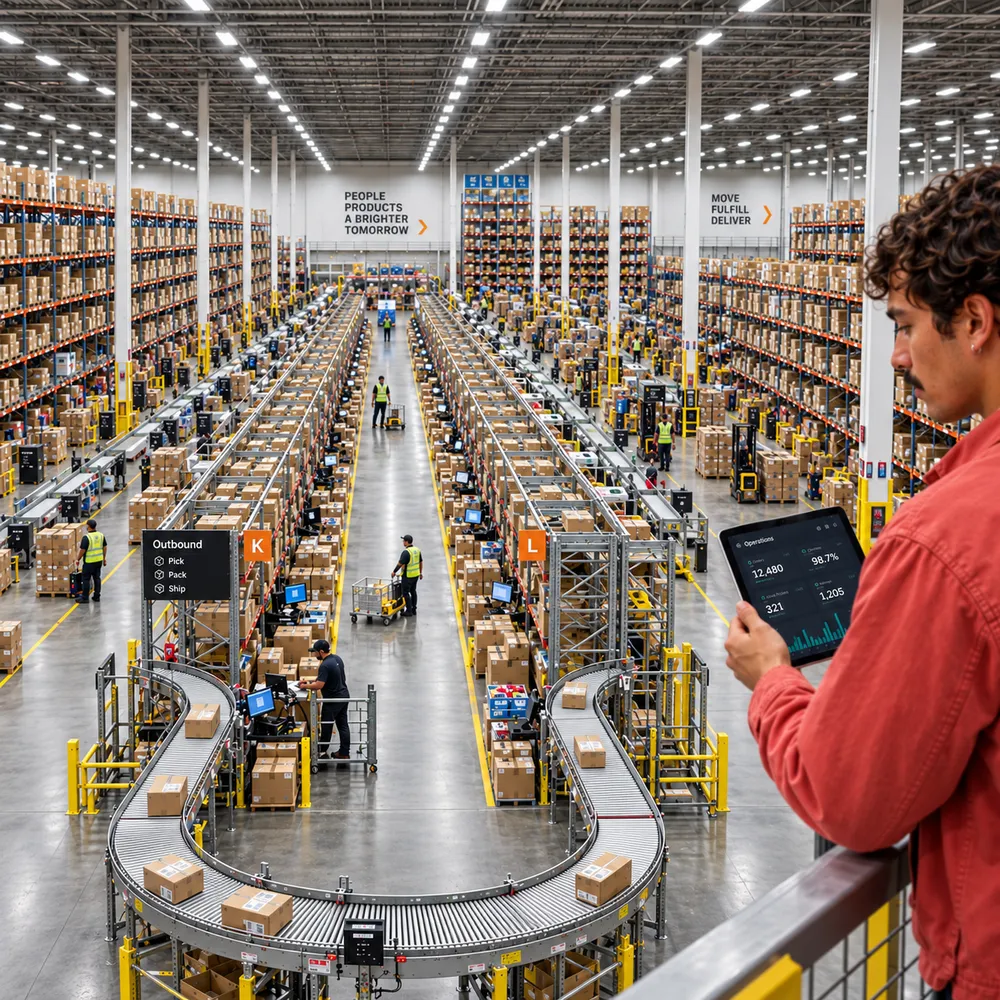
Interior of a large warehouse with tall shelves filled with boxes. Workers in safety vests are visible along aisles and near conveyor belts. A person in the foreground holds a tablet with operations data.
Why Pola

Automation that fits the work — and grows with it.

  • Performance-first

    Fast enough to matter.

    Speed isn't a detail — it's revenue. Every site we ship is built to load fast and convert, not just look good in a demo.

  • Built to scale

    Consistent, page after page.

    Every page draws from the same system, so new ones stay on-brand, fast.

  • Full service

    One team. From start to finish.

    Strategy, design and development under one roof – from the first idea to everything that comes after launch.

  • No lock-in

    Your site, your control.

    No paying per change, no waiting on us for every edit. You own the CMS; we just make it easy to use.

Pola VS. Alternatives

One partner who understands the process — and can build the solution.

Process fit
Integrations
Implementation
Flexibility
Ownership
AI workflows
abstract purple and white geometric logo

Pola

Process strategy, UX and implementation stay connected in one focused team.

Black and white symbol of a chain link with a broken connection in the middle.

Automation platform

Fast for standard workflows. Limits depend on the product, its APIs and roadmap.

Black and white drawing of a hand with two fingers spread in a V-sign.

Specialist freelancer

Flexible for a defined workflow. Breadth and continuity depend on one specialist.

A large black circle sits in the middle surrounded by five smaller black circles at irregular intervals.

Large consultancy

Broad capacity for complex programmes, with more coordination and higher initial effort.

How we work

A clear plan turns better processes into reliable operations.

We start focused, test early and expand only once the value is proven.

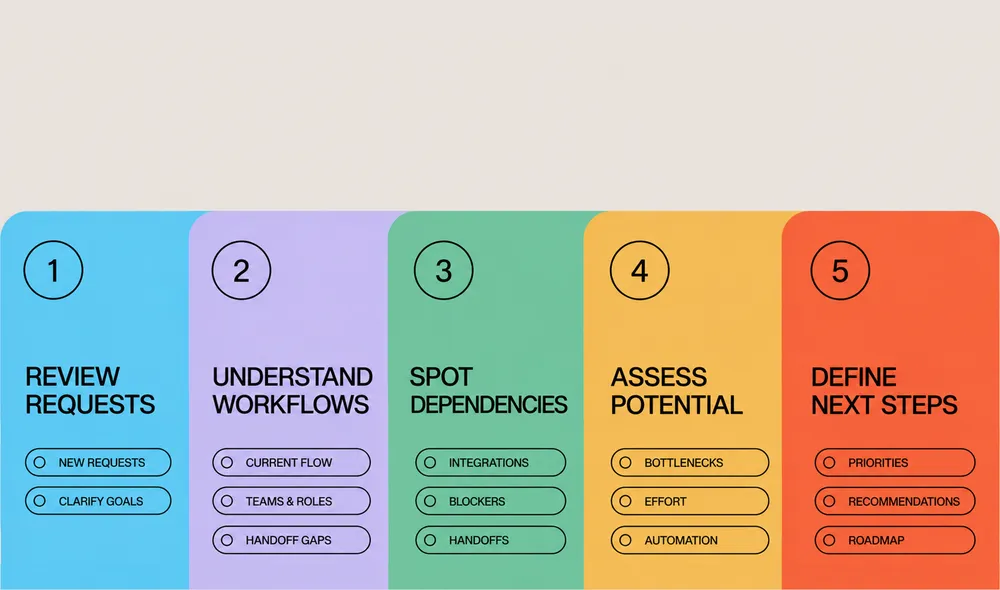
  1. 1

    Audit

    Map the real workflow, systems, handovers, bottlenecks, exceptions and decisions with the people doing the work.

  2. 2

    Prioritise

    Identify where simplification, integration or automation can improve the process without adding unnecessary technical complexity.

  3. 3

    Design

    Define the future workflow, responsibilities, data, system behaviour and critical interfaces before full implementation.

  4. 4

    Pilot

    Build a focused working version and test it with real users, data and meaningful exceptions.

  5. 5

    Integrate & evolve

    Connect the proven workflow properly, learn from usage and extend it where further value becomes clear.

LONG-TERM OWNERSHIP

Stay in control. Adapt as the business changes.

Clear workflows, traceable integrations and maintainable interfaces keep process logic understandable and adaptable. Your team stays in control as the business changes and can evolve processes without unnecessary dependency.

Operational software becomes restrictive when every process change depends on a vendor, hidden logic or a tool that no longer reflects how the organisation actually works.
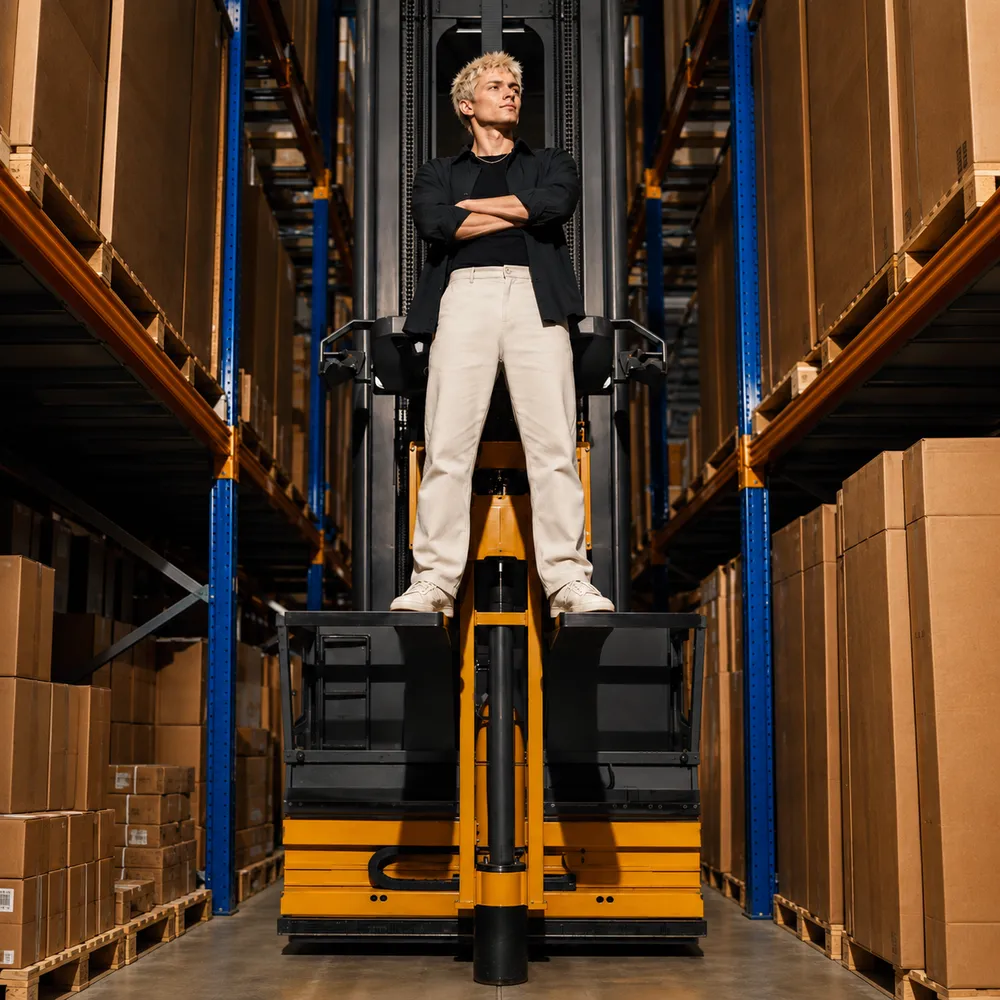
Person standing confidently on a forklift in a warehouse with arms crossed, surrounded by shelves of boxes.
RELATED SERVICES

Turn process improvements into better tools, products and experiences.

A process project often reveals a wider product, interface or content need. These services turn the connected workflow into something people can use, manage and improve.
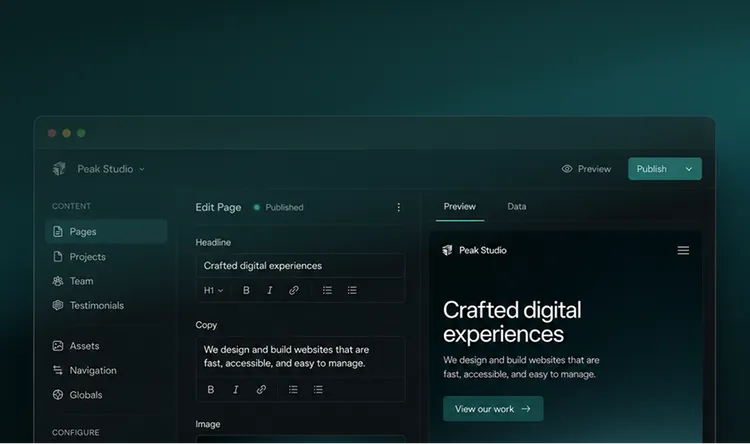
Screenshot of a website editing platform with sections for content management, including pages, projects, team, and testimonials. The interface includes text tools for editing headlines and copy, with a preview pane showing website design and text reading 'Crafted digital experiences.'

Web Development

Build the interfaces, integrations and web applications that turn the redesigned workflow into a dependable working system.
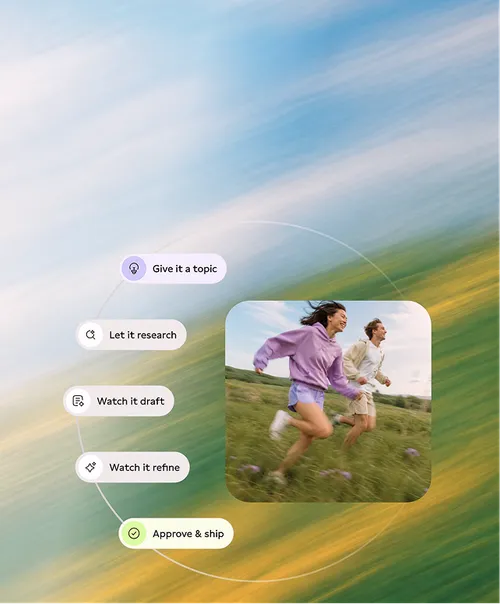
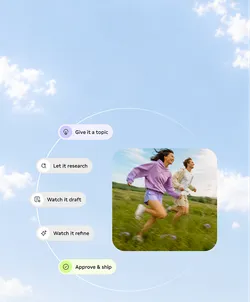
Two people are running outdoors across a meadow. The background is blurred to convey motion. On the left side, there are text boxes with the inscriptions 'Give it a topic', 'Let it research', 'Watch it draft', 'Watch it refine', 'Approve & ship'.

Custom AI Features

Add controlled AI for variable inputs, extraction or preparation where fixed automation reaches its limits.
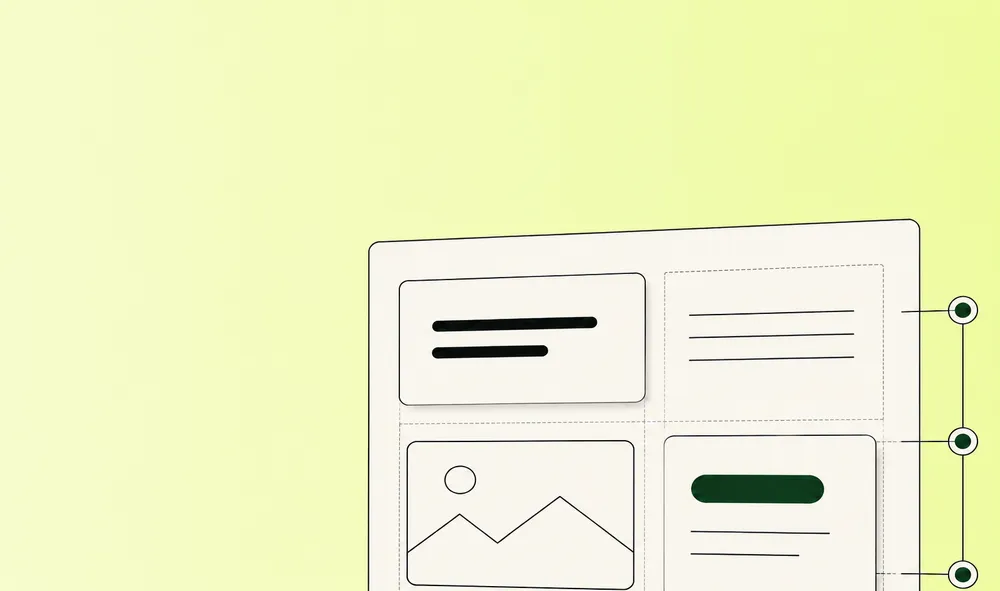
Graphic of a minimalistic webpage layout on a light green background. The layout includes text blocks, an image placeholder, and a button.

CMS Development

Build structured backends for content, data and recurring tasks that teams can manage themselves.
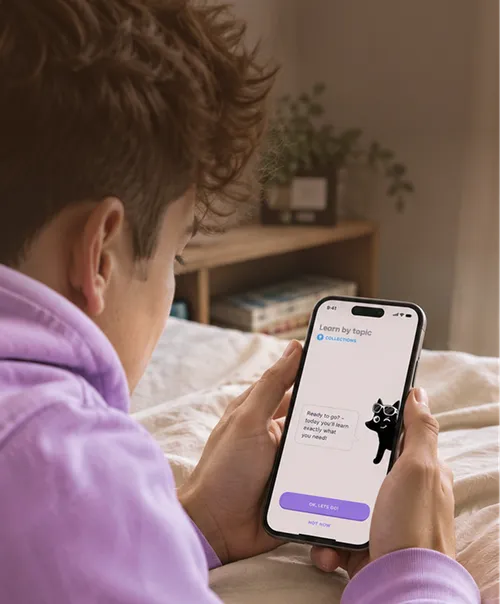
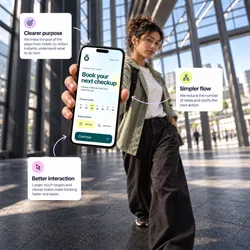
Person in a purple hoodie lying on a bed, holding a smartphone displaying a learning app interface with a cartoon cat and buttons labeled 'OK, Let's Go!' and 'Not Now'.

App Development

Create focused web or mobile apps for teams, customers and process steps that need a dedicated product.
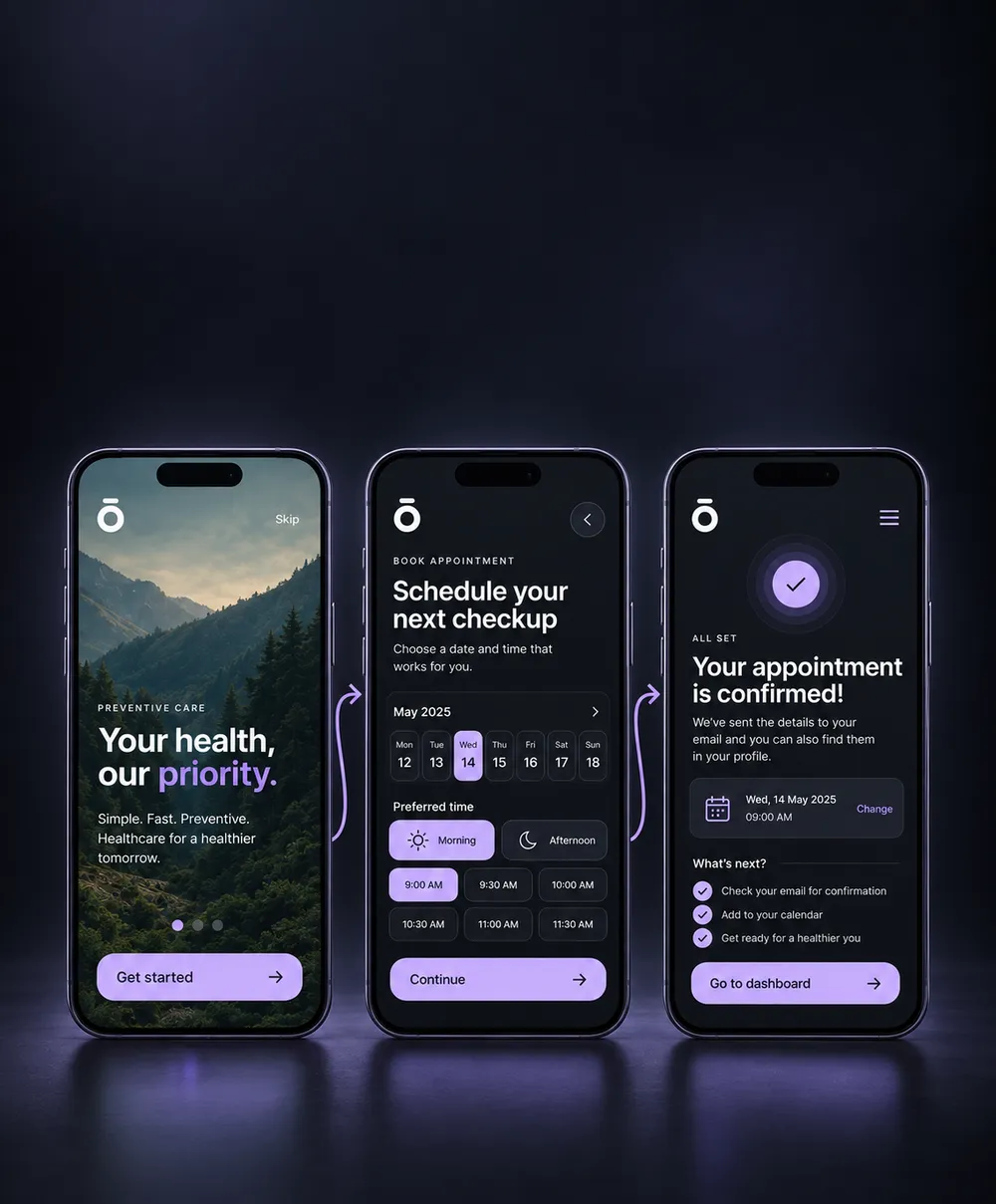
Two smartphone screens with an app displaying a product. The left screen shows a product image of granola with information such as price, ingredients, and size. The right screen enlarges the product image and shows detailed product details, including reviews and an add-to-cart button.

UX/UI & Prototyping

Turn complex processes into clear journeys, interfaces and testable prototypes that people can understand and use.
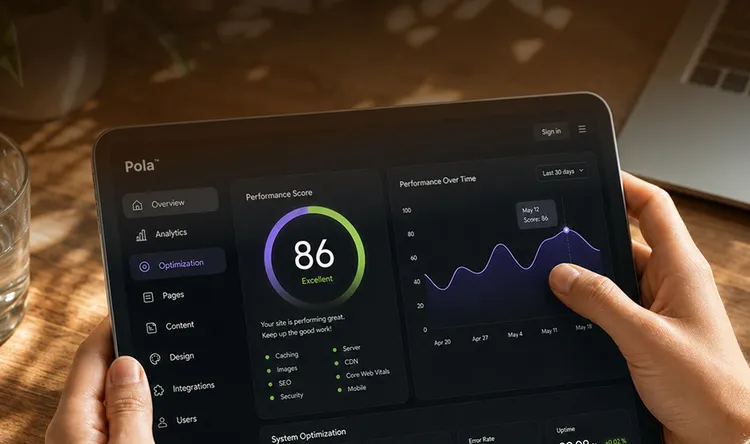
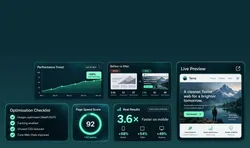
Person holding a tablet displaying a website optimization dashboard. The dashboard shows a performance score of 86 with a graph of performance over time. Menu options are visible on the left side.

Website Optimisation

Improve performance, accessibility and conversion once connected services and customer journeys are live.

Man with a red shirt and mustache looking into the distance in front of a blue sky with a few clouds.
START WITH ONE PROCESS

Turn a better workflow into working software

Bring us one process you want to make easier to run. You do not need a finished specification.

We turn a difficult workflow into a clear first scope, with the right interfaces, responsibilities and functions. That creates a useful starting point you can build on deliberately as the system evolves.

FAQ

Questions about business process automation