Category
- Education
- LMS
A few details are enough to get started. We’ll get back to you personally.
We’ll get back to you as soon as possible.
Please try again.
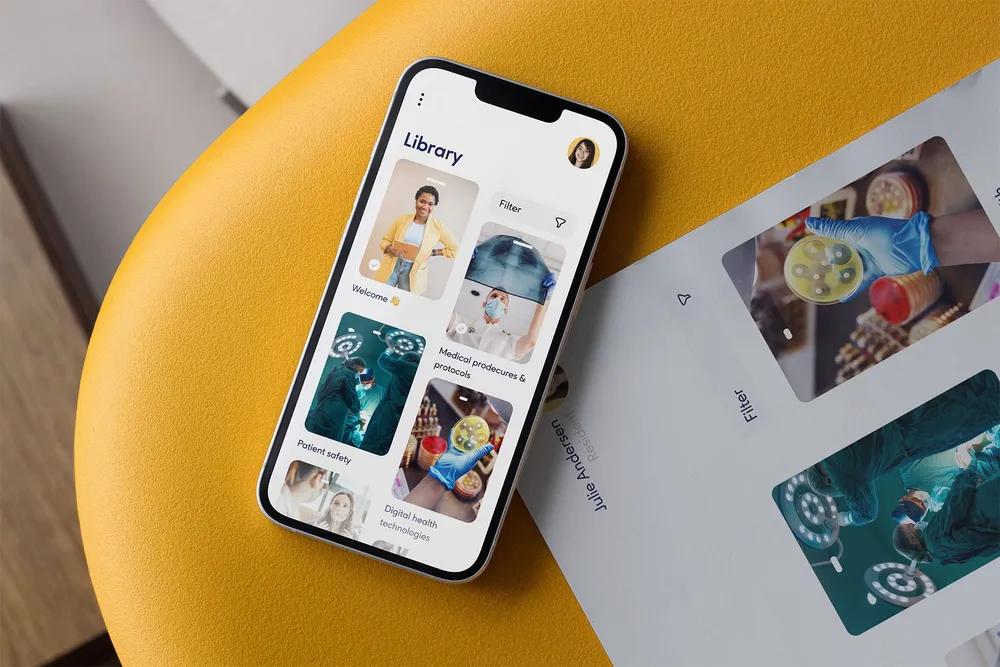
Ureka is a modern, playful and holistic learning platform designed around enjoyment, interaction and ease of use.
For Ureka, a new learning platform focused on playful, holistic learning, we led the branding, app design and large parts of the development. Our focus was clear, intuitive usability so that complex topics stay accessible. The result is a modern LMS that approaches learning differently — light, immersive and enjoyable.
The project combines learning platform development, app development and UX design around one goal: making a deep product easy and enjoyable to use.

The challenge was to develop a modern LMS as a SaaS solution flexible enough for very different companies while remaining intuitive and easy to navigate. Despite its depth and breadth of functions, the application needed to feel accessible, clearly structured and visually engaging.
The opportunity was a learning space that makes complex topics more playful and combines room to expand with ease of use.
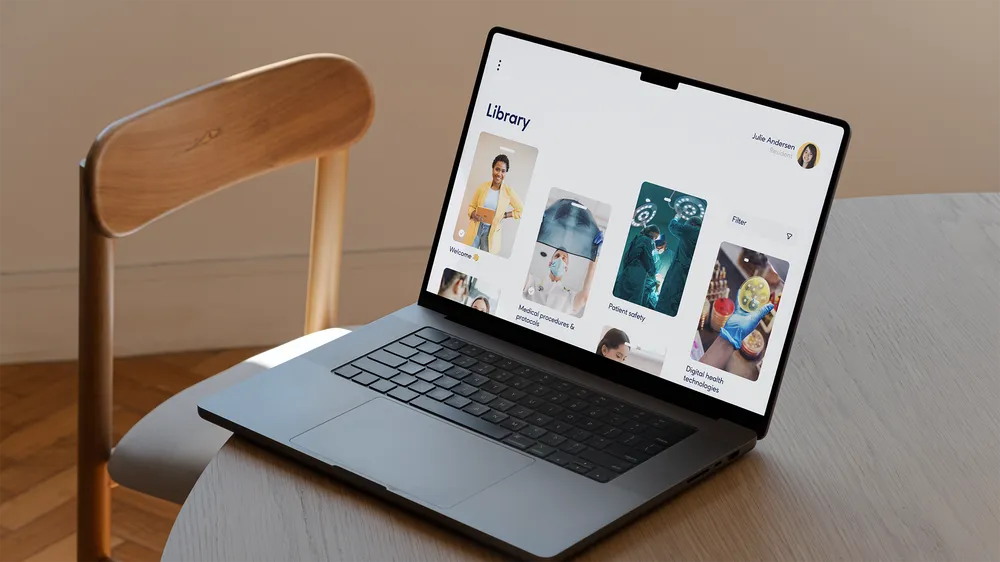
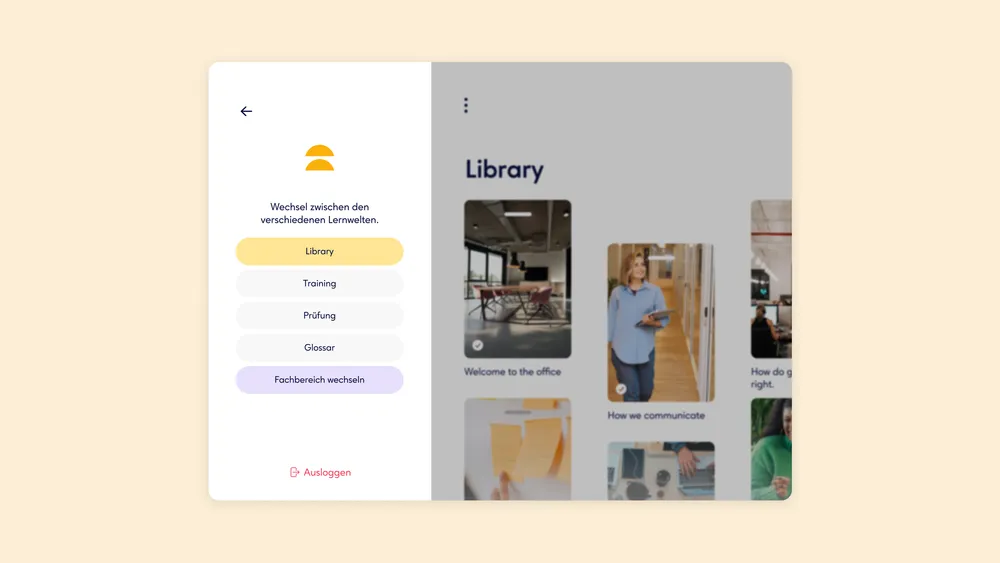
Ureka structures the learning experience into three connected areas. In Learn, companies create and publish their own material, from text to multimedia formats. Learners work through the content independently and at their own pace.
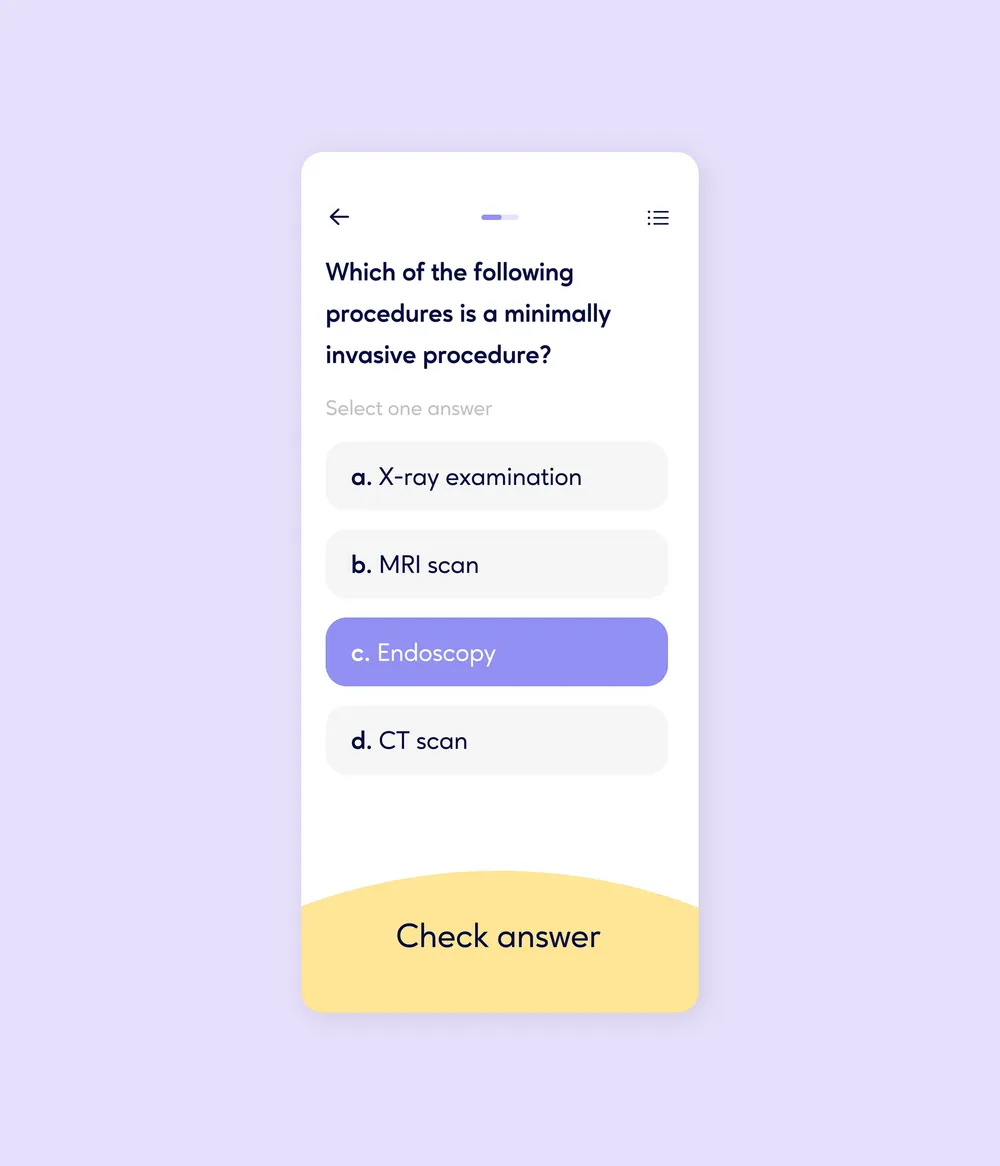
Train deepens knowledge through interactive formats such as multiple-choice questions, gap-fill exercises and matching tasks. Test supports formal assessment, including evaluation and the option to award certificates.
Multiple-choice questions are a central part of Ureka and can be added seamlessly to any learning unit — as a short exercise, a way to consolidate content or a quick knowledge check. Authors can configure the number of questions, difficulty and feedback options to suit the material.
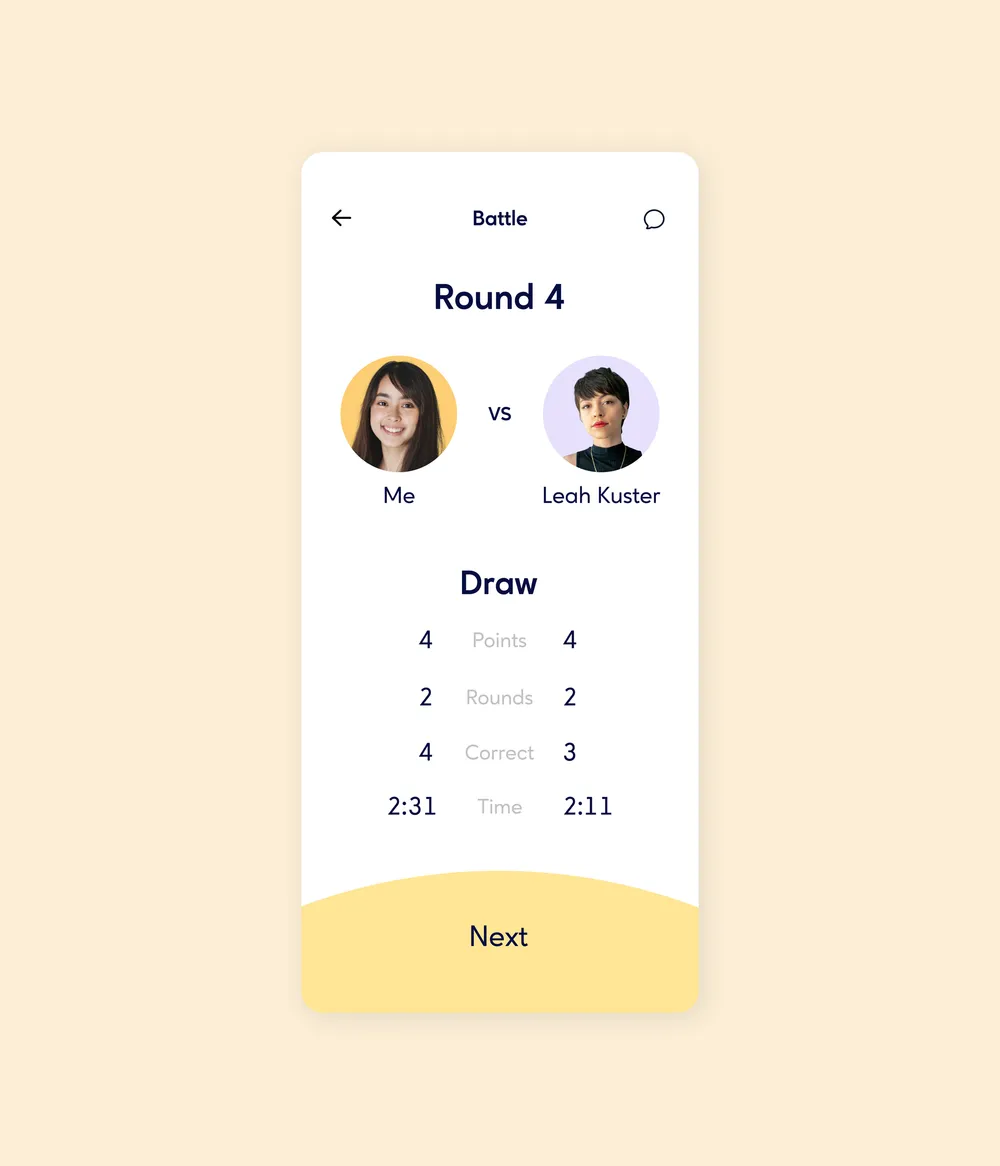
For an extra layer of motivation, learners can compete against one another in quiz mode. The playful comparison encourages active participation and helps the material stay memorable.
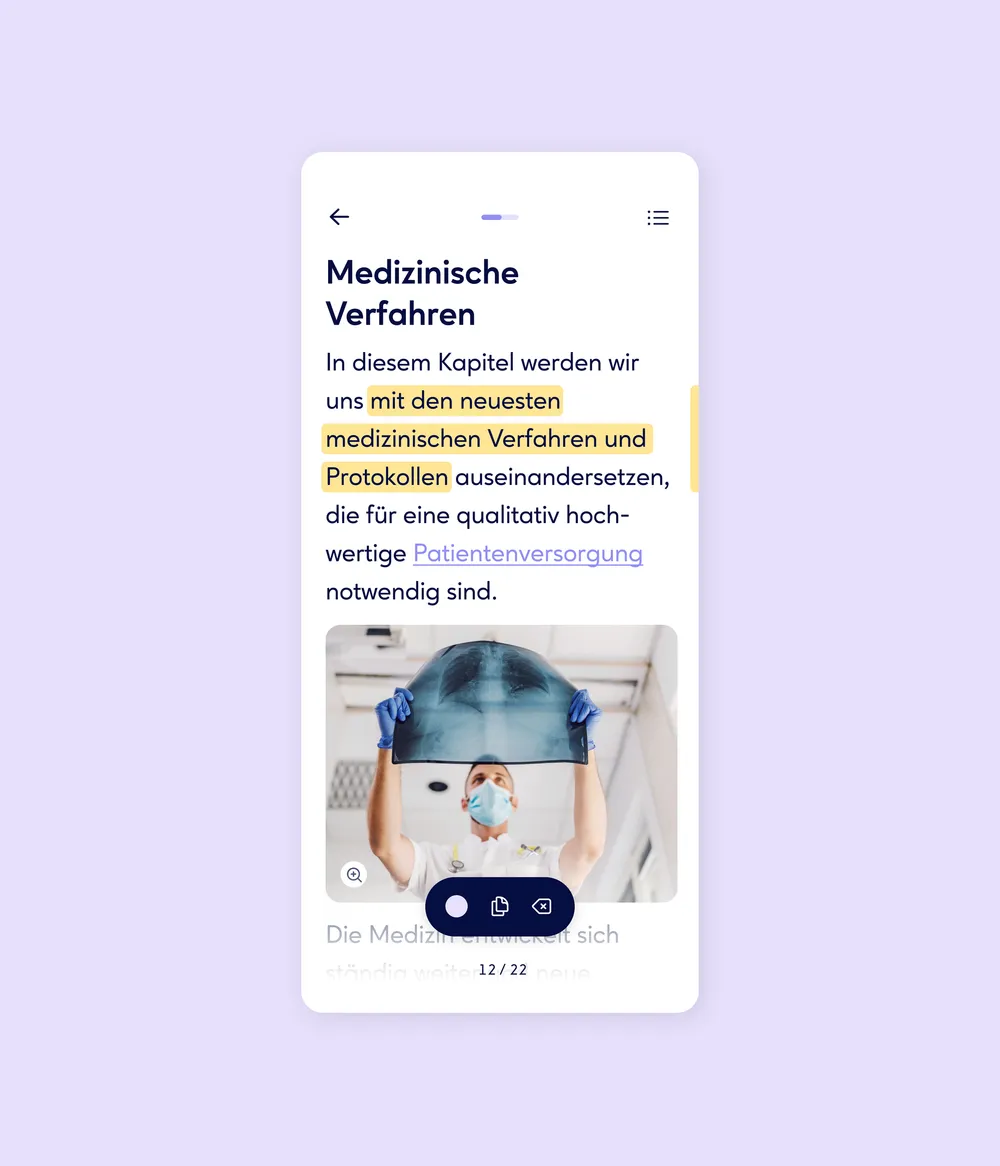
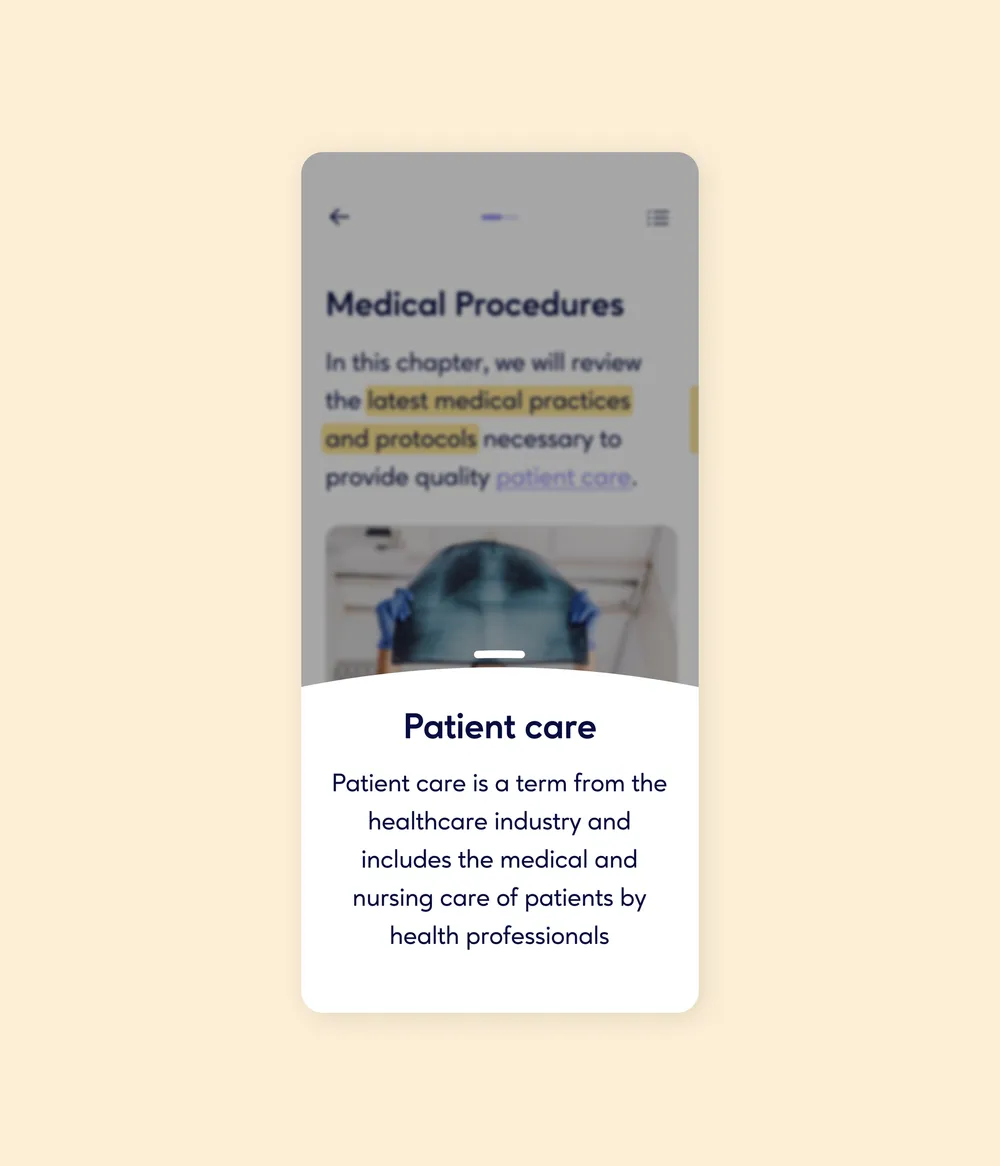
Text in Ureka is not limited to static reading. Learners can highlight important passages or save them for later. An integrated glossary recognises specialist terms and marks them in the text, with explanations available on click. Font size and colours can also be adjusted individually, making reading more comfortable and accessible to different needs.
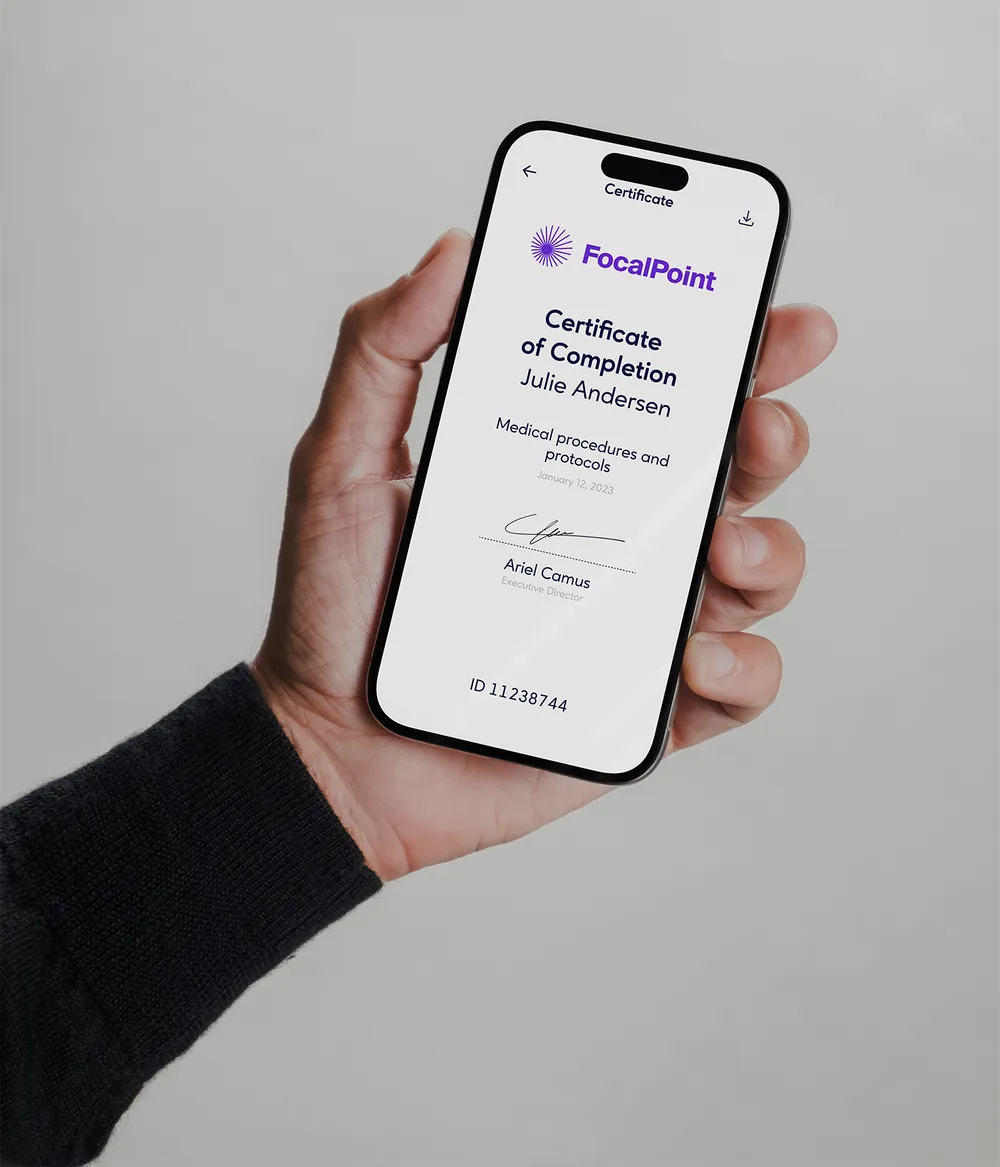
Ureka makes certificates easy to manage and assign. Each learning unit can define whether a certificate is awarded and which conditions apply, such as passing an assessment or completing the full unit. This makes learning progress visible and provides formal documentation.

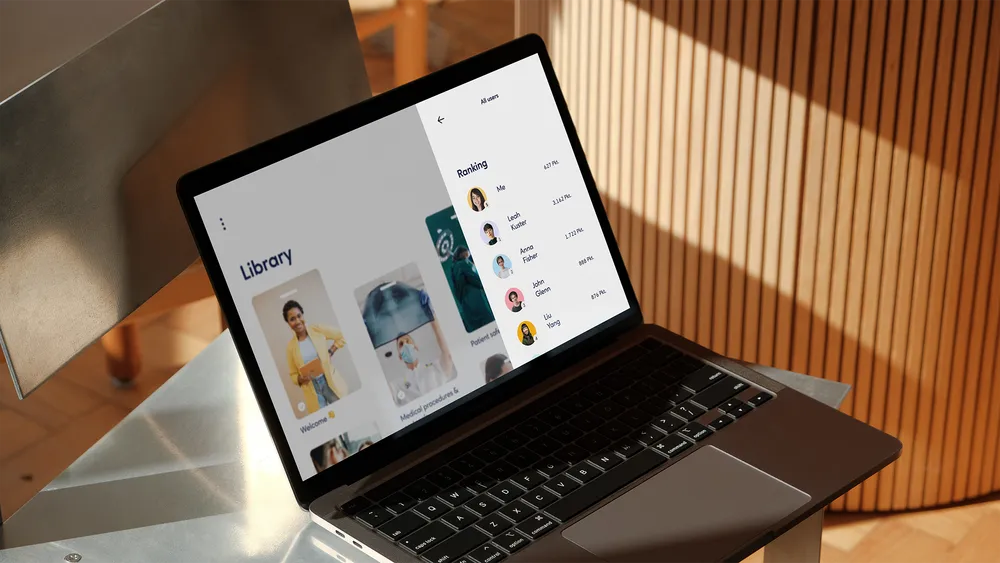
Ureka adds a playful layer to learning. Completing chapters, training activities and assessments earns points and moves learners up the ranking. This makes progress visible, encourages participation and supports a healthy sense of competition.
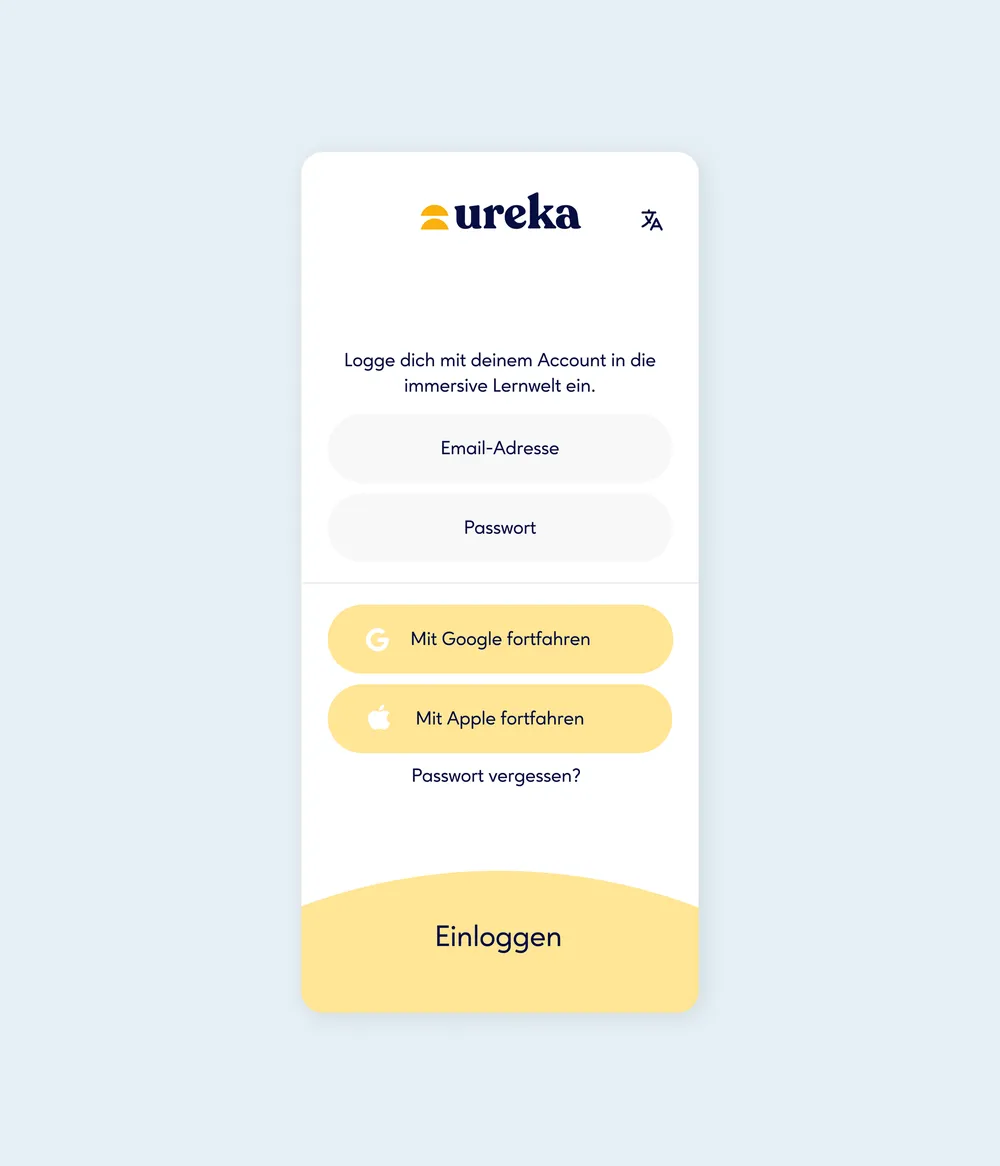
Ureka supports single sign-on through Google and Apple, allowing learners to log in quickly and securely without another password. This saves time, removes friction and keeps onboarding straightforward.
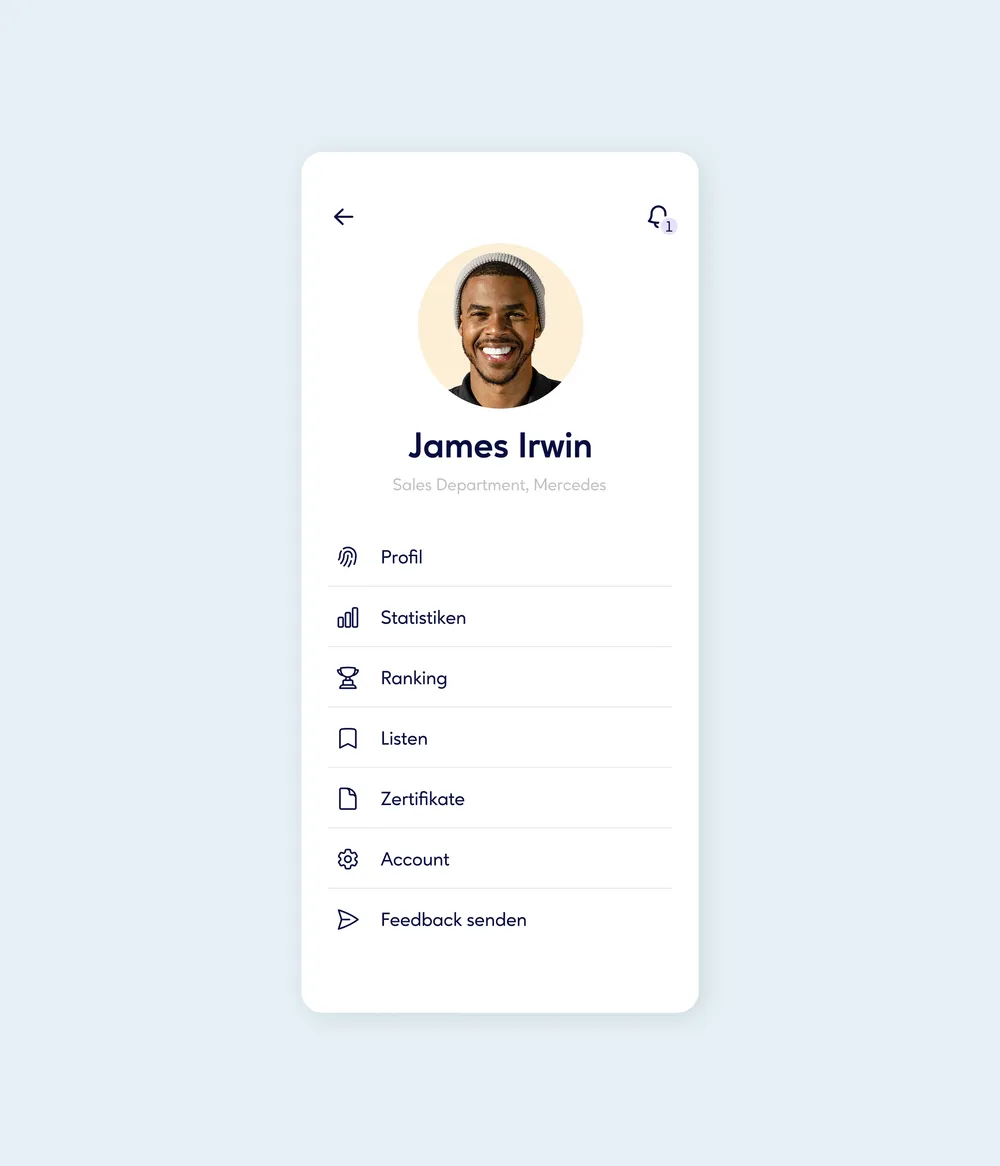
In their personal profile, learners can manage their data, view progress and access certificates. Settings also allow them to adjust language, display options such as font size and colour mode, and notifications. Ureka becomes a personal learning space shaped around individual needs and preferences.
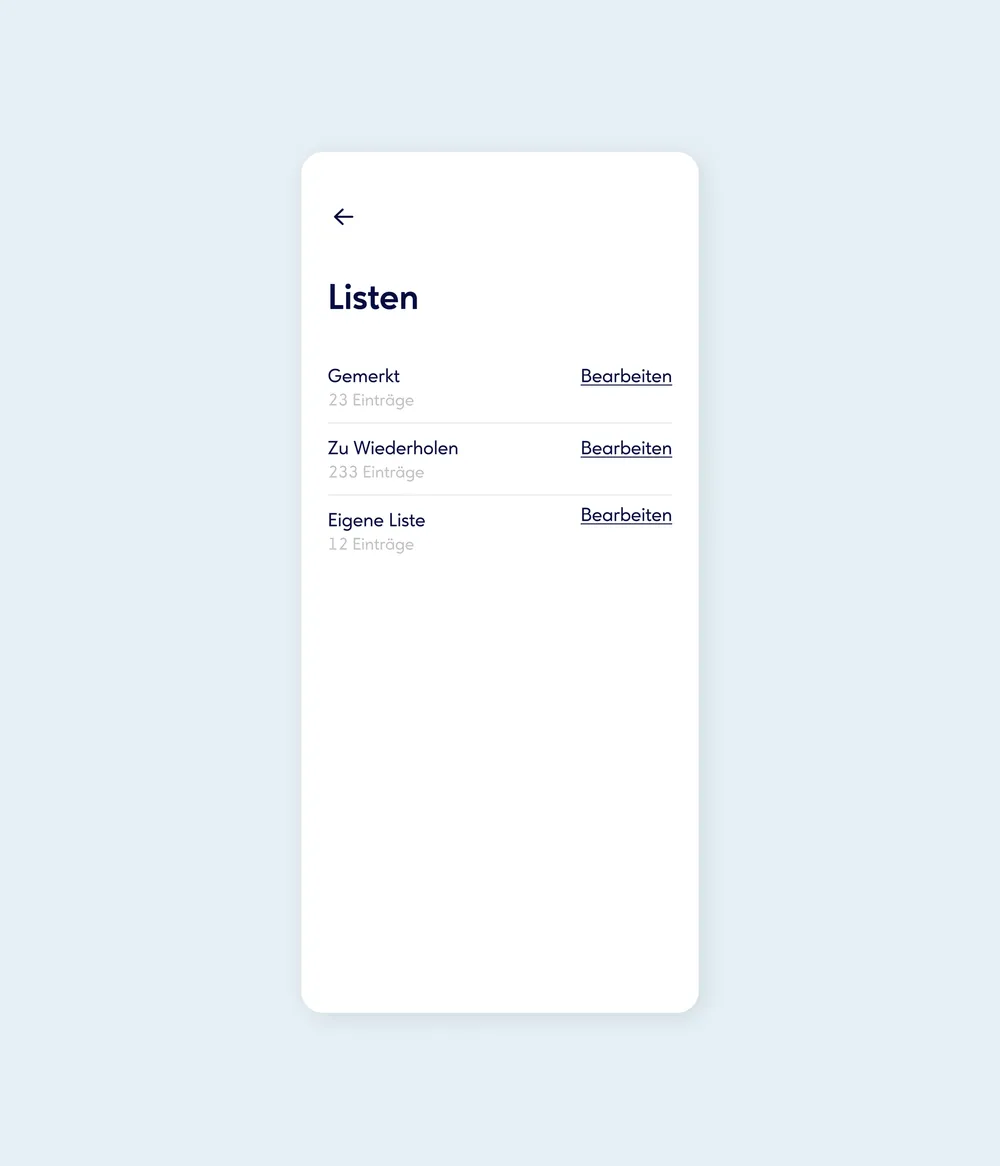
Personal lists help learners stay organised. Content can be saved and sorted by topic for later revision or focused follow-up, making learning easier to plan and structure.
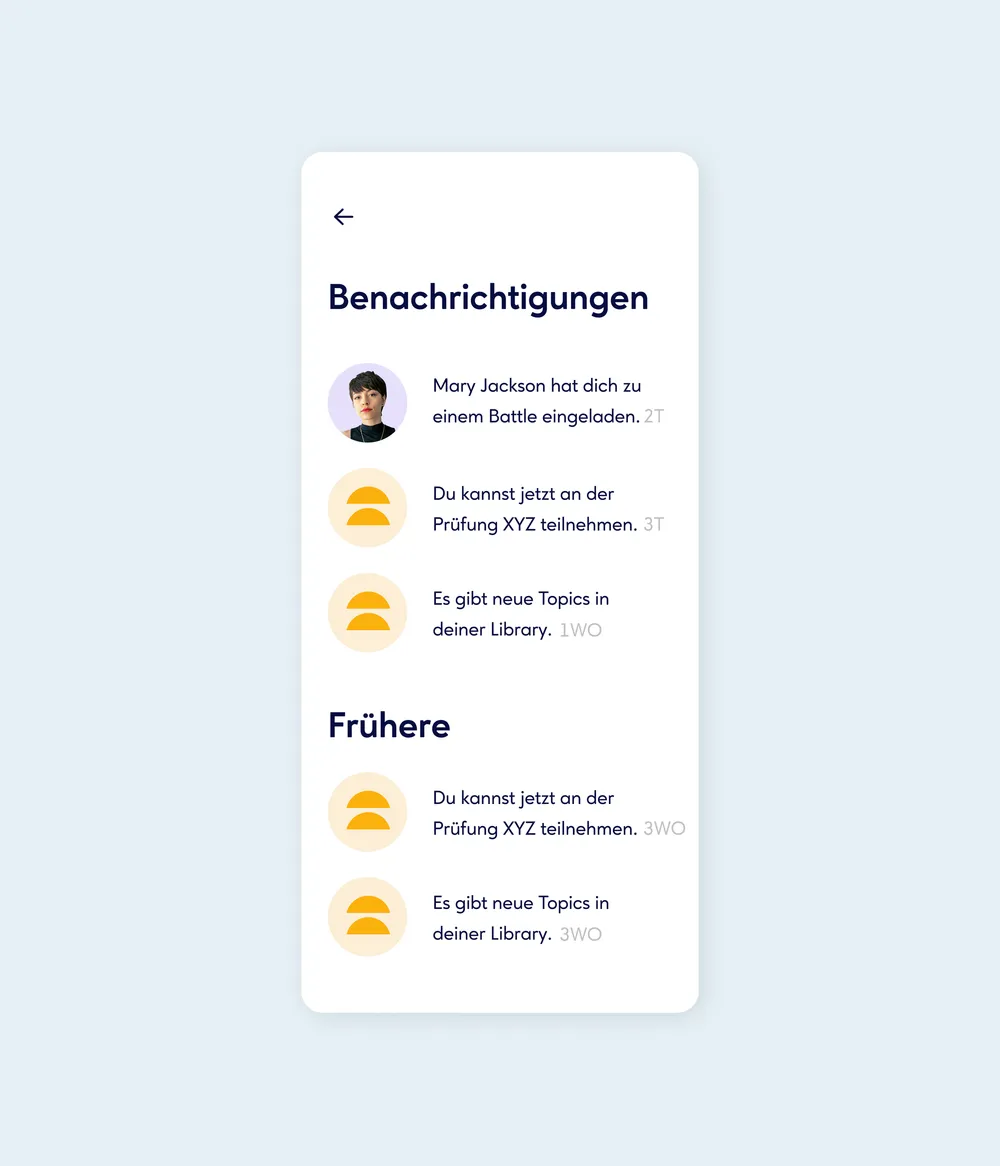
Push notifications keep learners informed when new content is available, a training session is due or a certificate is ready. The learning flow continues without the reminders becoming intrusive.